Settings

You can change various in-game settings in the Settings menu.
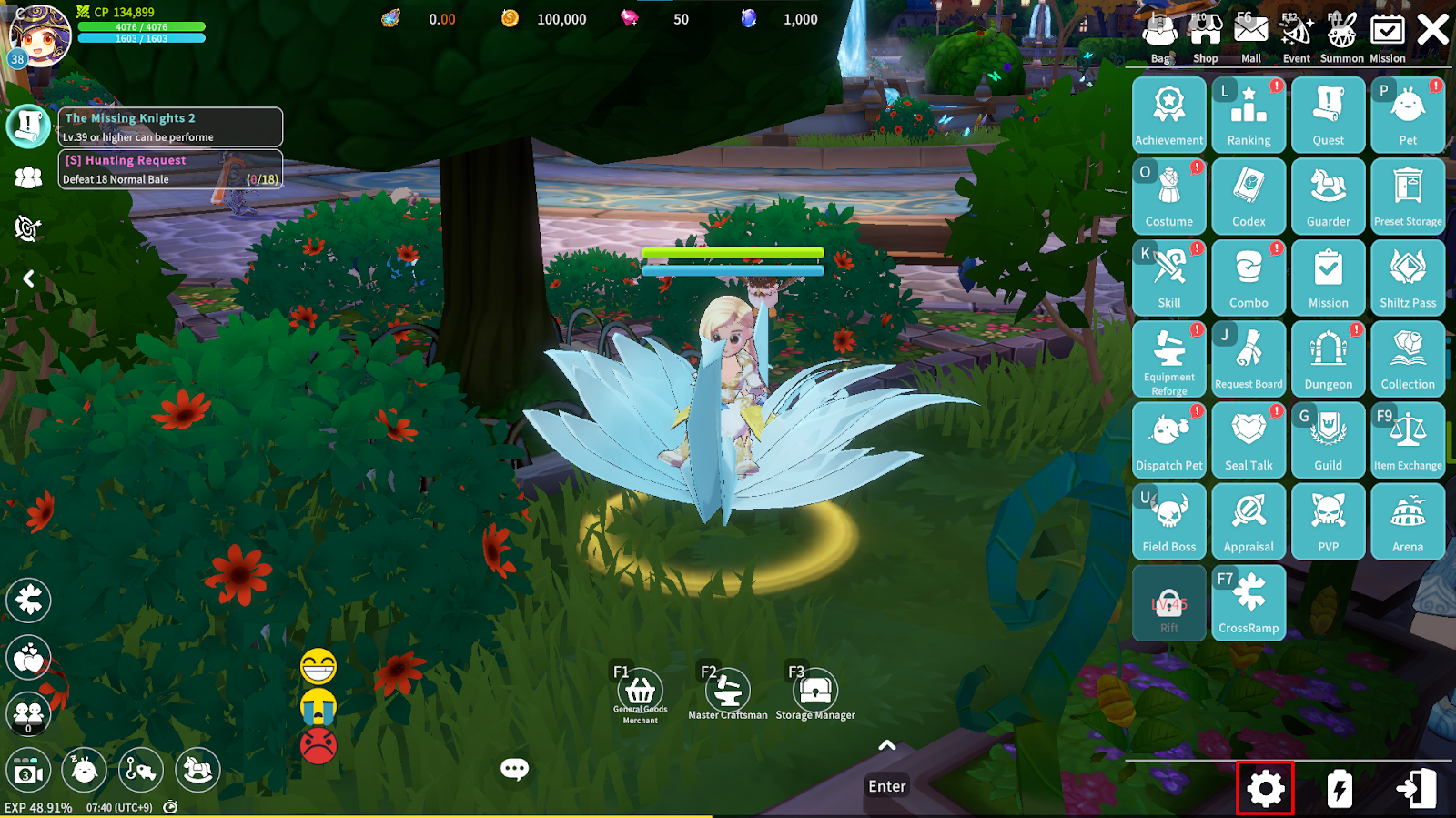
Click the Settings button at the bottom of the menu.
1. Account
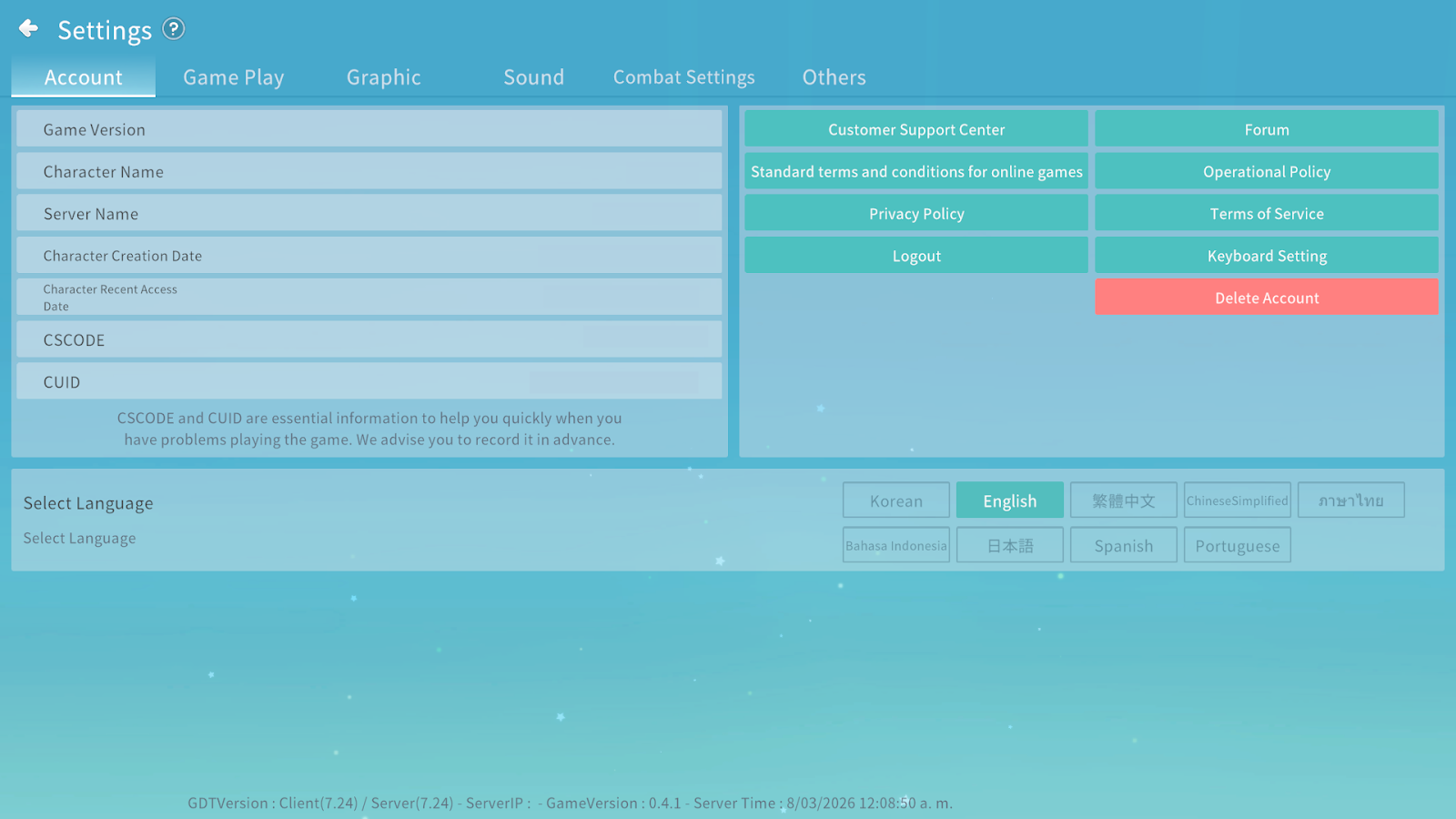
You can check your account code and linked account information.
Please choose carefully, as your account cannot be restored after deletion.
You can also access Customer Support, view legal notices, and select the language in the Account tab.
2. Game Play
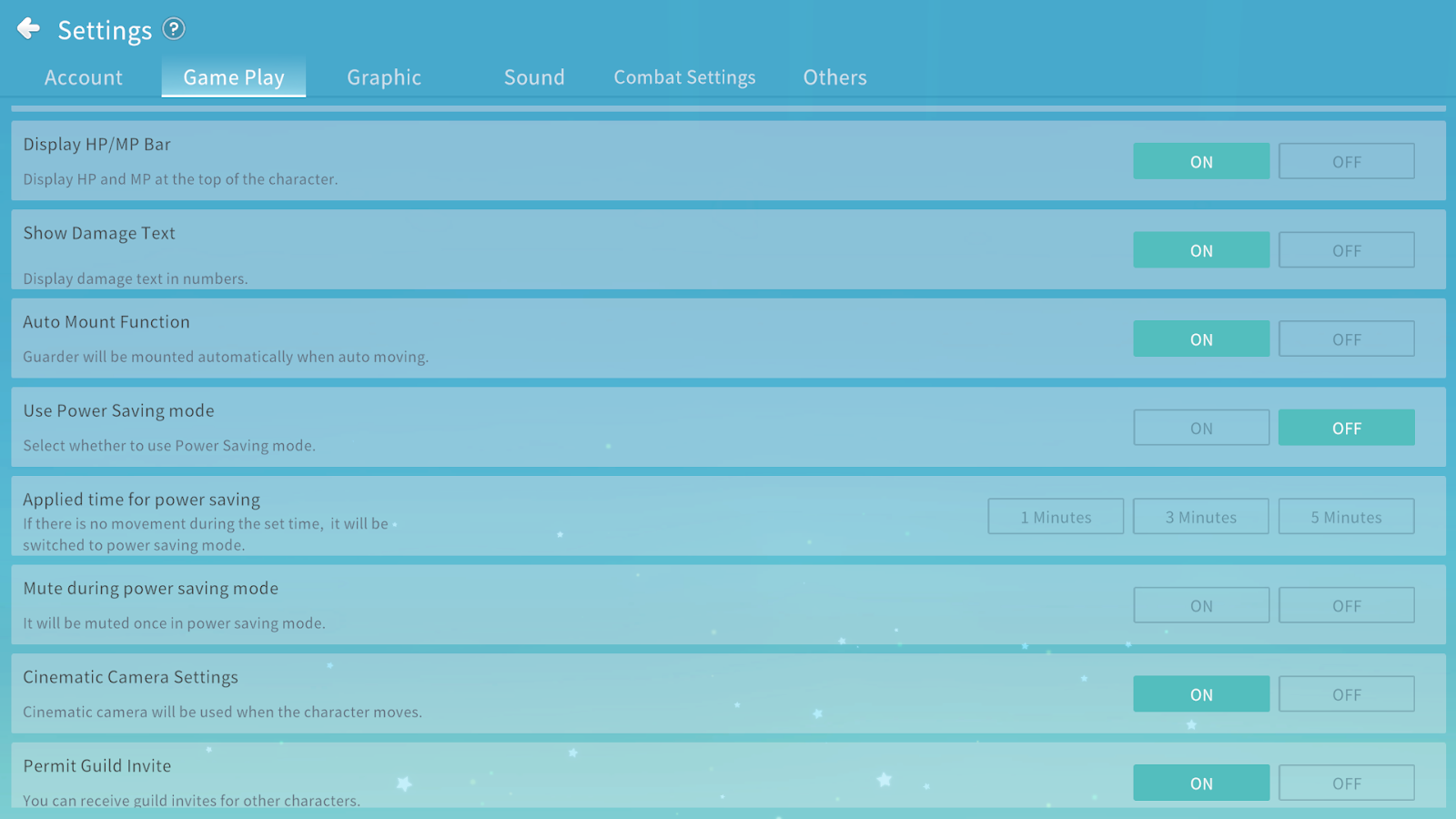
You can configure gameplay-related settings such as toggling various displays ON/OFF and enabling Power Saving mode.
3. Graphics
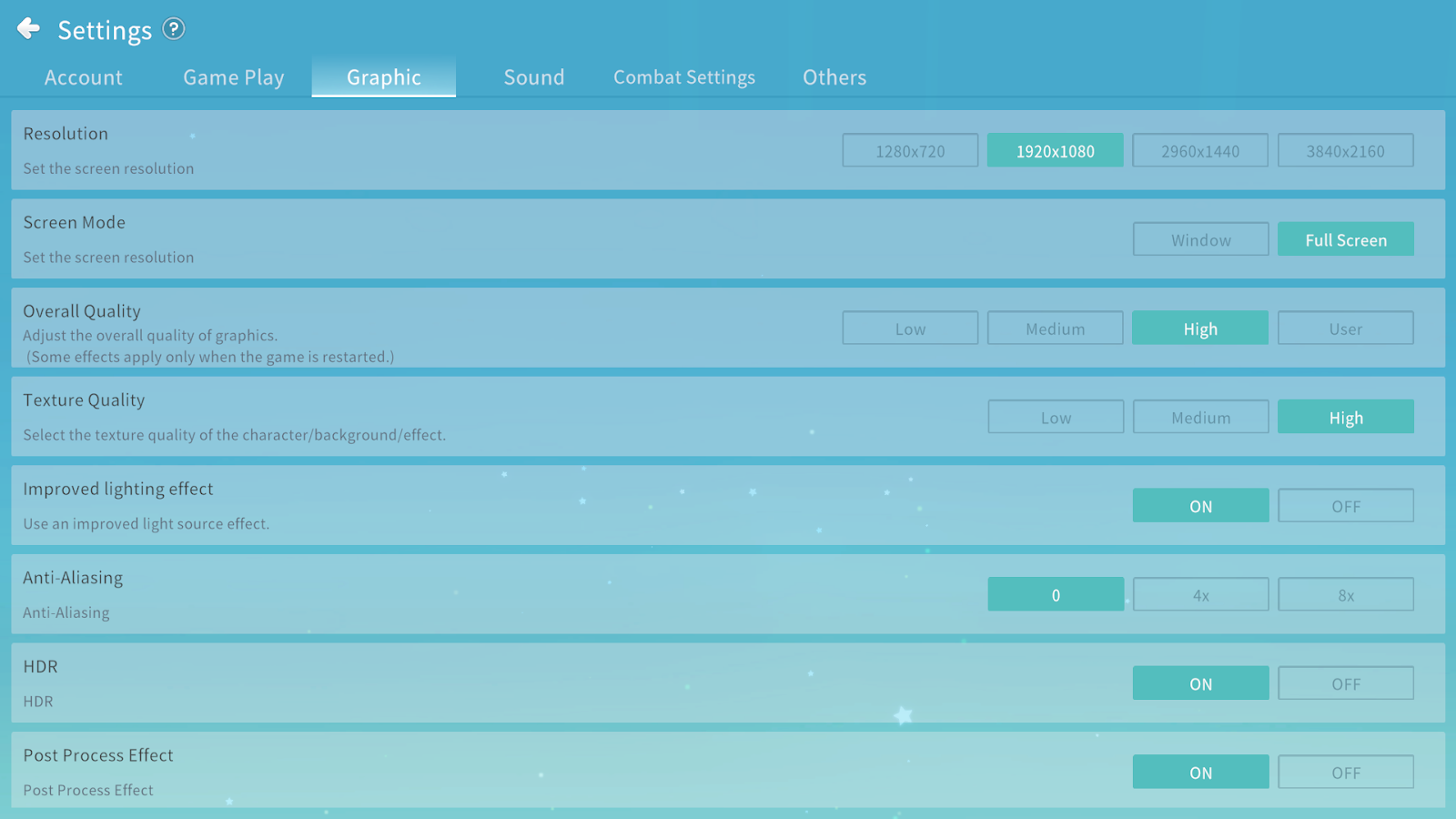
You can change the graphic quality or toggle various effects ON/OFF.
4. Sound
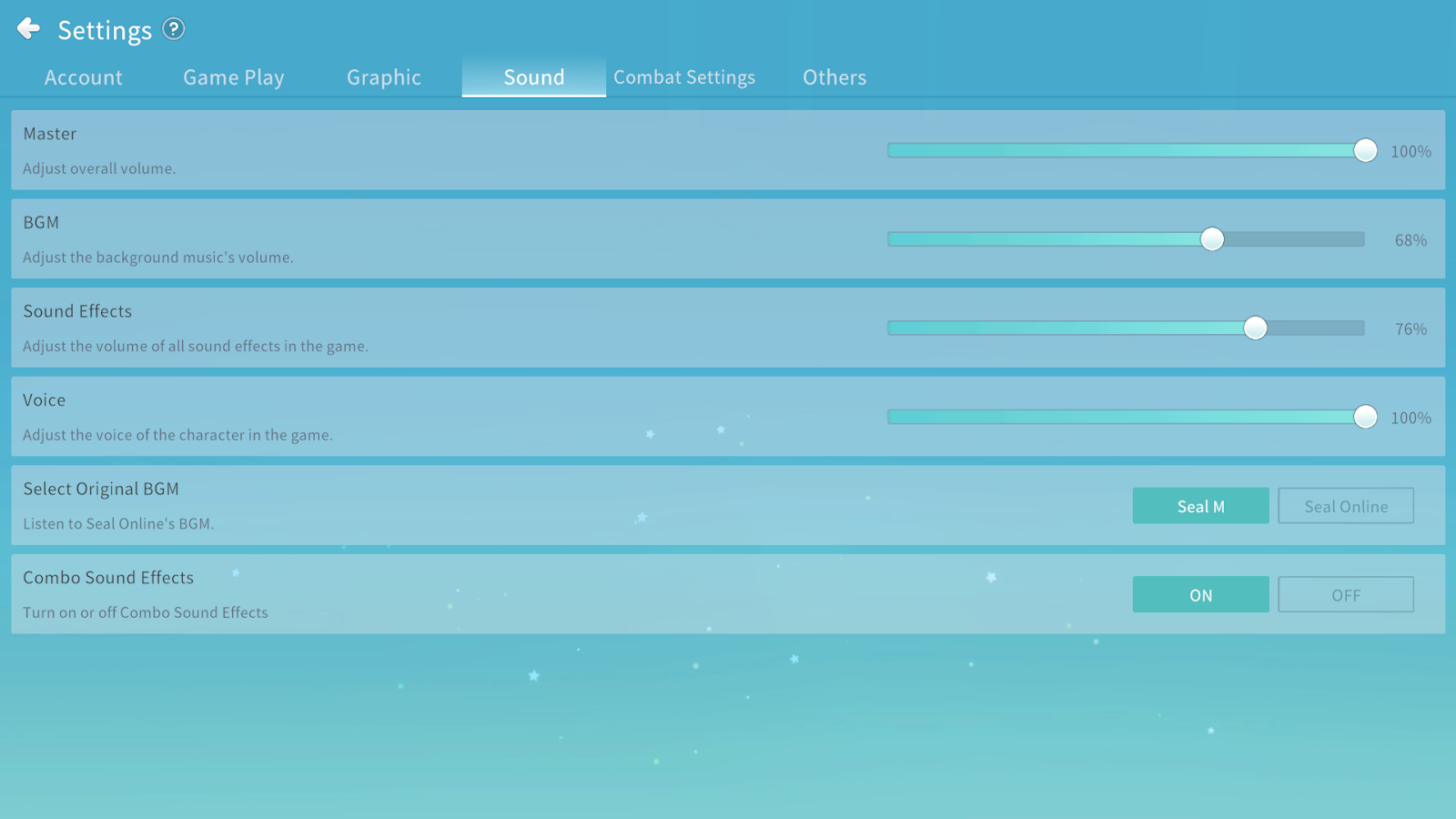
You can adjust the in-game sound volume.
5. Combat Settings
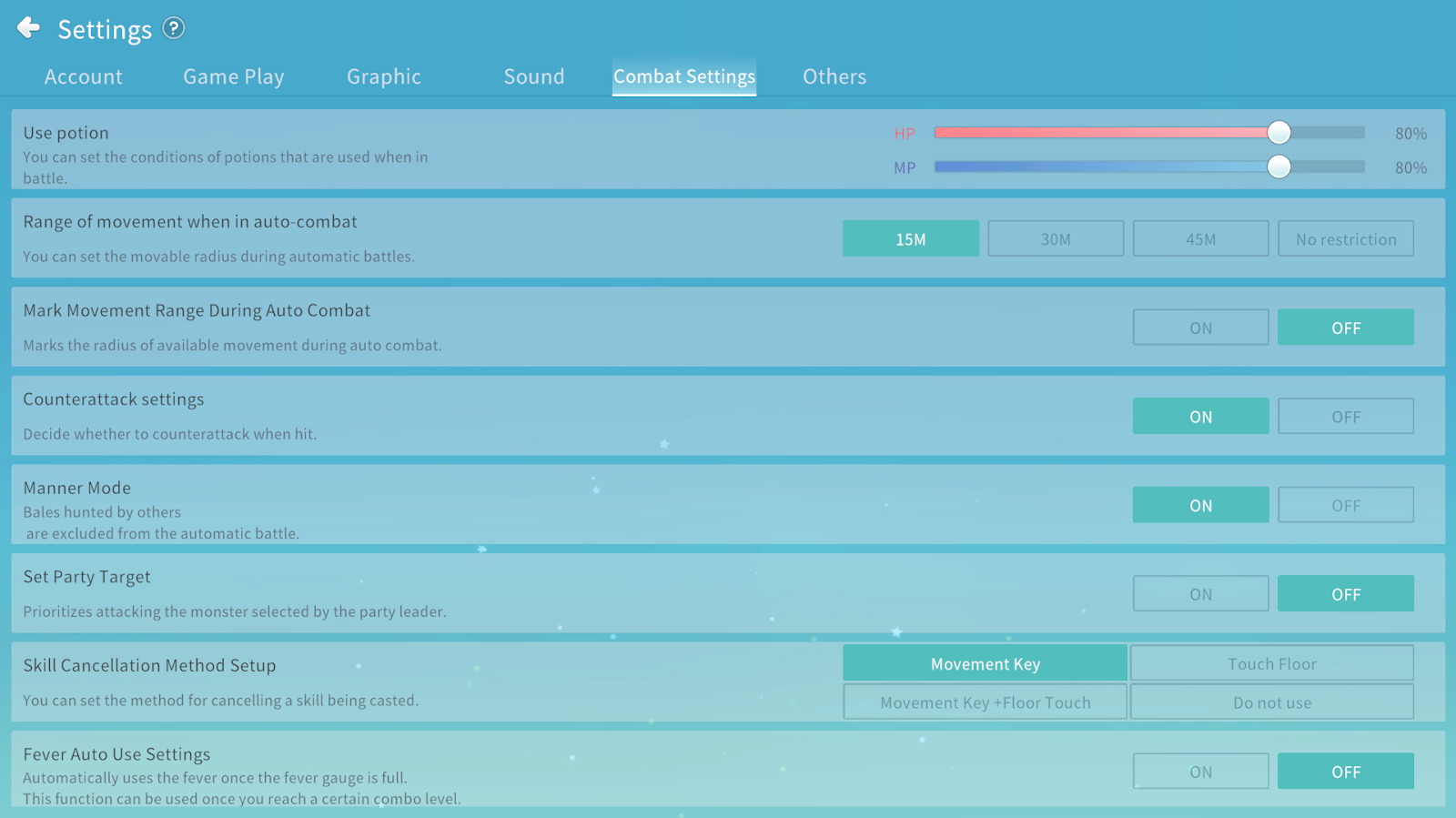
You can configure combat-related settings such as Auto Potion use, Auto Battle, and Skill usage.
6. Others
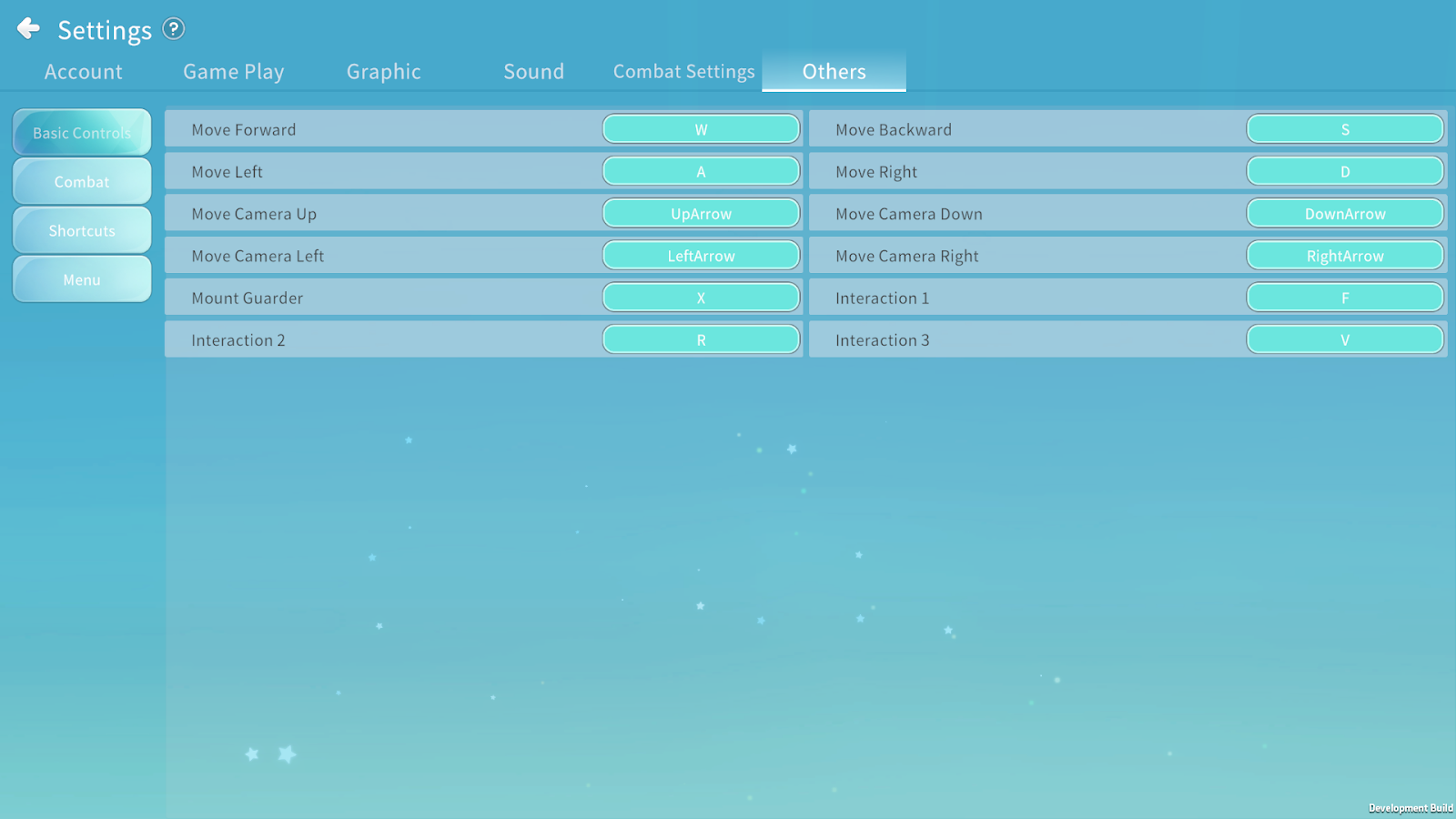
You can customize the keybind settings.
