
Social
You can check your relationships by tapping the Social icon in the top right menu.
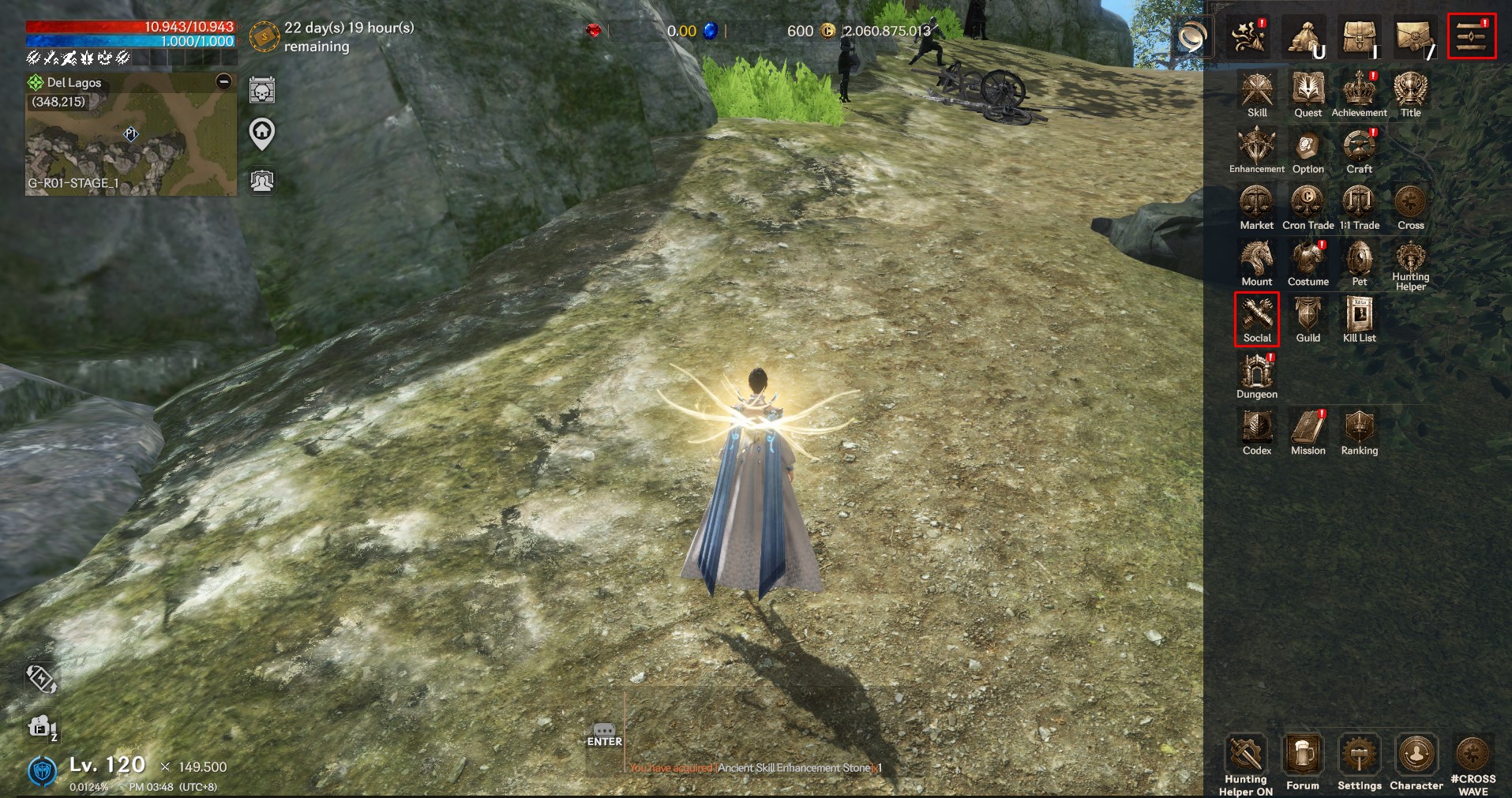
▶ Friends list / Friends management
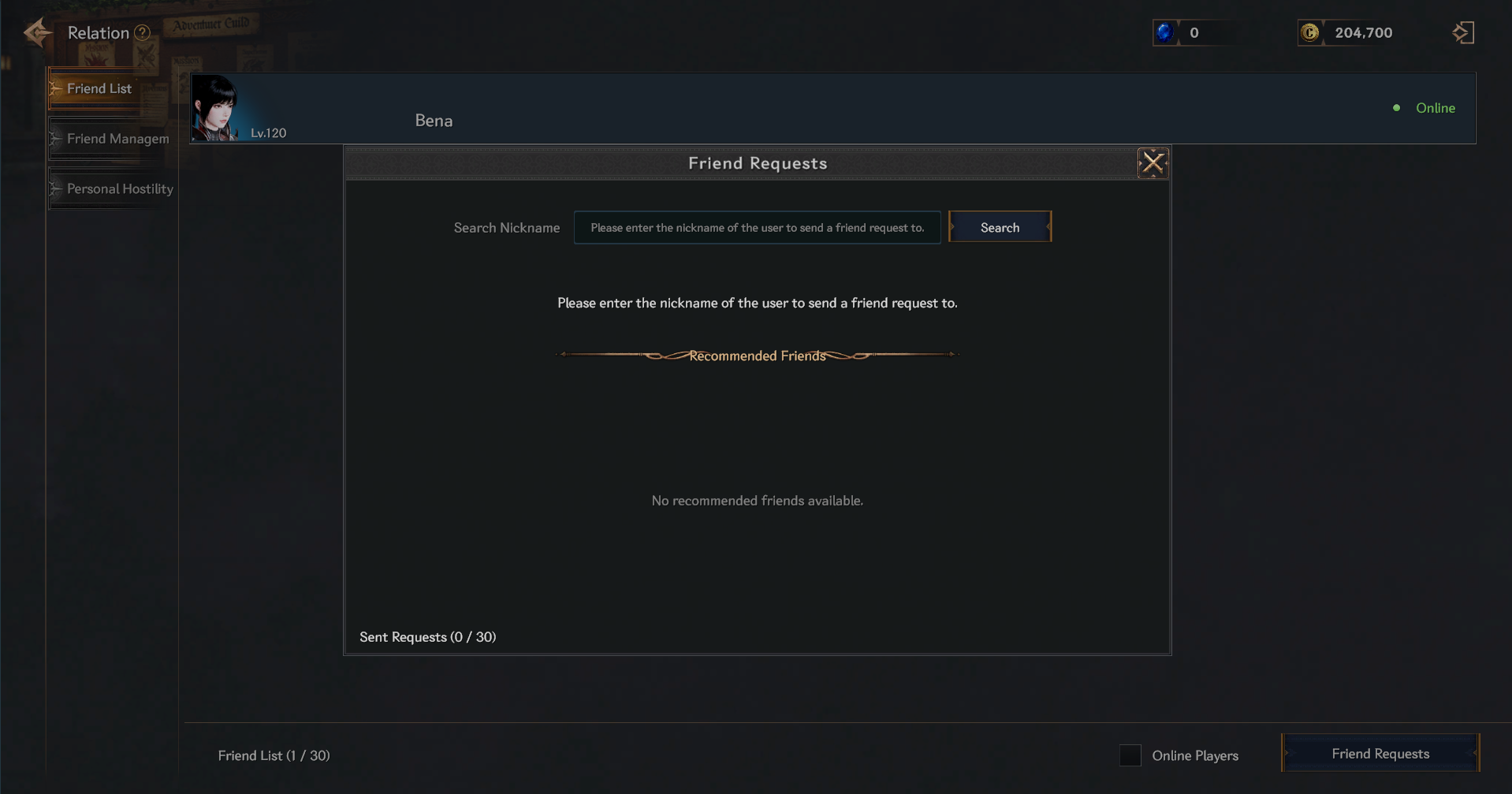
> You can register others as friends by searching for their nicknames through friend requests.
> You can check which friends are online and which are not online in your friends list.
> By touching a friend who is online, you can send a private message, invite them to a party, or delete them.
> You cannot send private messages or invite parties to friends who are not online.
> You can check sent and received friend requests in the Friend Management tab.
▶ Personal hostility
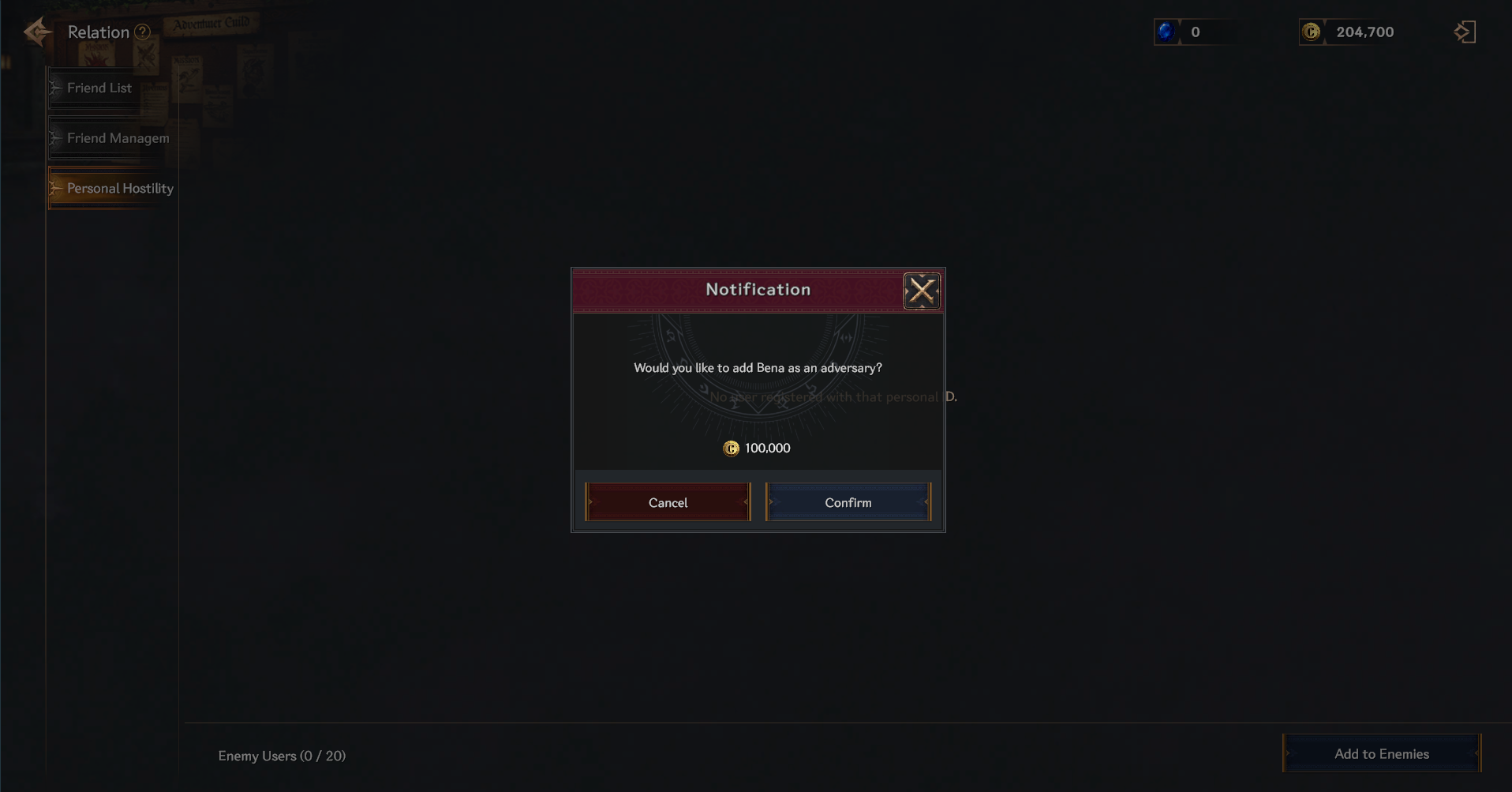
> You can add a personal hostile user by spending a certain amount of Cron.
> Hostile users' nicknames are displayed in red.
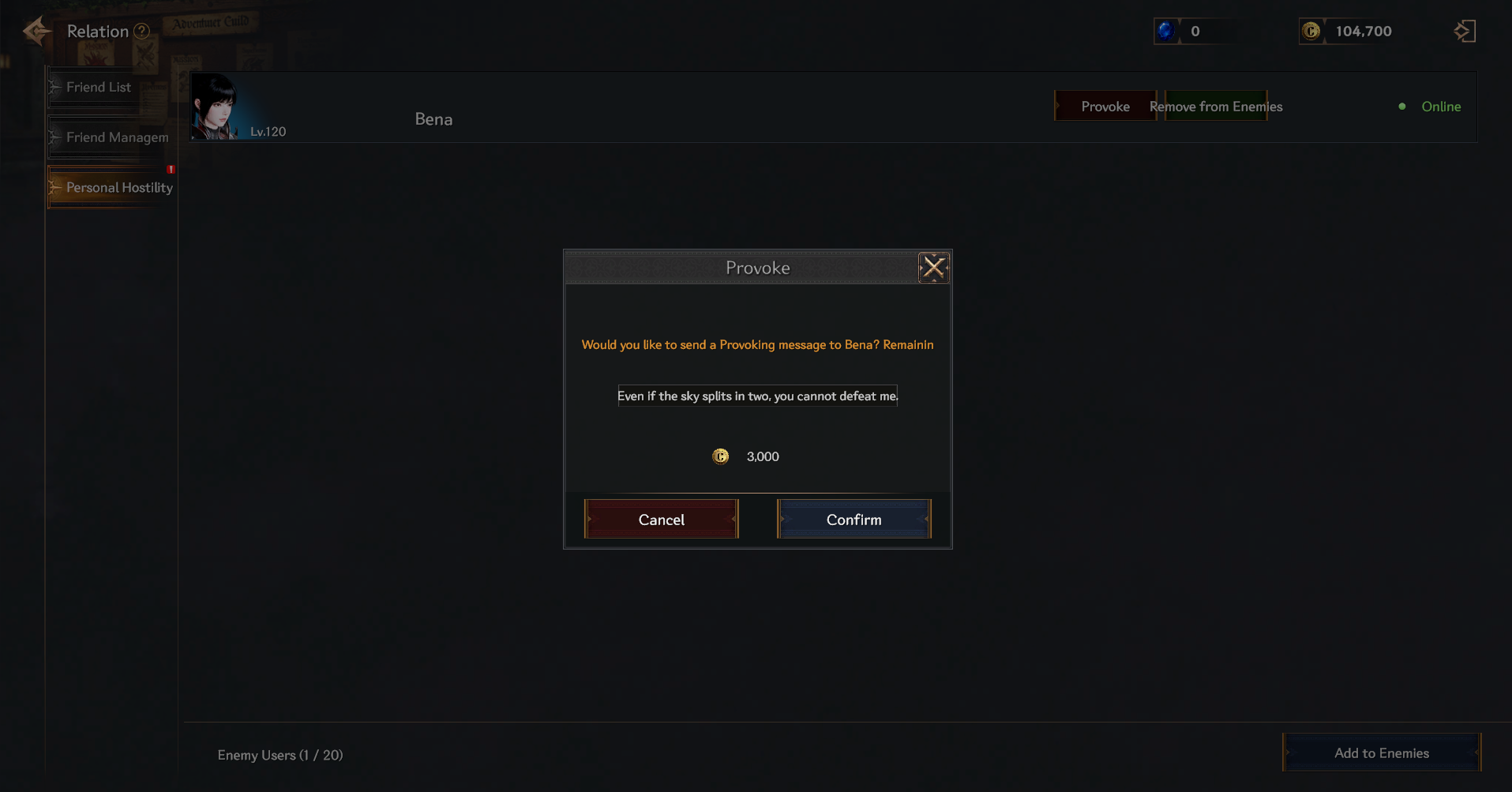
> You can check whether hostile users are connected or not.
> You can select a connected hostile user to provoke or remove the hostility.
> If you choose to provoke, you can send a provocation message to the hostile user by spending a certain amount of cron.
> You can remove personal hostility by disbanding.