Settings
Settings
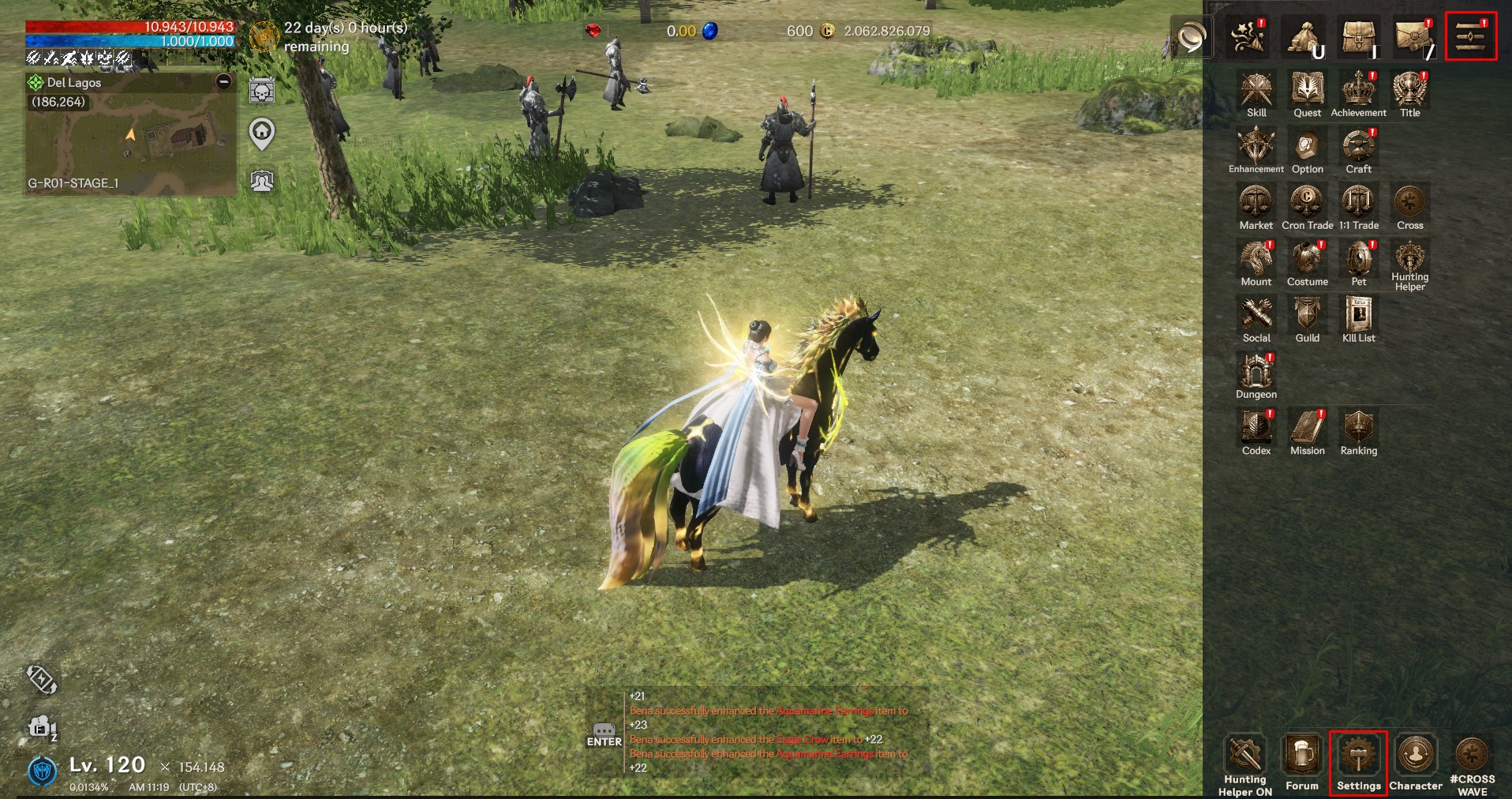
In the Settings menu, you can configure various options necessary for your adventure. Tap the Settings icon in the top-right corner of the screen to open the menu.
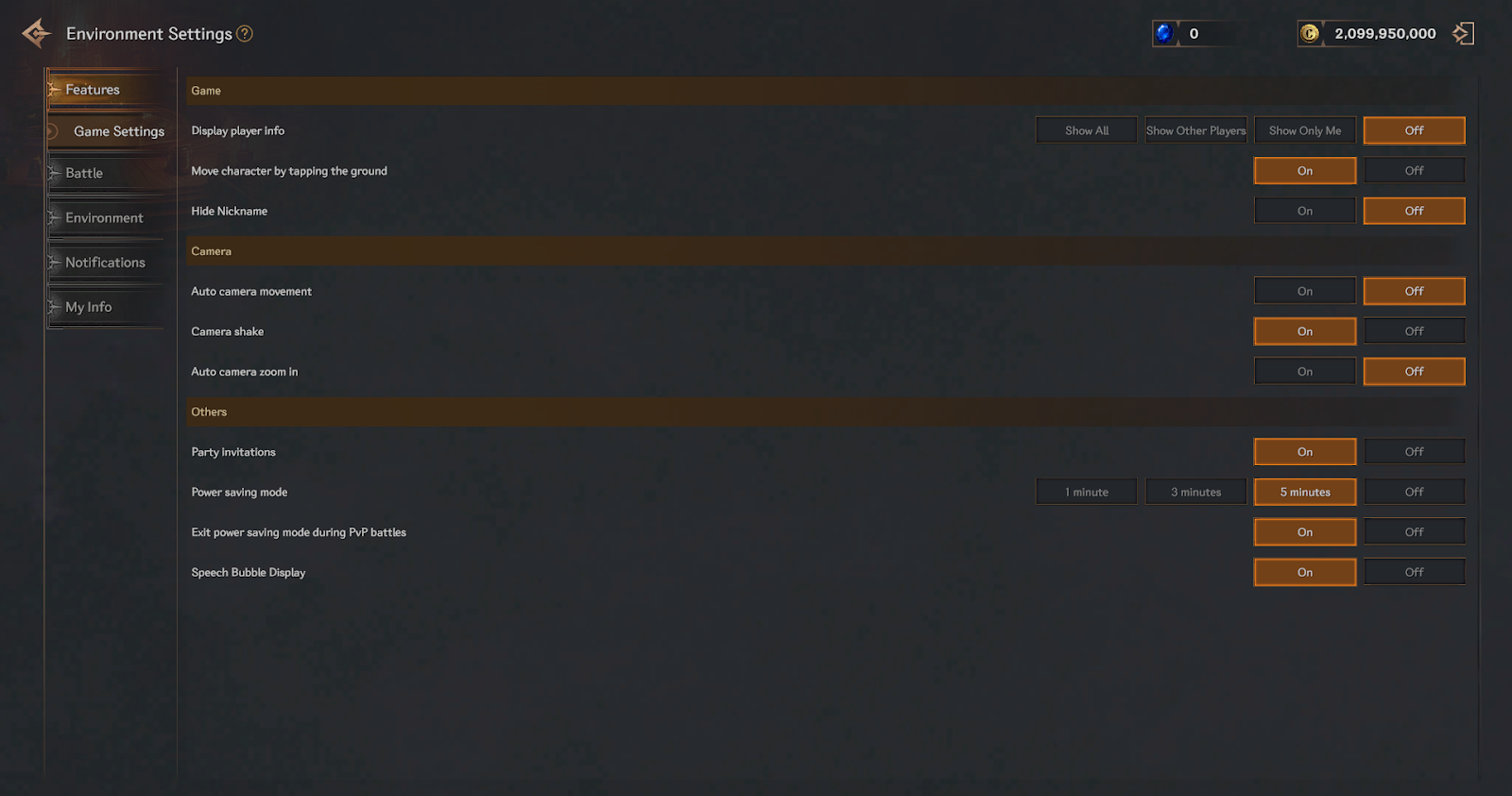
▶ Features
Configure the basic game settings and general functions.
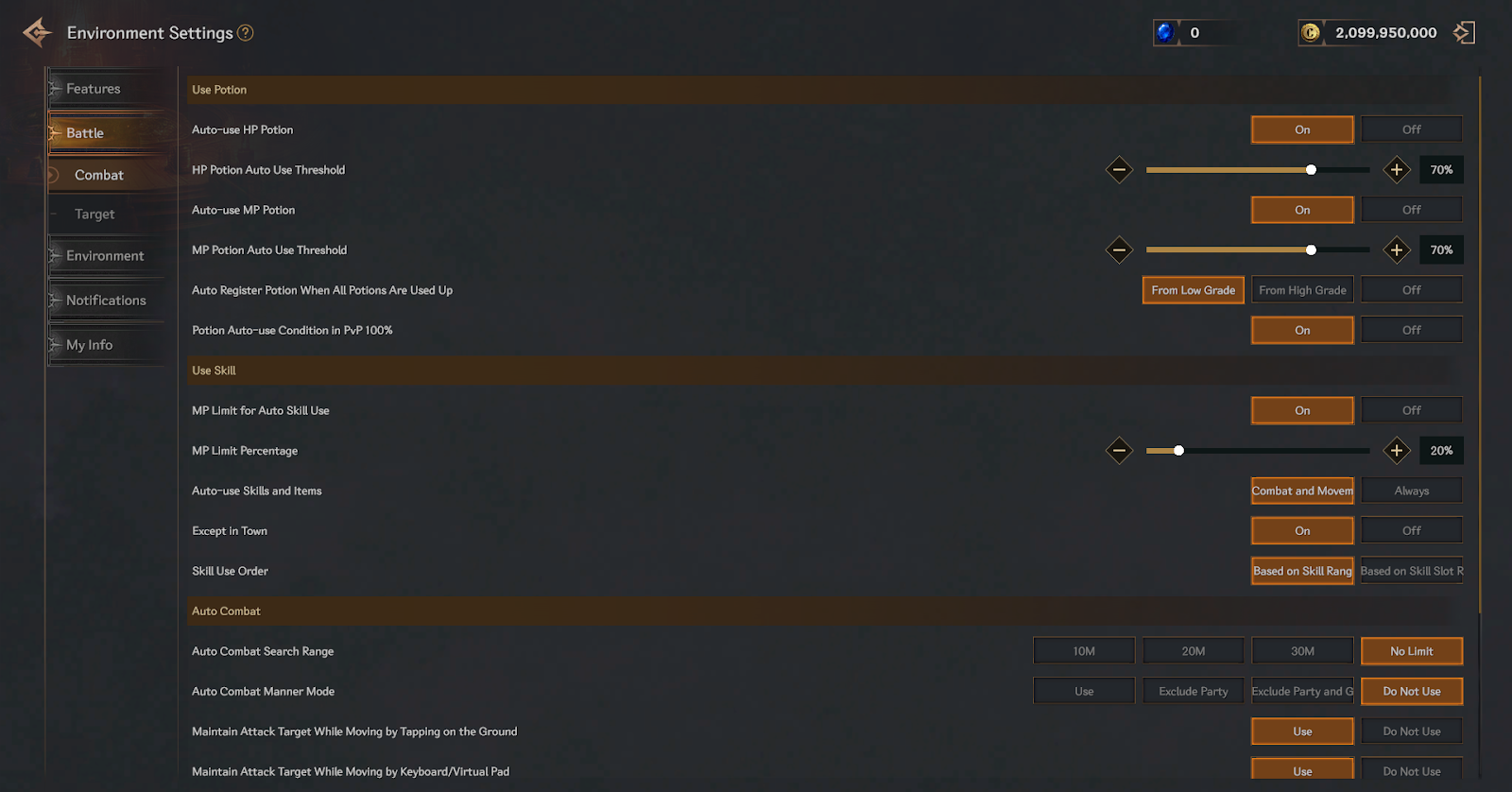
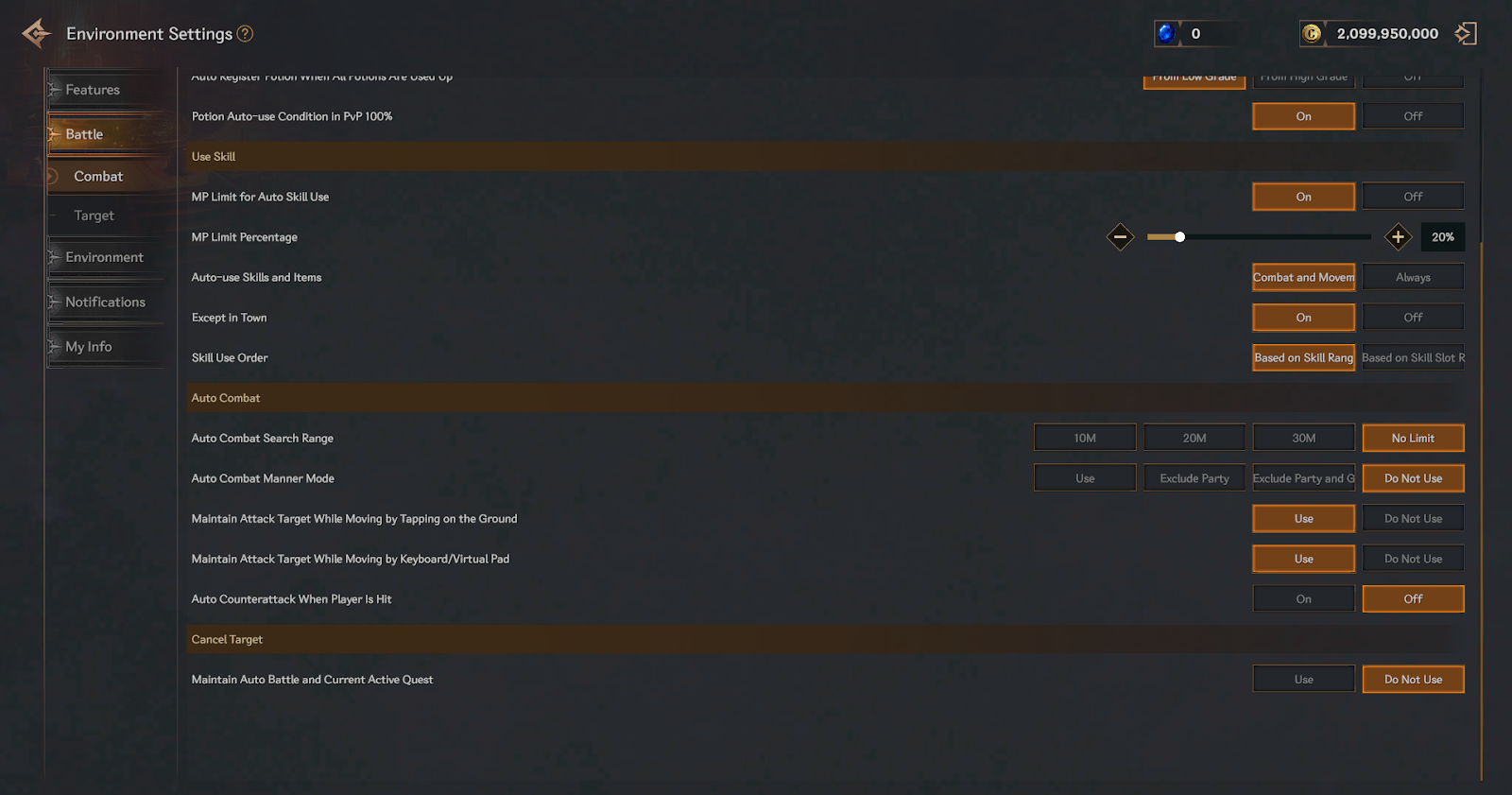
▶ Battle
Adjust the environment required for battle.
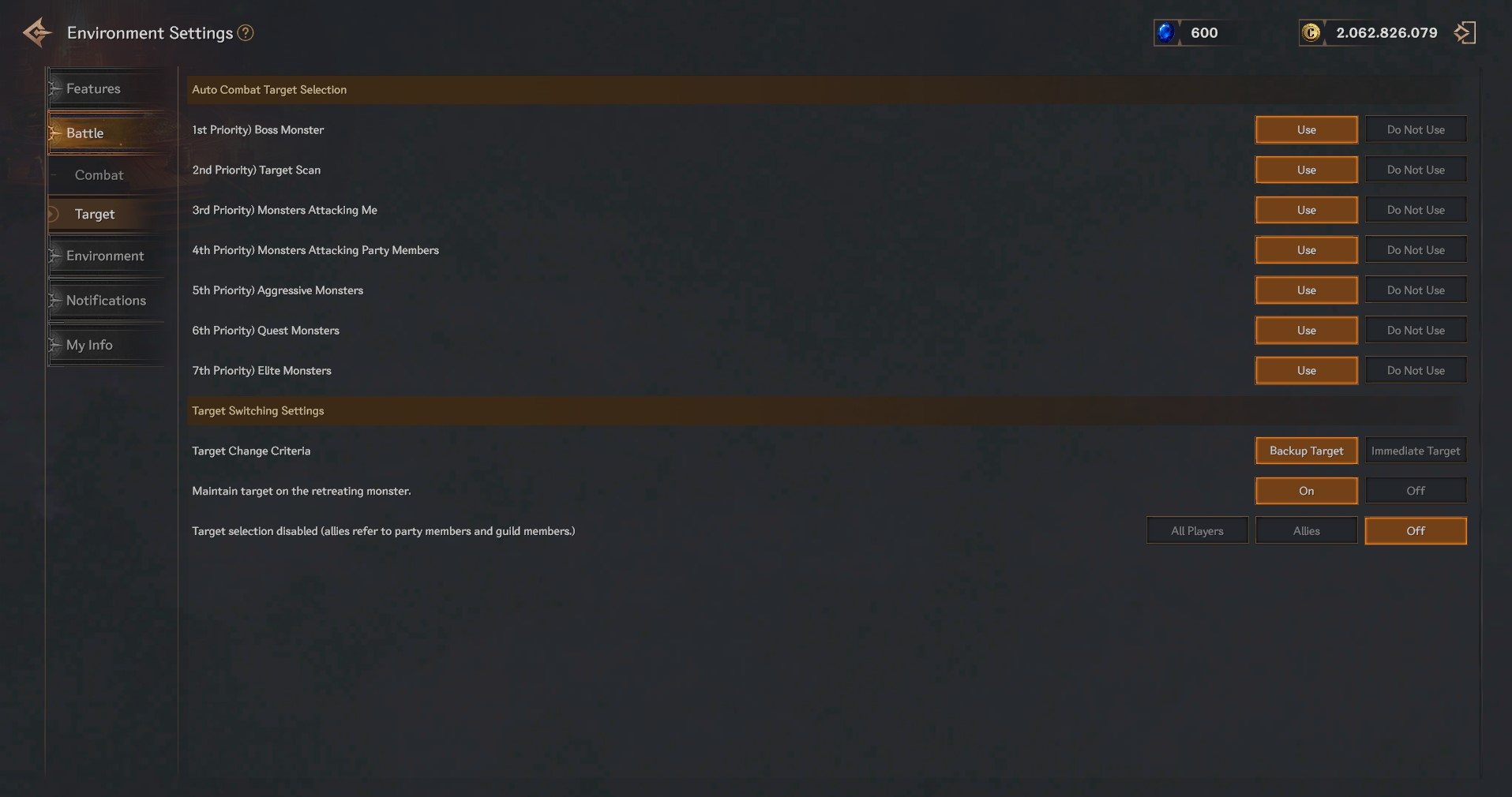
▶ Target
Set rules for target selection during auto-battle.
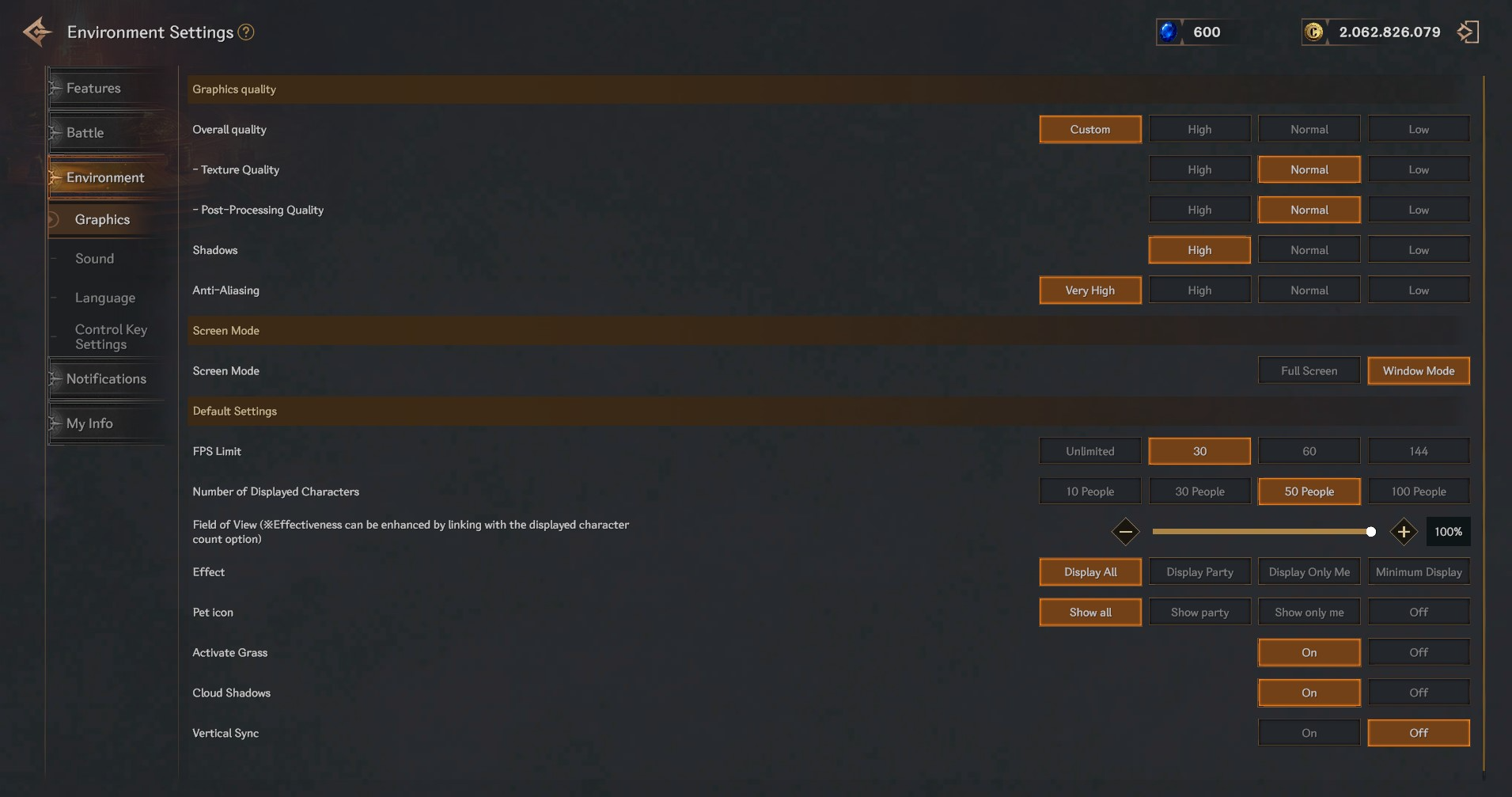
▶ Graphics
Configure graphic settings.
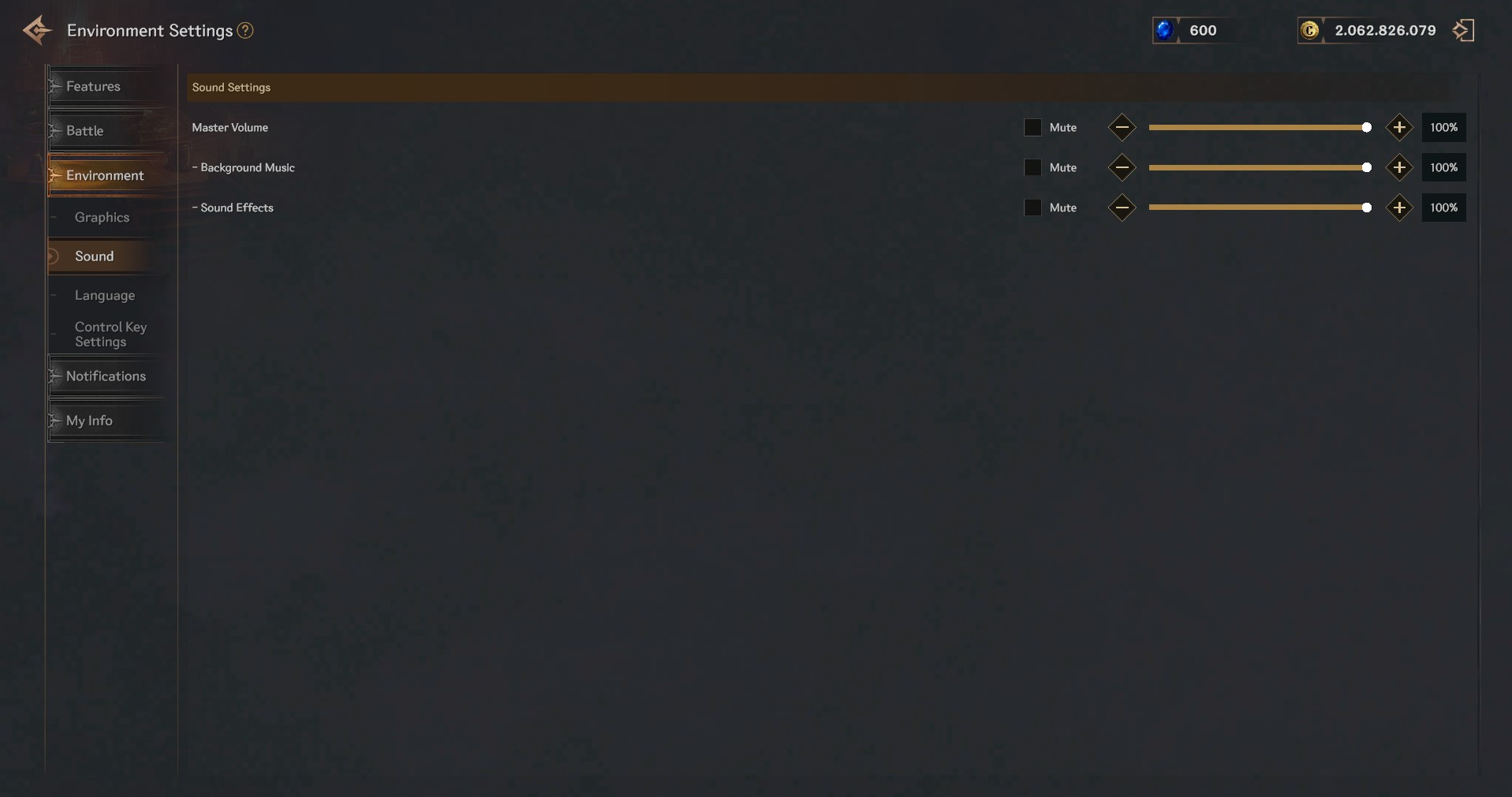
▶ Sound
Set preferences for in-game sound options.
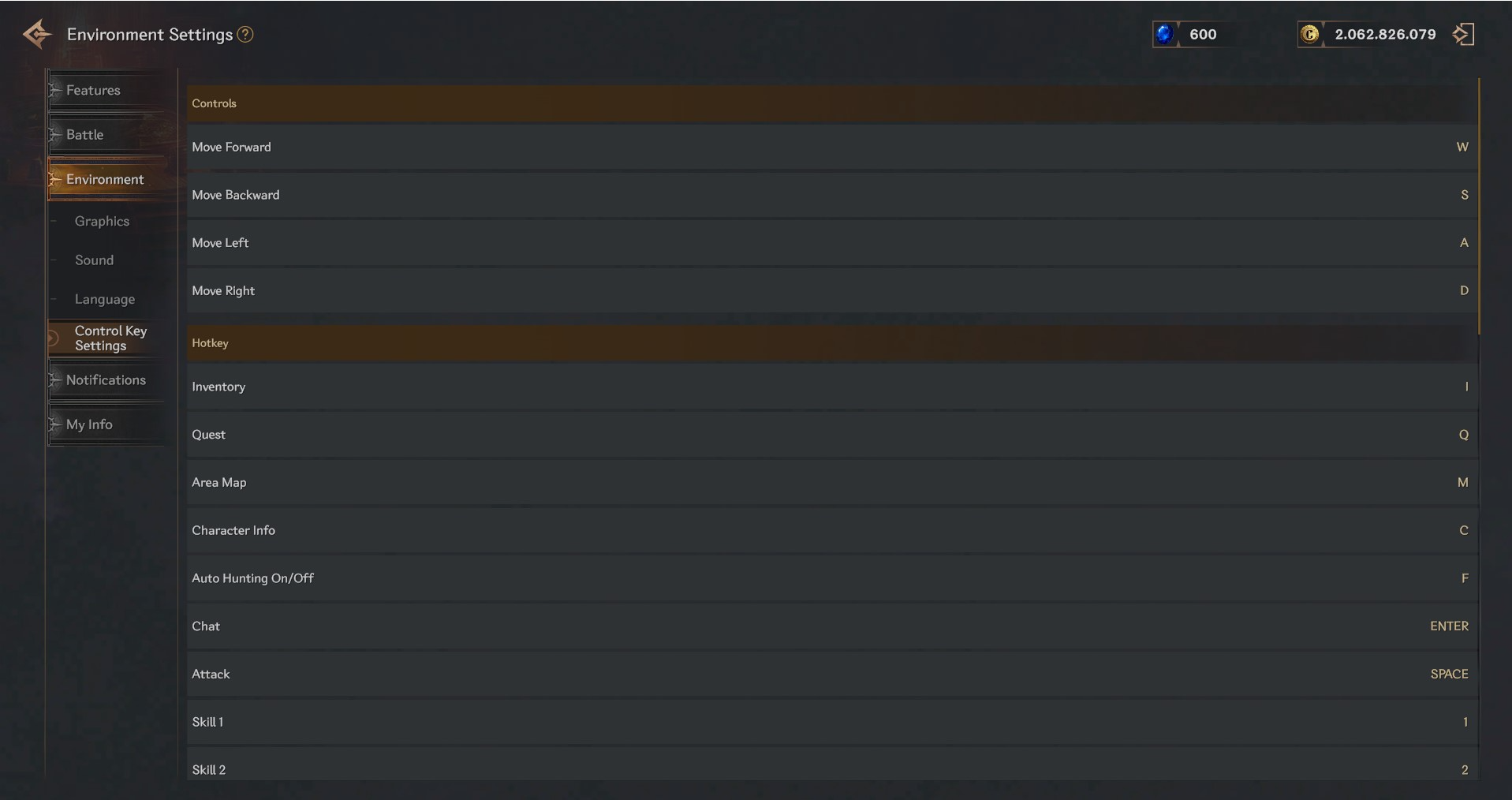
▶ Control Key Settings
Customize the key bindings and control scheme for gameplay.
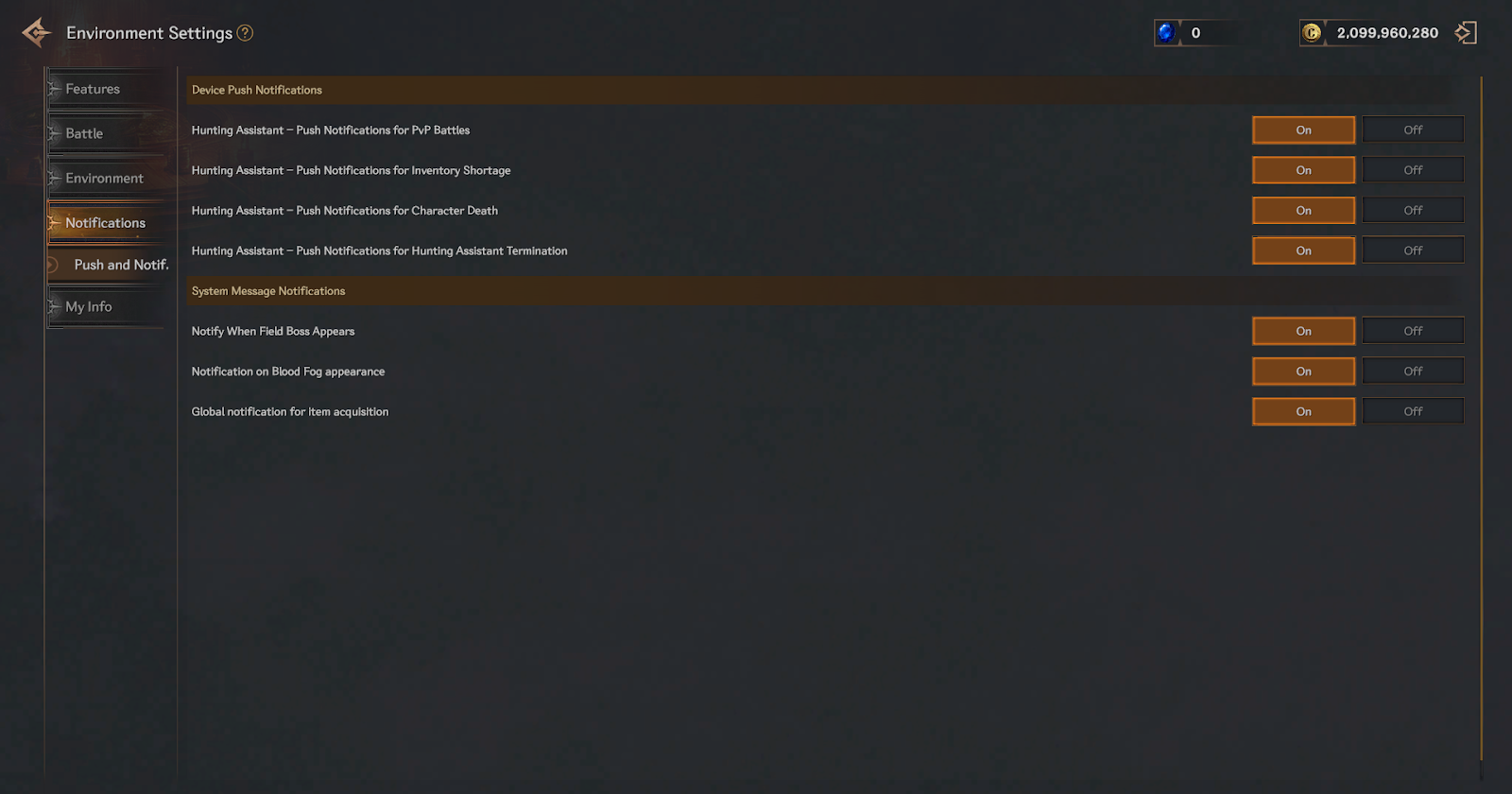
▶ Notifications
Manage notifications for specific in-game events and conditions.
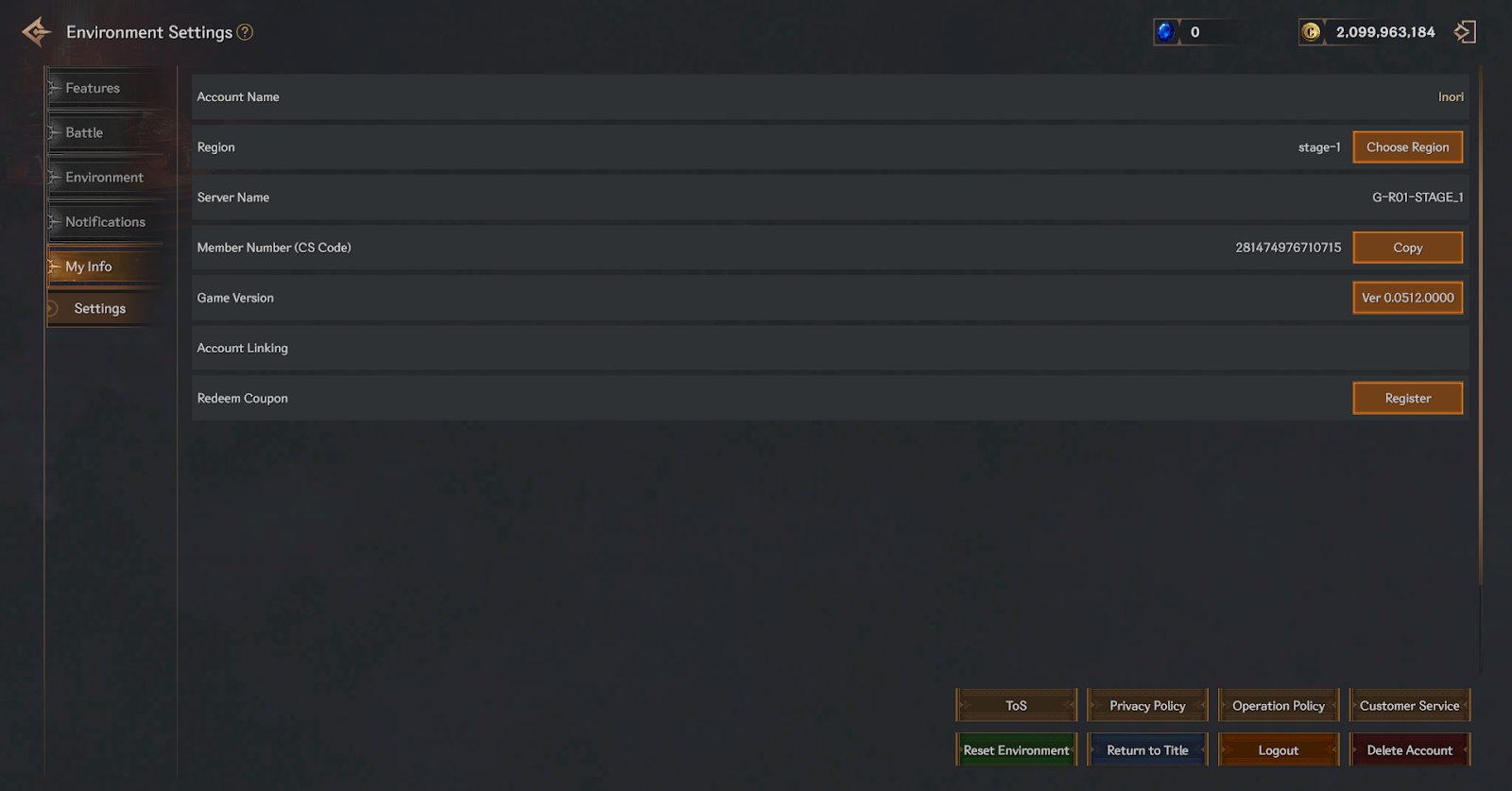
▶ My Info
View and configure settings related to your account and game profile.