Map
In this guide, we would like to introduce the features available through the minimap.
The minimap is a convenient space where Guardians can access various features
such as the Planetary Map, Idle Mode, and Subjugation Targets.
Please read on for more details.
* ARES: THE IRON VANGUARD is available on both mobile devices and PC.
Please note that this guide is based on the PC version.
* This guide was created in a test environment, and some content may be subject to change.
◈ Using the Minimap
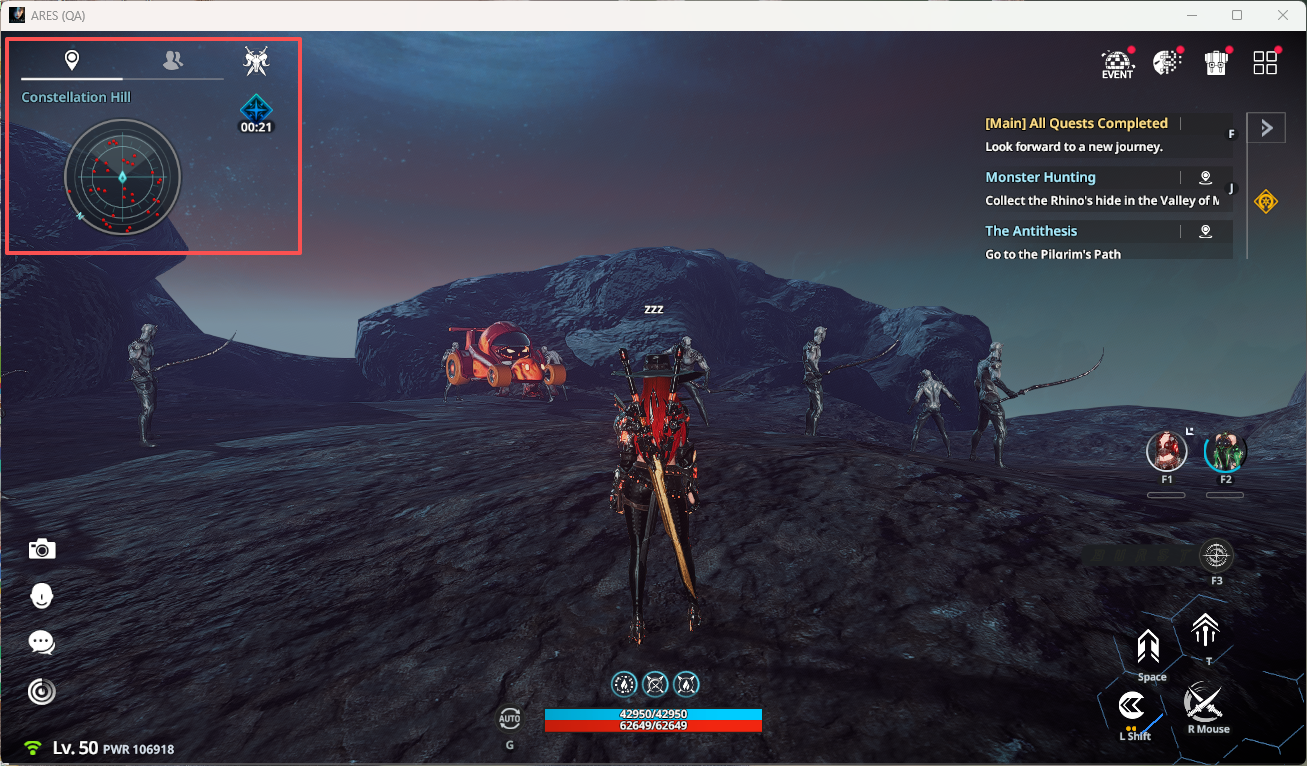
- Click the minimap to view detailed information about your current area and access various features.
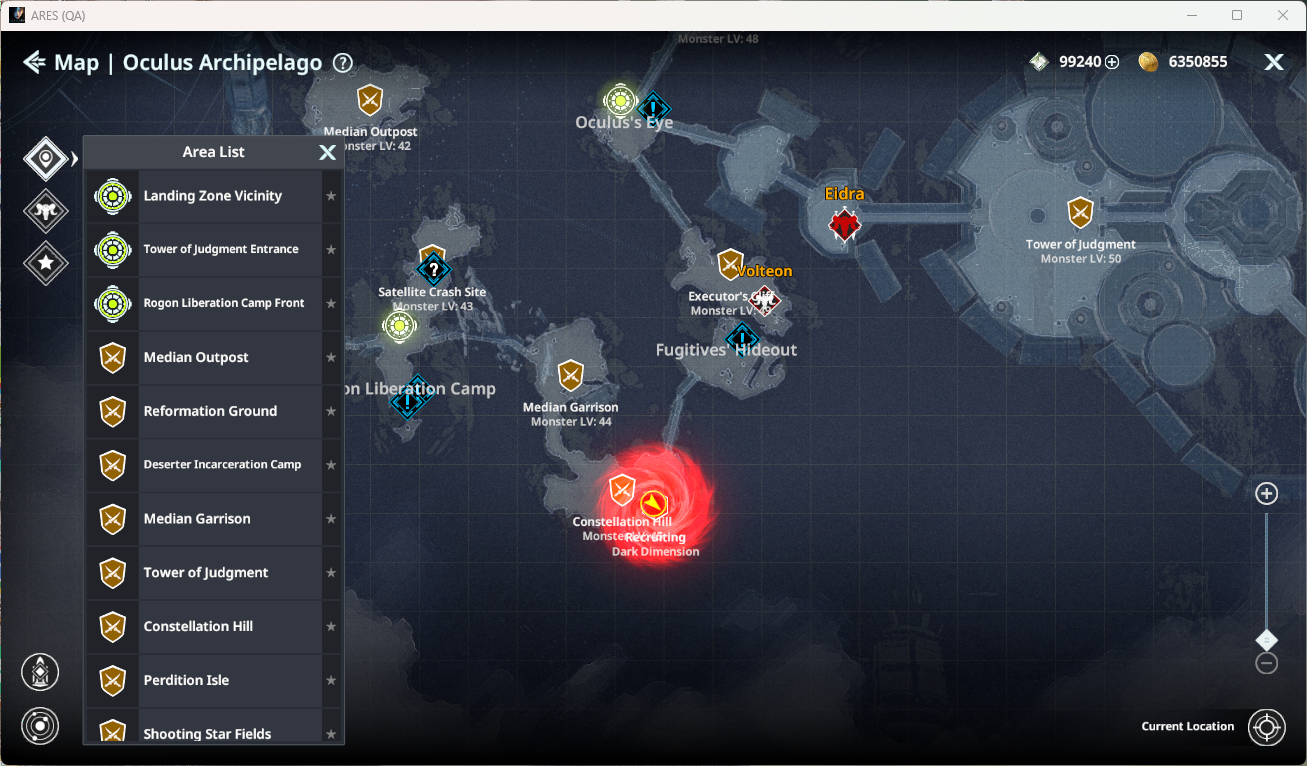
◈ Minimap: Region List
- You can check areas you can move to from your current location.
You can also click ★ to add regions to Favorites.
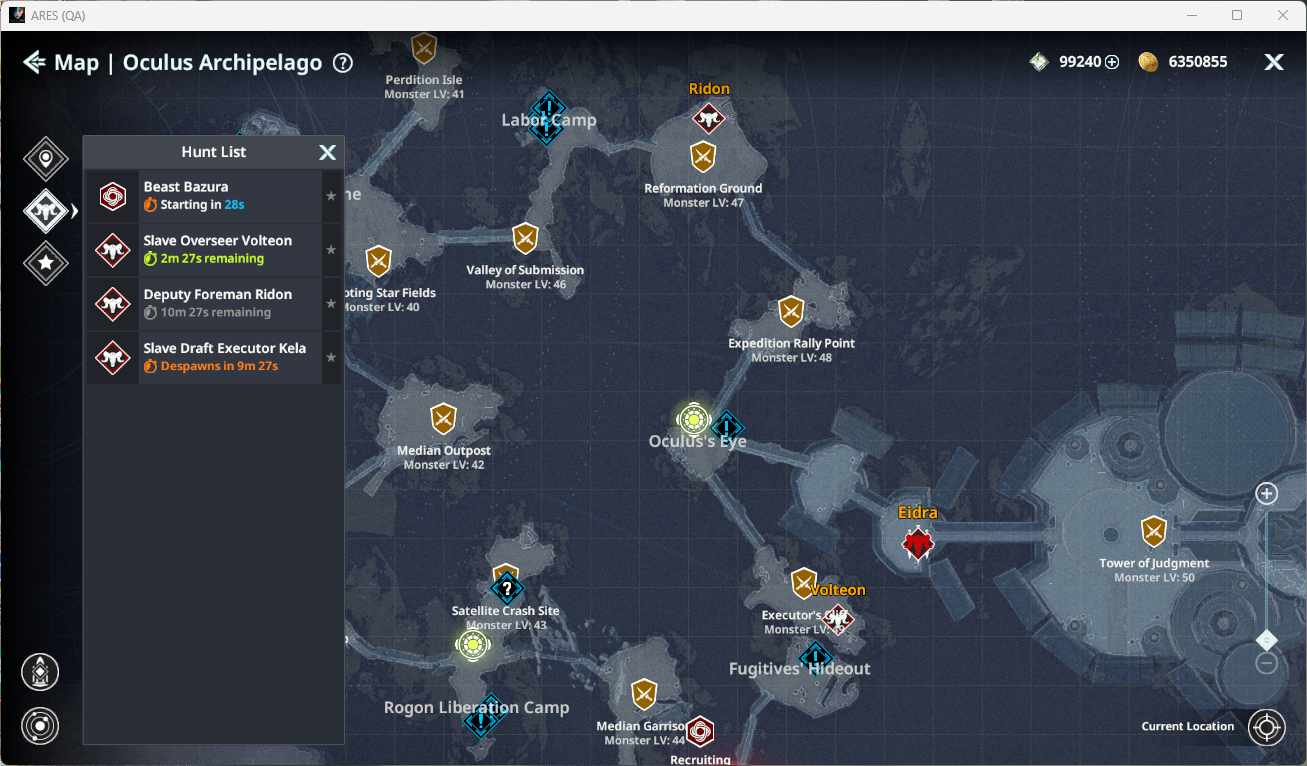
◈ Minimap: Hunt List
- View spawn information for field named monsters in the selected area.
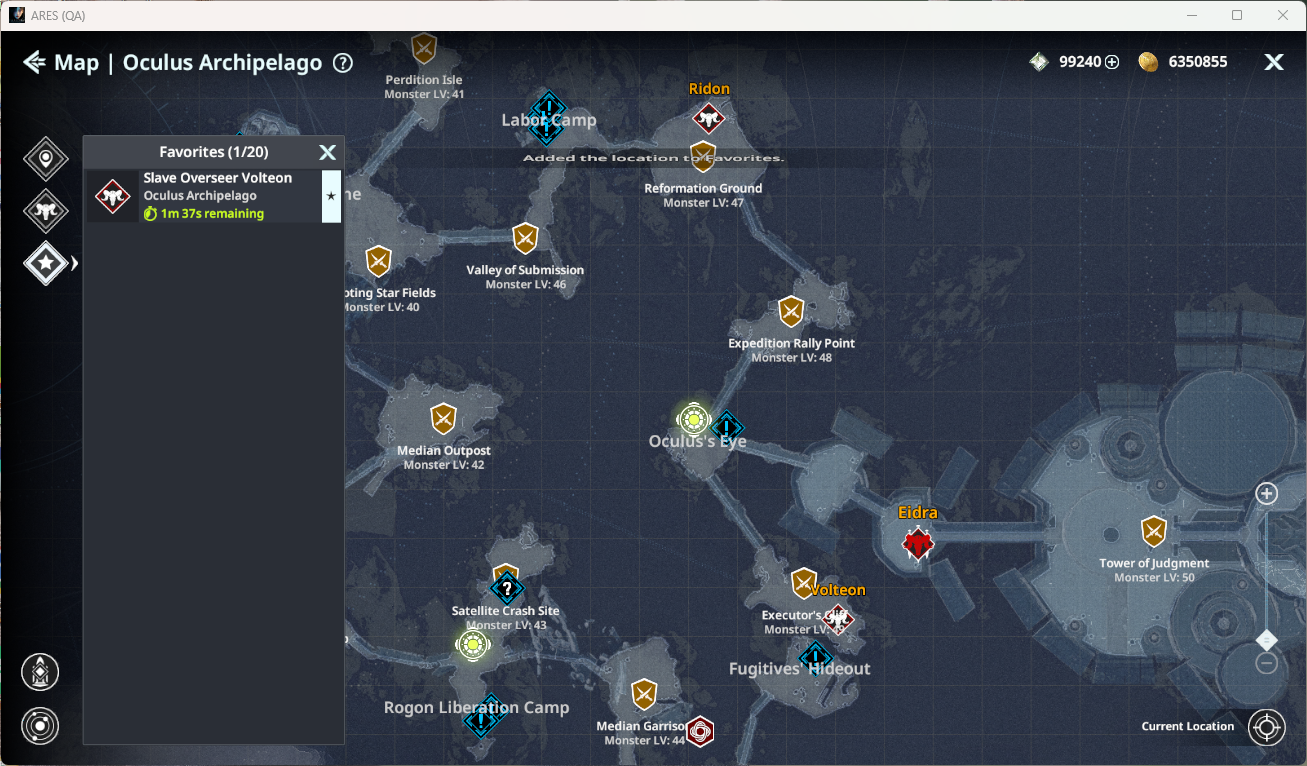
◈ Minimap: Favorites
- Check and manage favorite regions and named monsters. Click ★ to remove from Favorites.
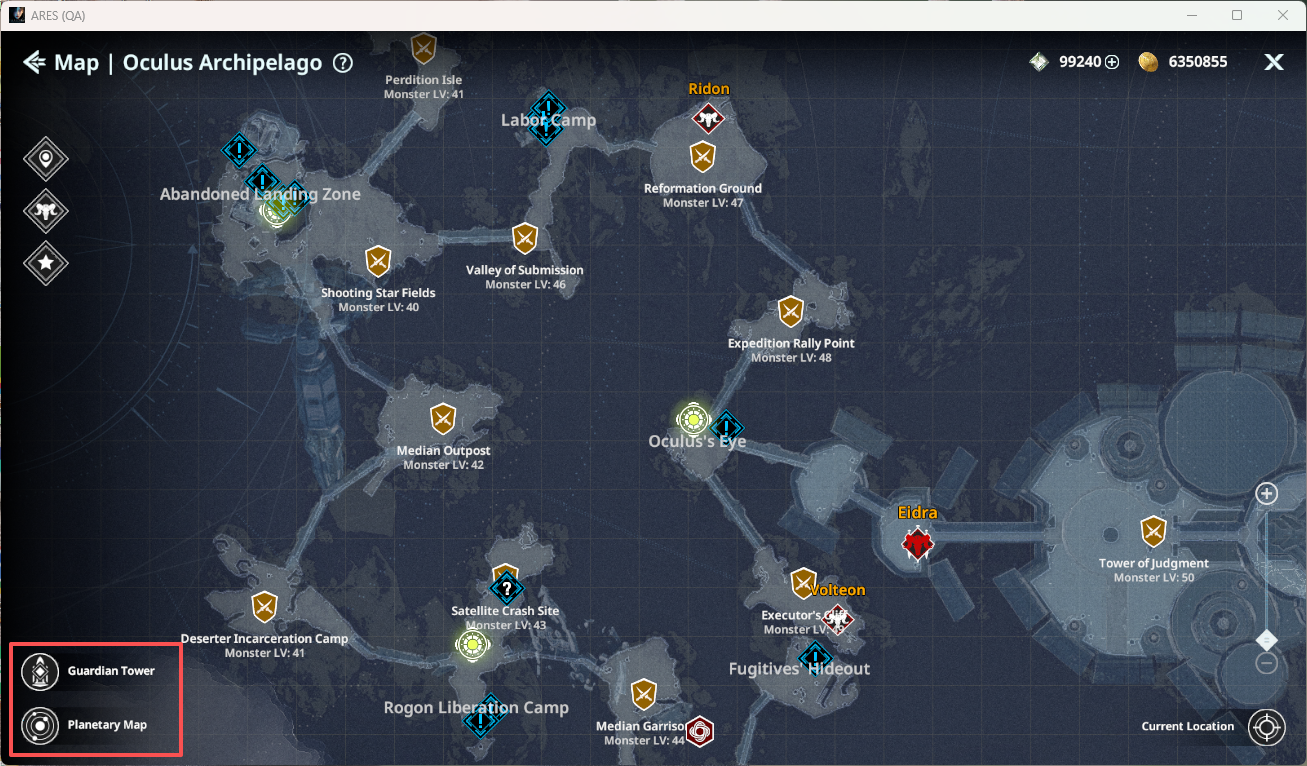
◈ Minimap: Guardian Tower & Planetary Map
- Click the Guardian Tower icon to move instantly.
- Click the Planetary Map icon to view all planet information.
◈ Minimap: Subjugation Target
- You can check information about field named monsters and field bosses in Subjugation Target.
ⓘ Field Bosses are unlocked after completing Act 2 Chapter 2 - Lingering Threats.
○ Region & Favorites Filter: View filtered lists of regions and favorite named monsters.
○ Favorite Named Monsters: Click ★ to register favorites and receive a 5-minute advance alert.