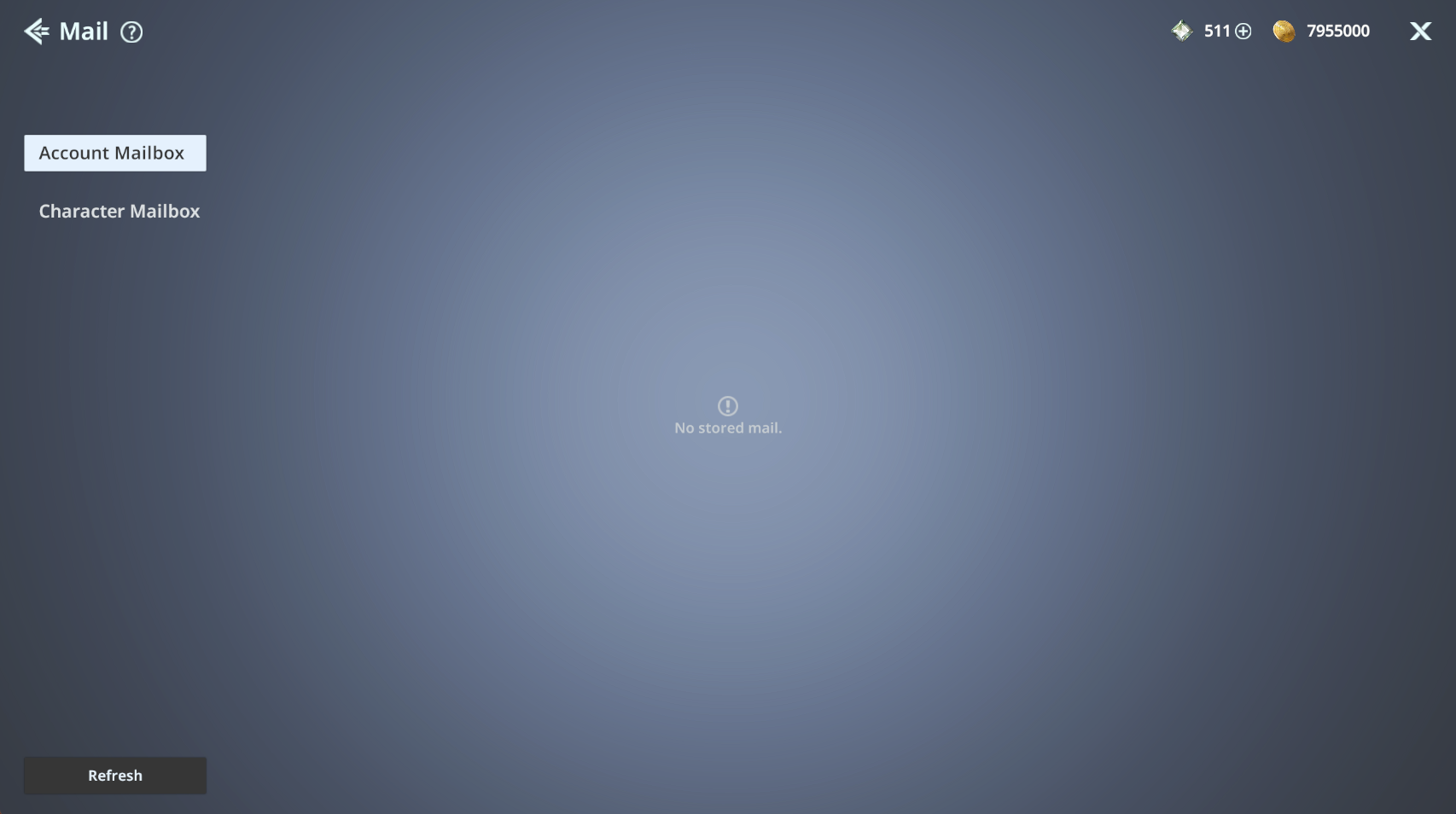
In this guide, we will walk you through Mail,
where you can claim rewards sent to your account or character.
Please read on for more details.
* ARES: THE IRON VANGUARD is available on both mobile devices and PC.
Please note that this guide is based on the PC version.
* This guide was created in a test environment, and some content may be subject to change.
◈ Mail: How to Access
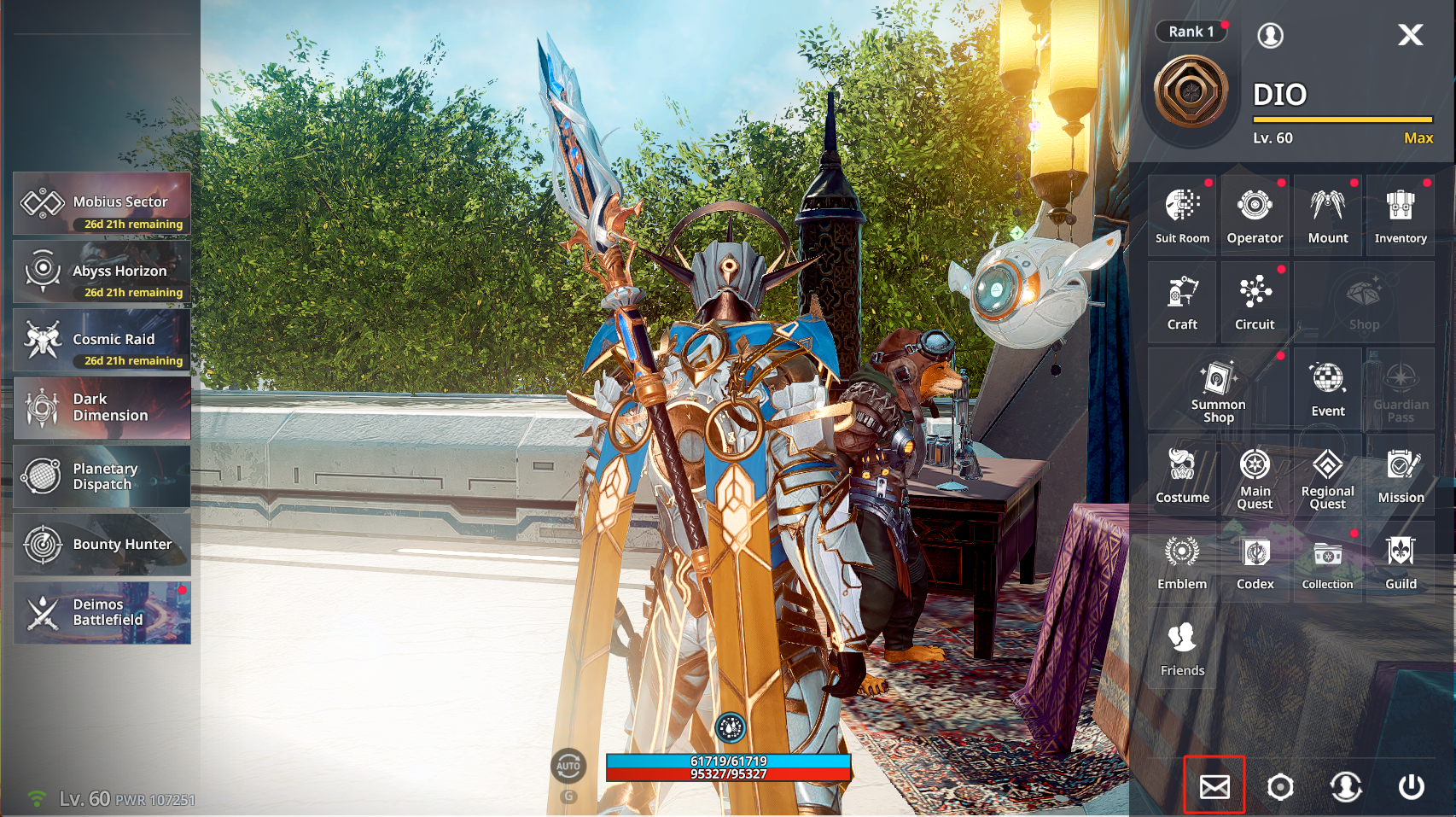
- You can access Mail via Menu ▶ Mail.
◈ Mail: Account & Character Mailbox
- In the Account Mailbox, you can check notices or claim special rewards.
- In the Character Mailbox, you can check and claim rewards sent specifically to the character you are using, such as event or content rewards.
ⓘ Rewards have a storage period, and they will expire after the period ends. Please make sure to claim them in time.