[Character] Preset
- • You can quickly change equipment settings using Preset Feature.
- • Preset unlocks after completing Nightmare Stage 10-20.
※ To set a preset, simply follow these steps:
- 1. Click Preset on the game main screen.
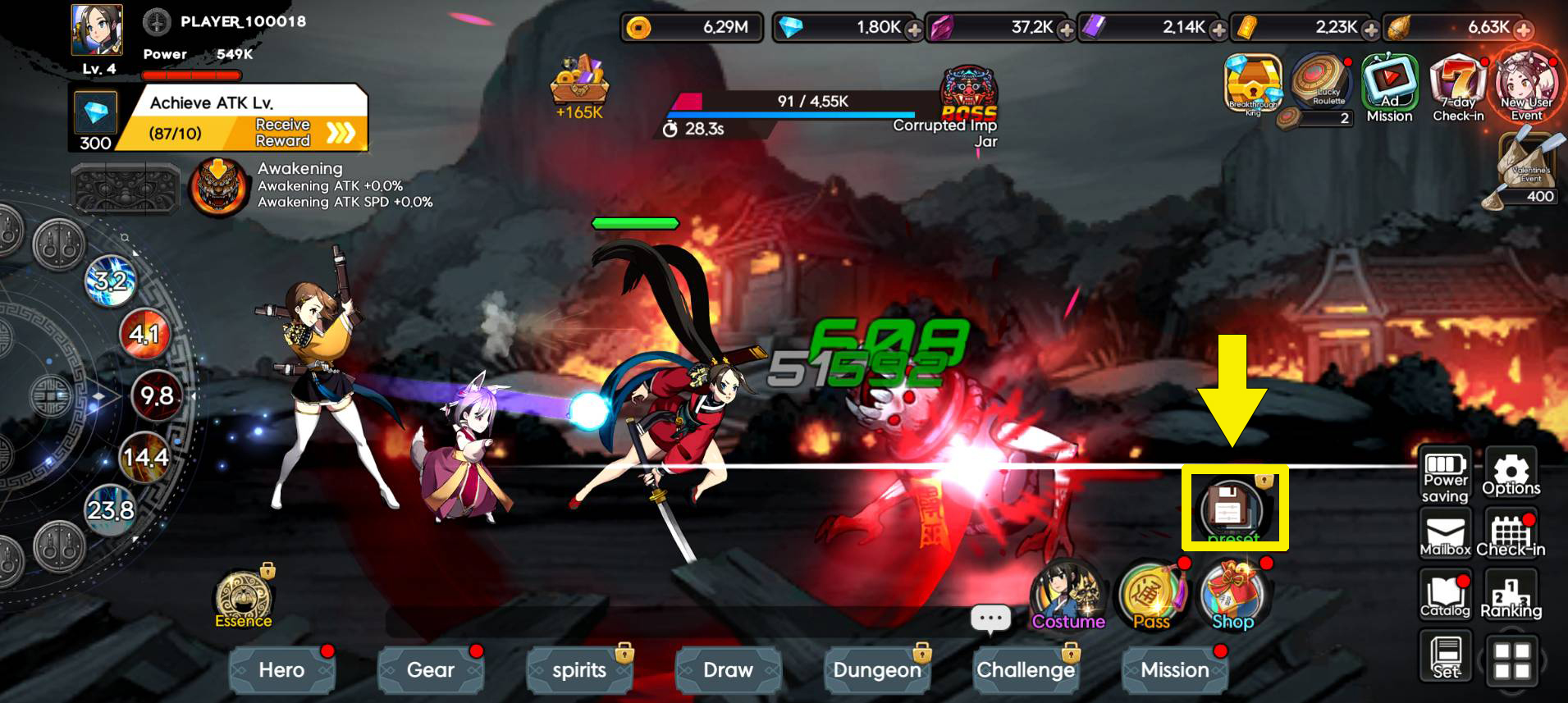
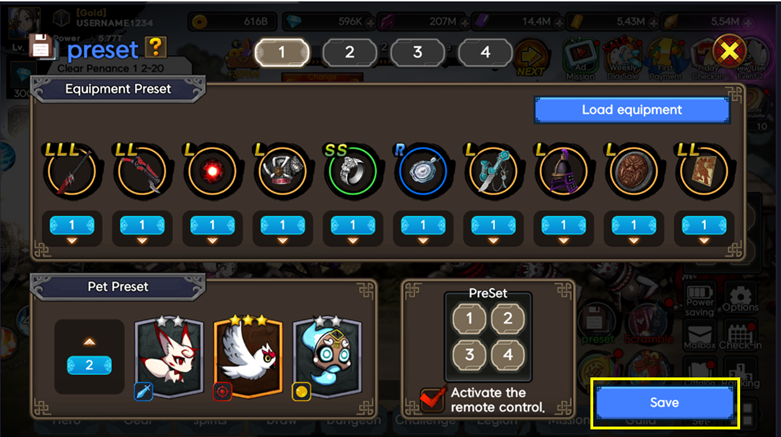
- 2. At the top of the screen, you’ll see four preset slots numbered 1, 2, 3, and 4. Click on the desired preset number where you want to save your configuration.

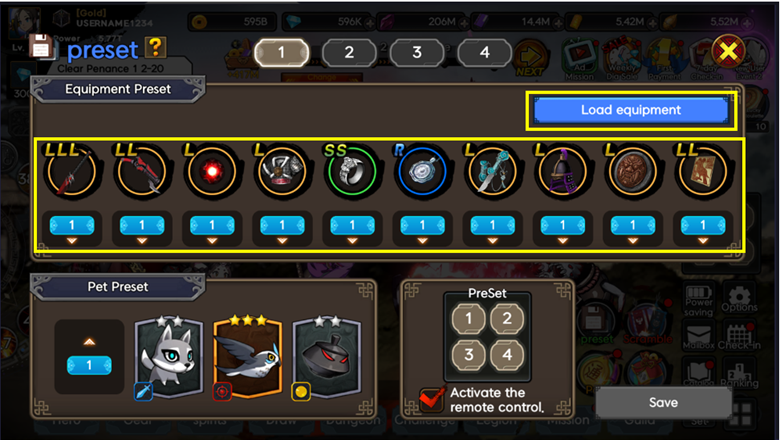
- 3. Assign equipment by clicking on each slot. You may use the "Load Equipment" button located on the right side of the screen to automatically display all the equipment currently equipped on your character.
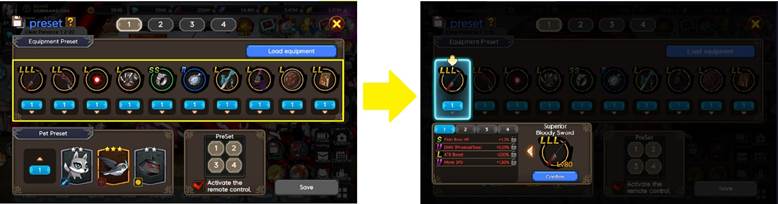
- 4. Scroll to the Pet Preset section and select the pet preset you want to use. Pet presets can be configured in the Spirits section.
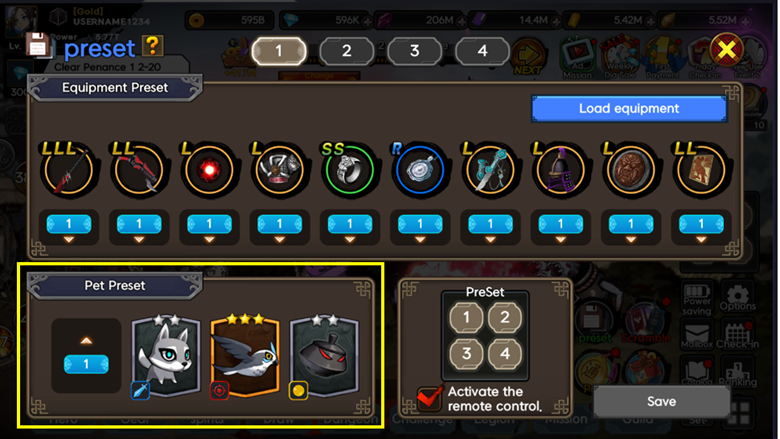
- 5. Check the box next to "Activate the Remote Control" in the bottom-right corner if you want this preset to appear on your main screen for quick access during gameplay.
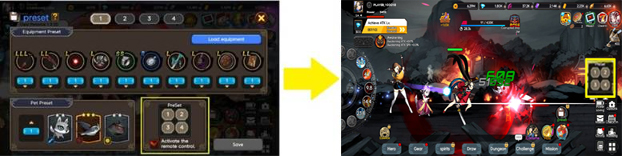
- 6. Once you’ve configured the equipment and pet setup, click the Save button at the bottom right of the screen to finalize your preset.
Comment 0
0/3000