[Equipment] Gear
- • Gear is the foundation of your character’s progression. Whether you're battling fierce bosses or maximizing idle gains, the right gear will significantly boost your performance.
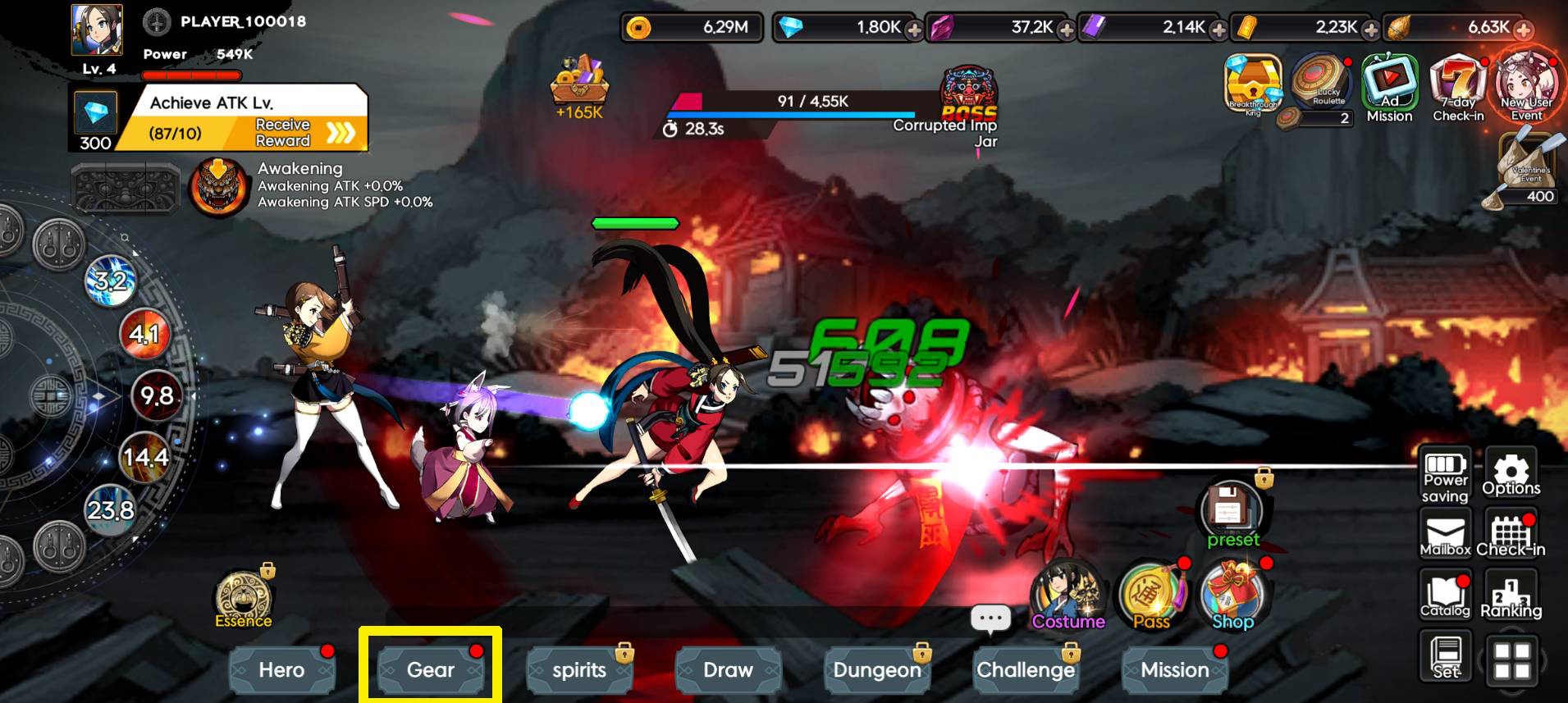
※ To access Gear, simply tap Gear in the bottom-left corner of the game screen:
※ Features of Gear System:
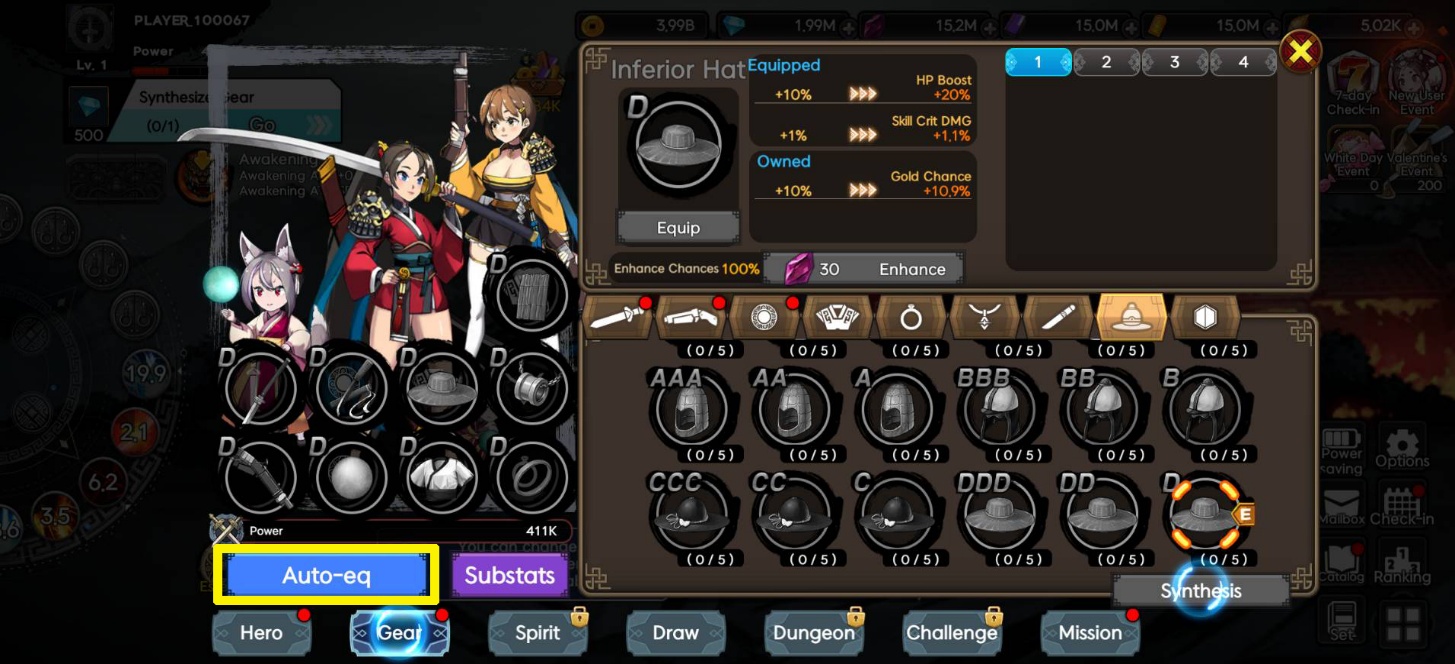
- 1. Automatic Gear Optimization
• Use the Auto-Equip feature to instantly outfit your character with the best items from your inventory, saving you time and ensuring you’re always prepared.
- 2. Types of Gear:
- • Sword
- • Matchlock Gun
- • Orb
- • Armor
- • Ring
- • Necklace
- • Dagger
- • Helmet
- • Shield
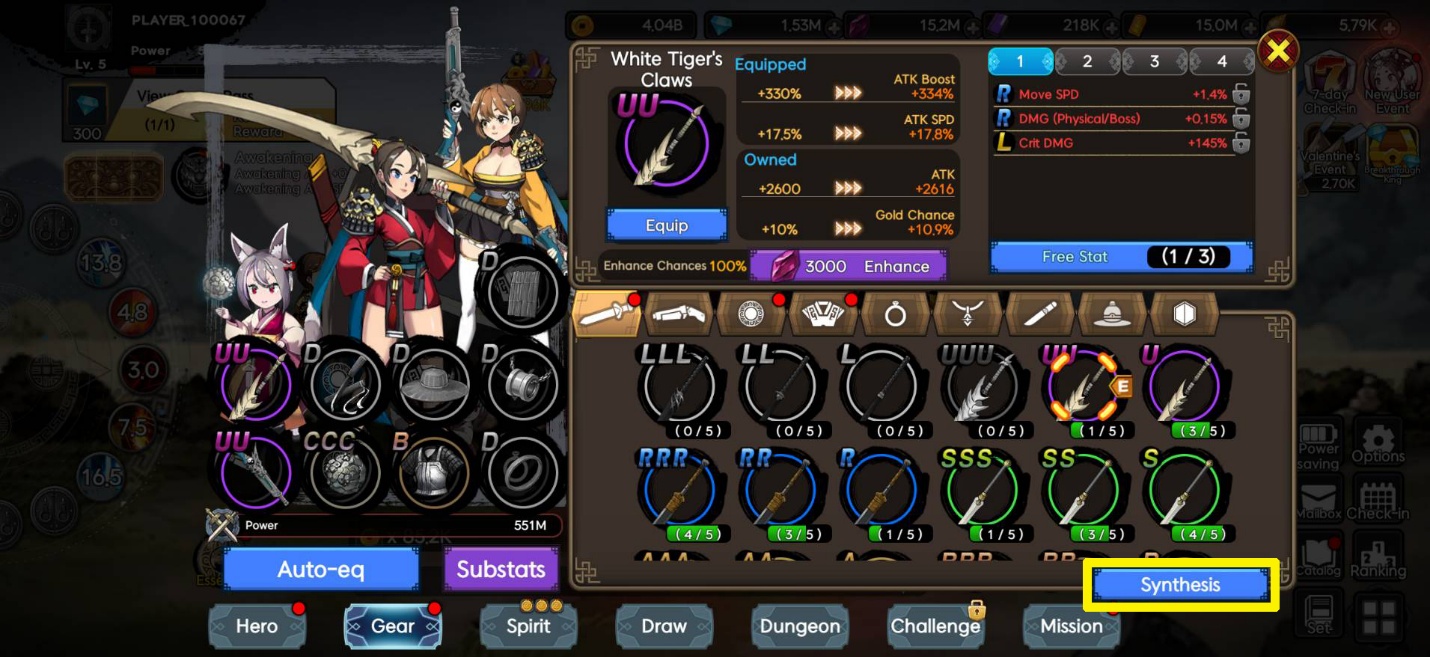
- 3. Synthesis
- • Use batch synthesis to combine and upgrade equipment from the selected tab.
- 4. Gear Enhancement
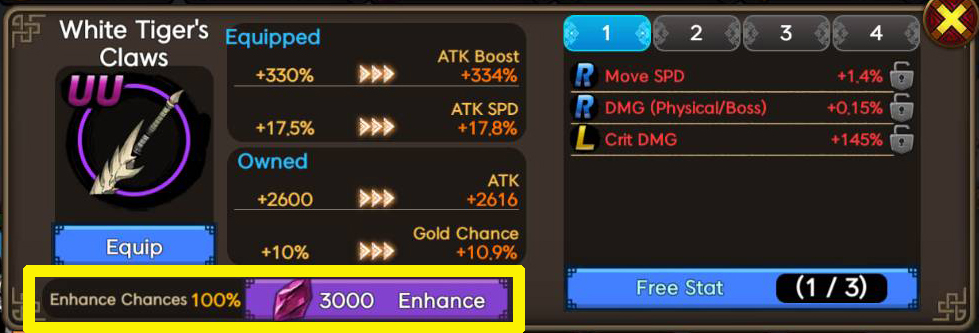
- • Enhancement requires Forge Stones, which can be obtained from stages and the Enhancement Stone Dungeon.
- • Successful enhancement increases the stats and effects of your gear, but keep in mind that higher levels come with lower success rates.
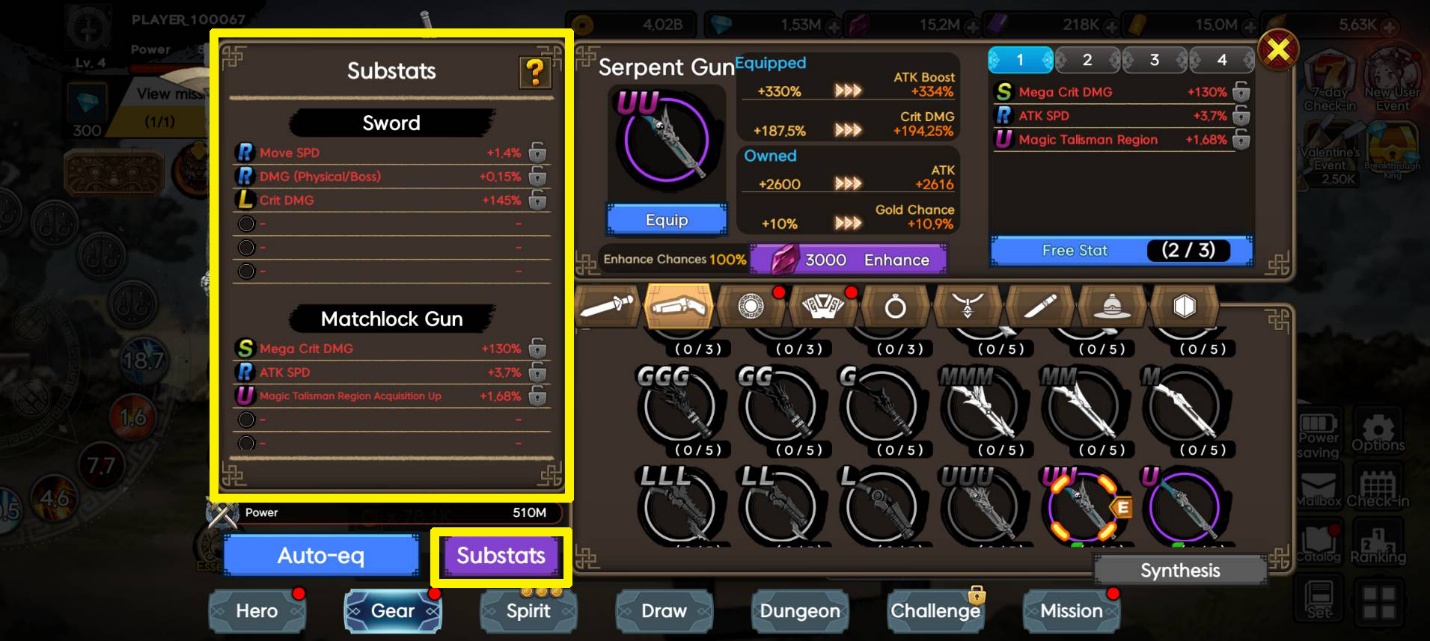
- 5. Substats
- • You can view your gears’ substats by clicking Substats.
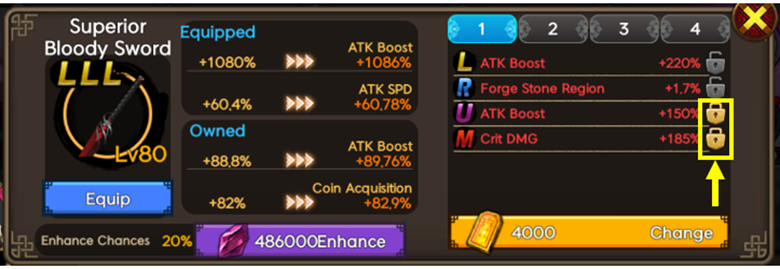
- • Substats can be changed up to three times for free. Subsequent changes will require Magic Talisman, which are primarily obtained from stages and the Talisman Dungeon.

- • Use the lock function to secure the desired substat while modifying the others. Note that the cost of changing substats increases based on the number of locked substats.
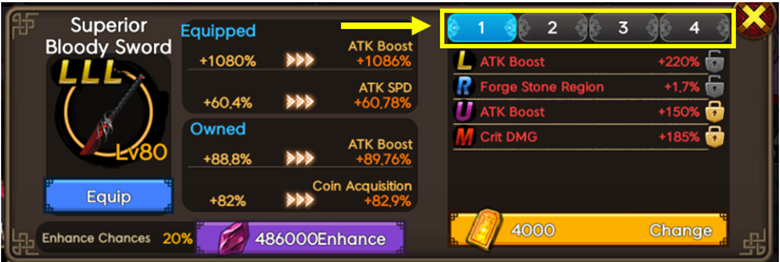
- • There are four presets available (1, 2, 3, 4) that you can configure based on specific situations and needs.
Comment 0
0/3000