Beauty Salon

At the Beauty Salon, you can change your character’s hairstyle or gender.
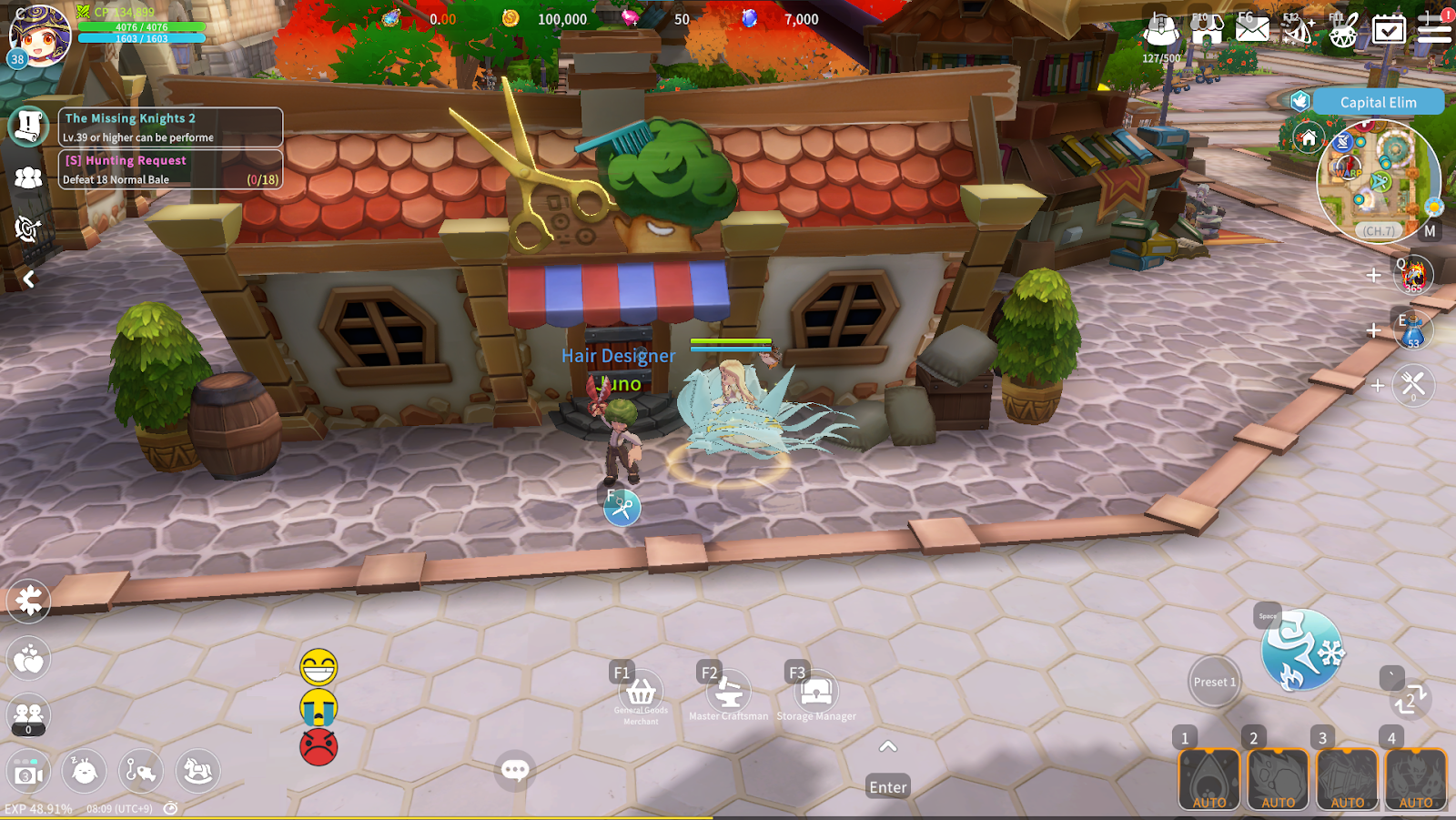
You can access the Beauty Salon by visiting NPC Juno in Elim Town.
1. Gender Change
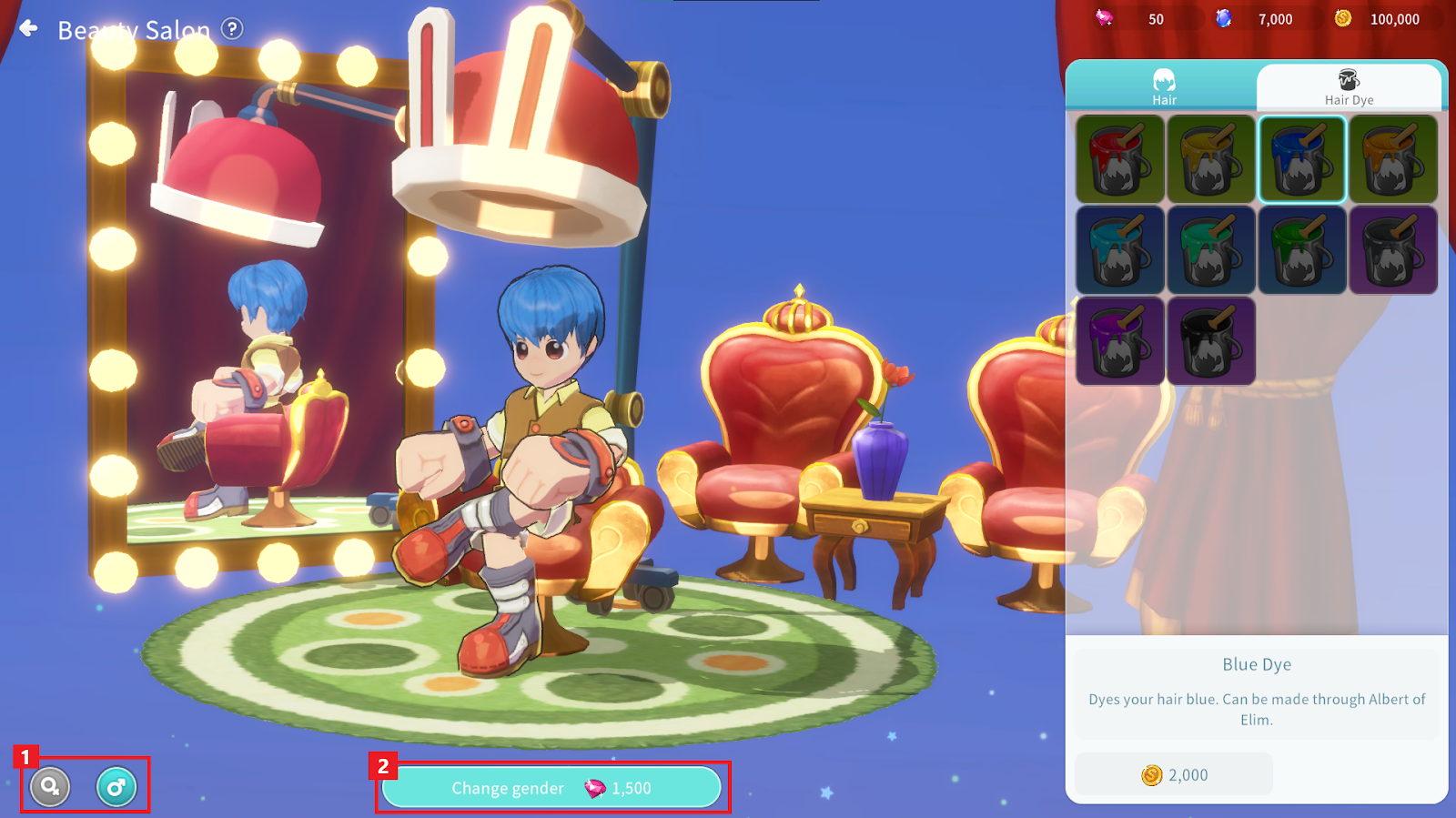
① You can change your character’s gender.
- If your character is originally male, selecting female (♀) will activate the gender change button.
- If your character is originally female, selecting male (♂) will activate the gender change button.
② Once the gender change button is activated, you can change your gender by paying the required cost.
- Gender cannot be changed while in a Couple status.
2. Hairstyle Change
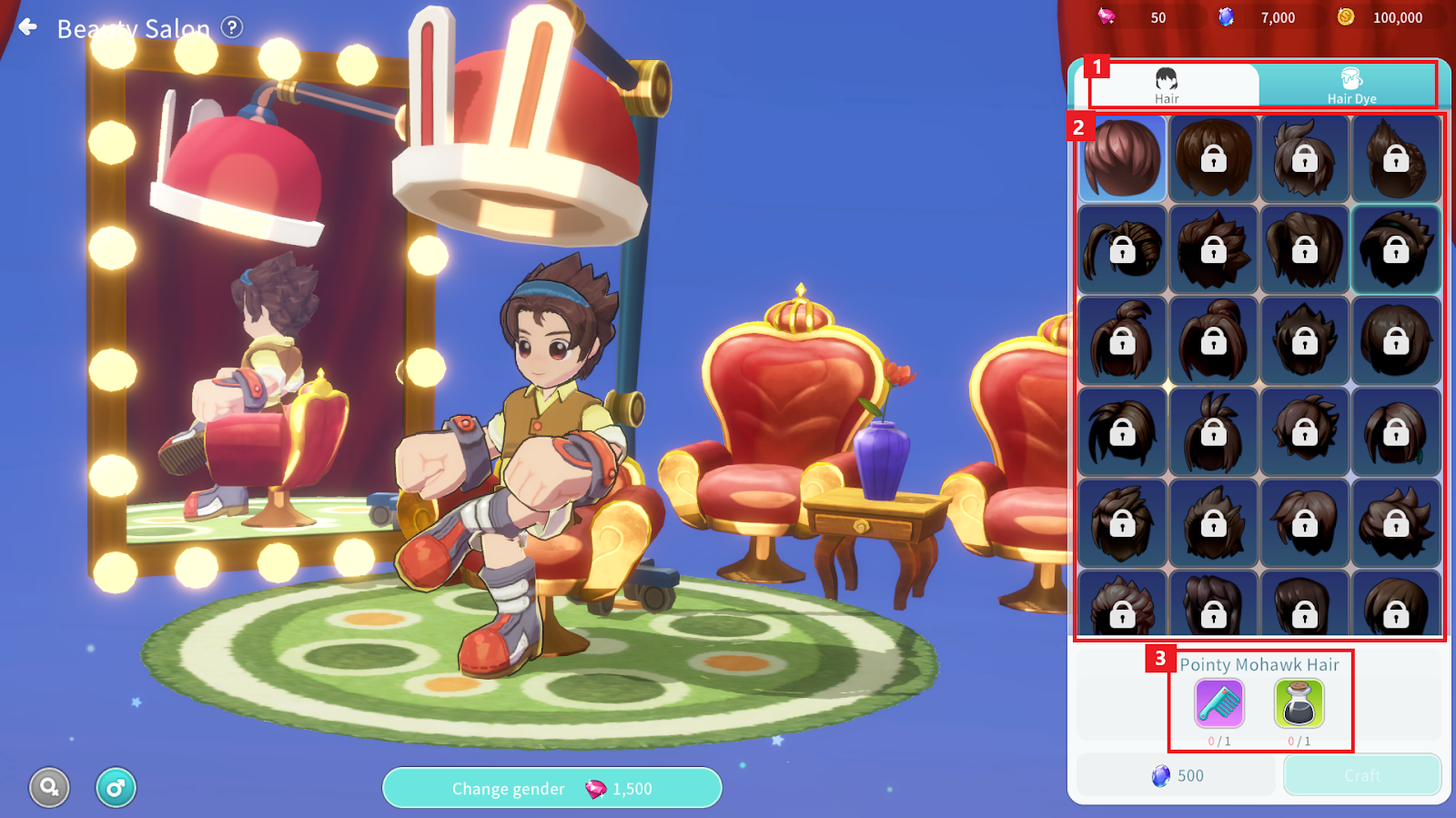
① Hair: You can change the hairstyle. Dye: You can change the color of the currently equipped hairstyle.
Hair Dye can be crafted through the Master Craftsman “Albert” in Elim.
② A list of all hairstyles and hair colors is displayed. Selecting an item allows you to preview its appearance on the left side.
③ You can craft unowned items or equip owned items. Items not compatible with your gender cannot be equipped even if owned.
※ Notes When Using Hair Dye
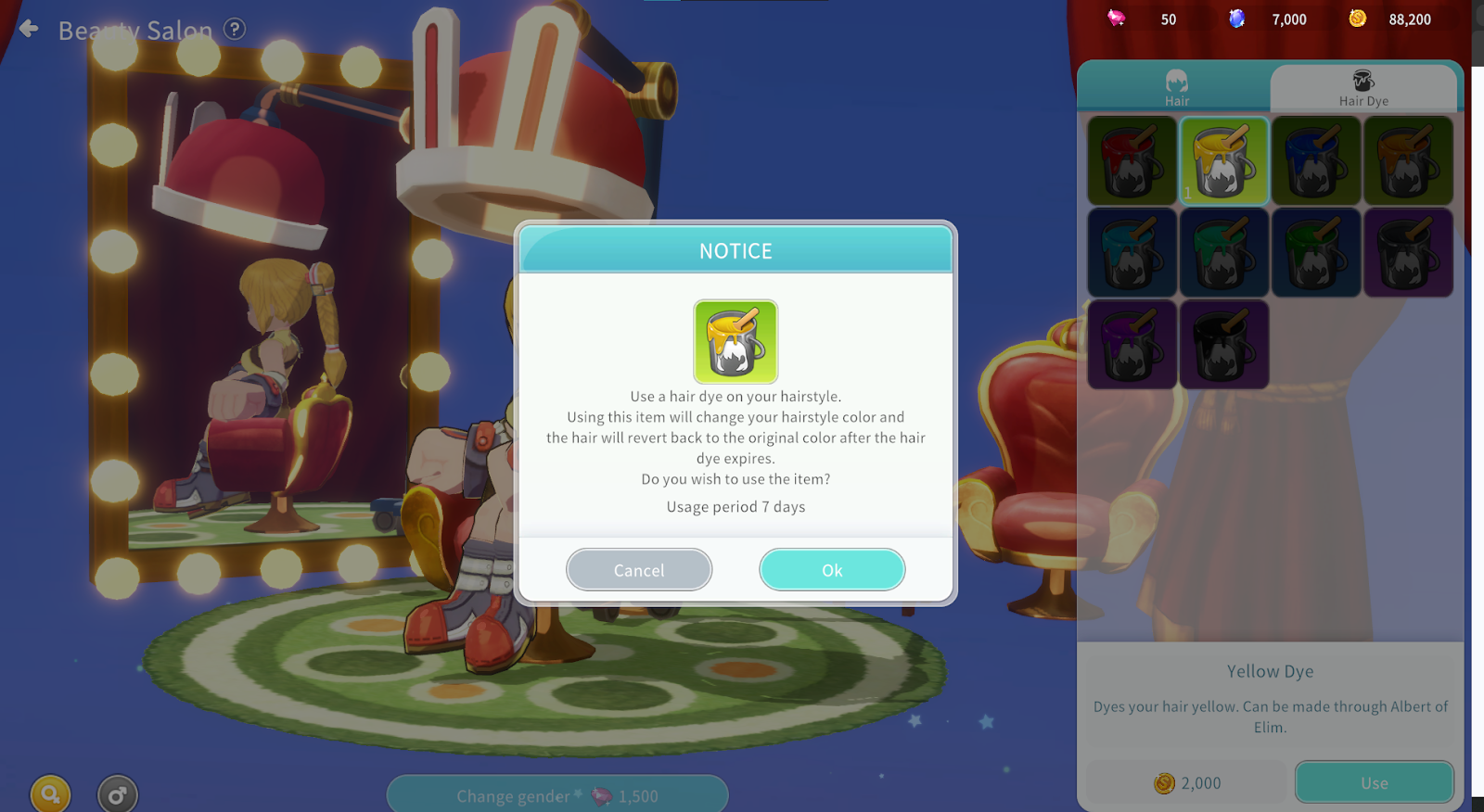
- Hair Dye applies to the currently equipped hairstyle.
- The applied dye will disappear after a certain period of time, and the hairstyle will revert to its default color.
