Appraisal

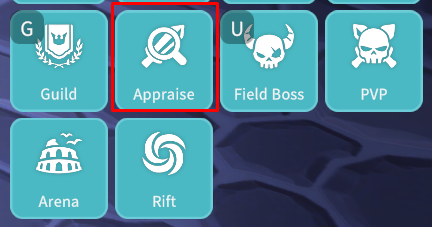
Upon reaching Level 30, you can use the Appraisal feature to grant additional options to Equipment.
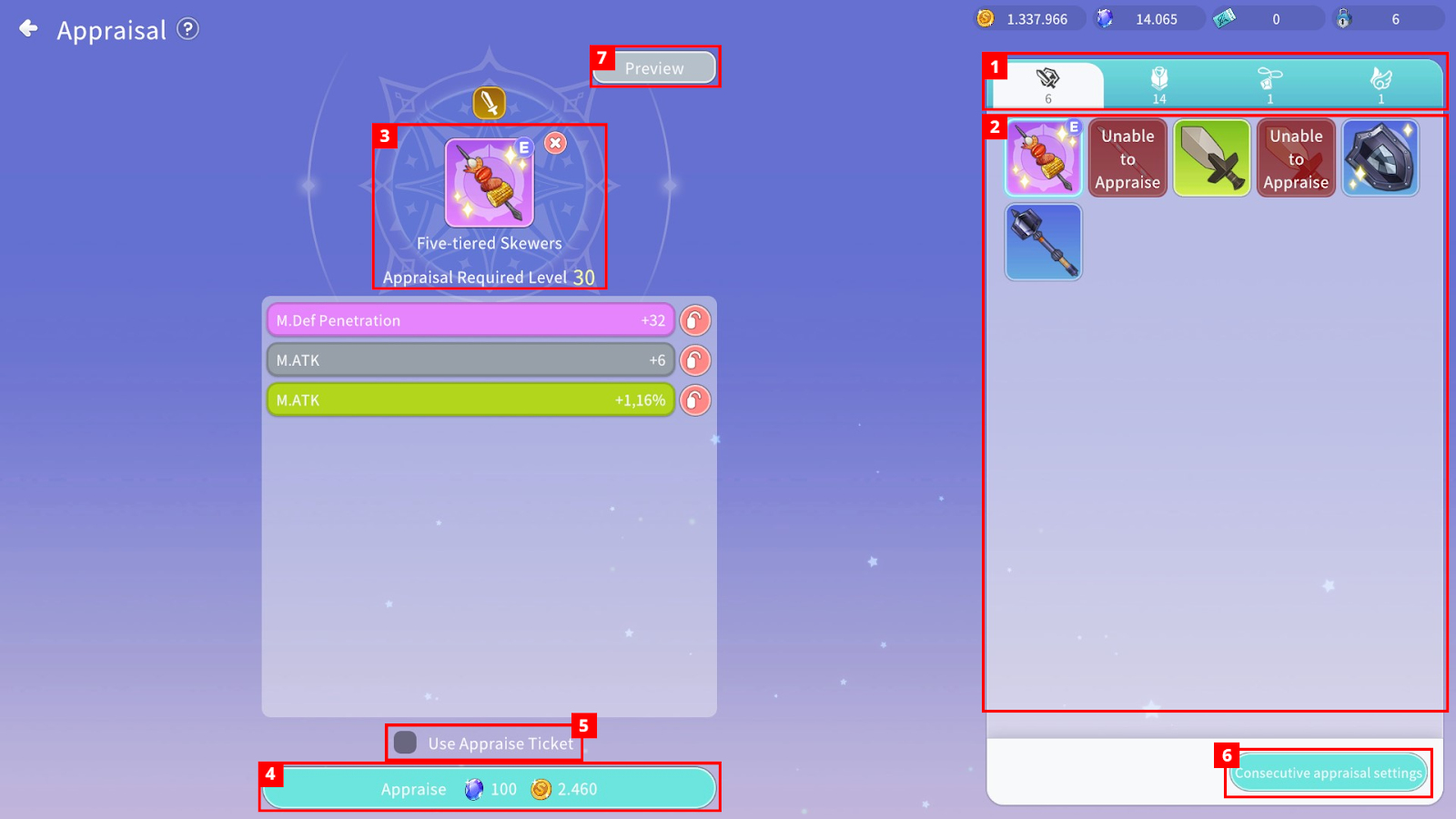
① You can select Weapons, Armor, Accessories, or Ooparts.
② You can check which Equipment is eligible for Appraisal.
③ You can check the Equipment you wish to Appraise. Press and hold the Equipment icon to view detailed information.
④ You can check the required Currency and proceed with Equipment Appraisal.
⑤ By using an Appraisal Ticket, you can Appraise Equipment without consuming Currency.
⑥ Through Consecutive appraisal settings, you can set conditions and perform Appraisal repeatedly.
⑦ By clicking the “Preview” button, you can check the options that may be granted.
- The number of granted options increases based on Equipment grade, and the number of option slots is fixed according to the grade.
