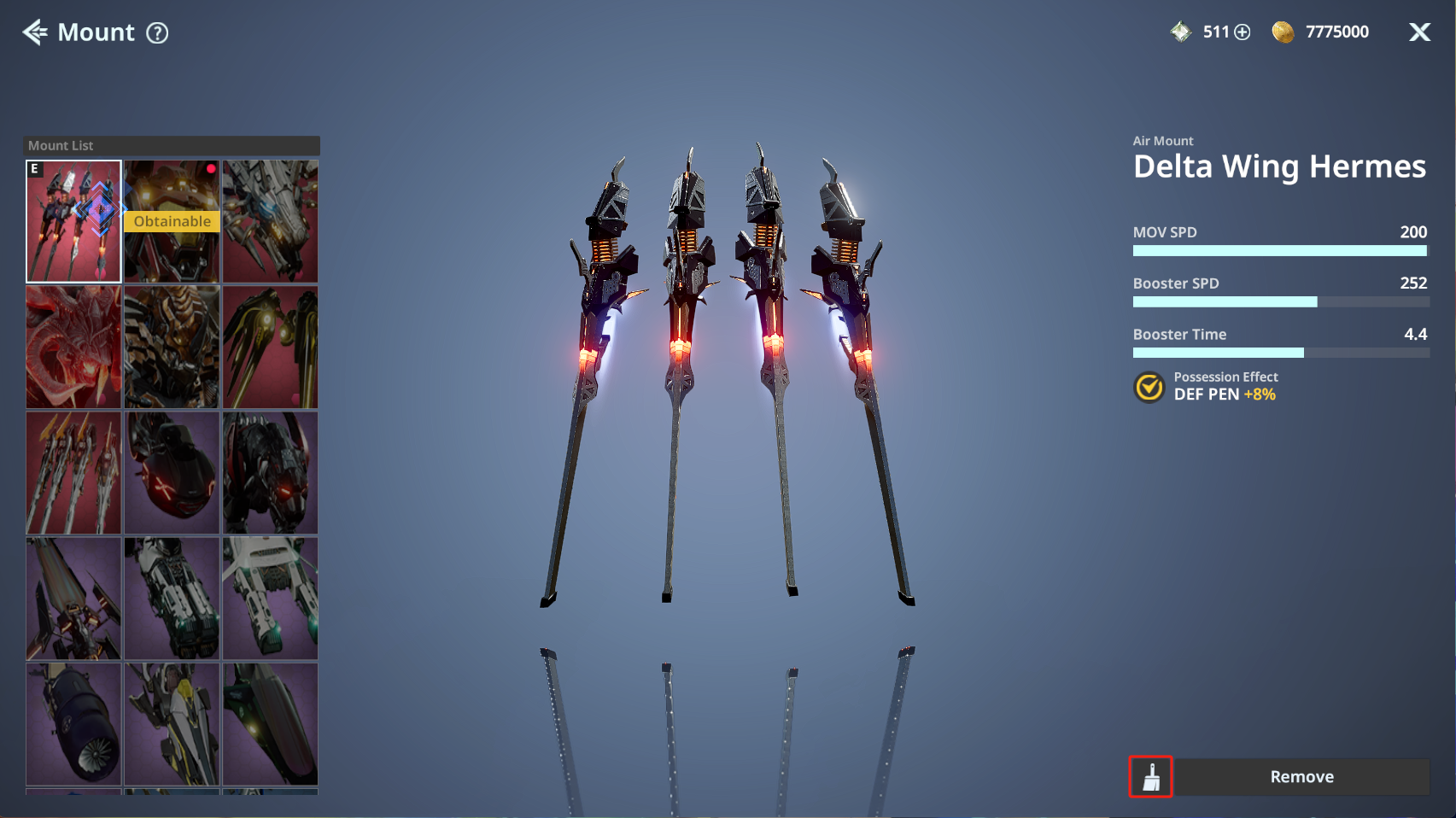
Mount
In this guide, we will walk you through Mounts,
which allow you to freely travel across planets and regions.
Please read on for more details.
* ARES: THE IRON VANGUARD is available on both mobile devices and PC.
Please note that this guide is based on the PC version.
* This guide was created in a test environment, and some content may be subject to change.
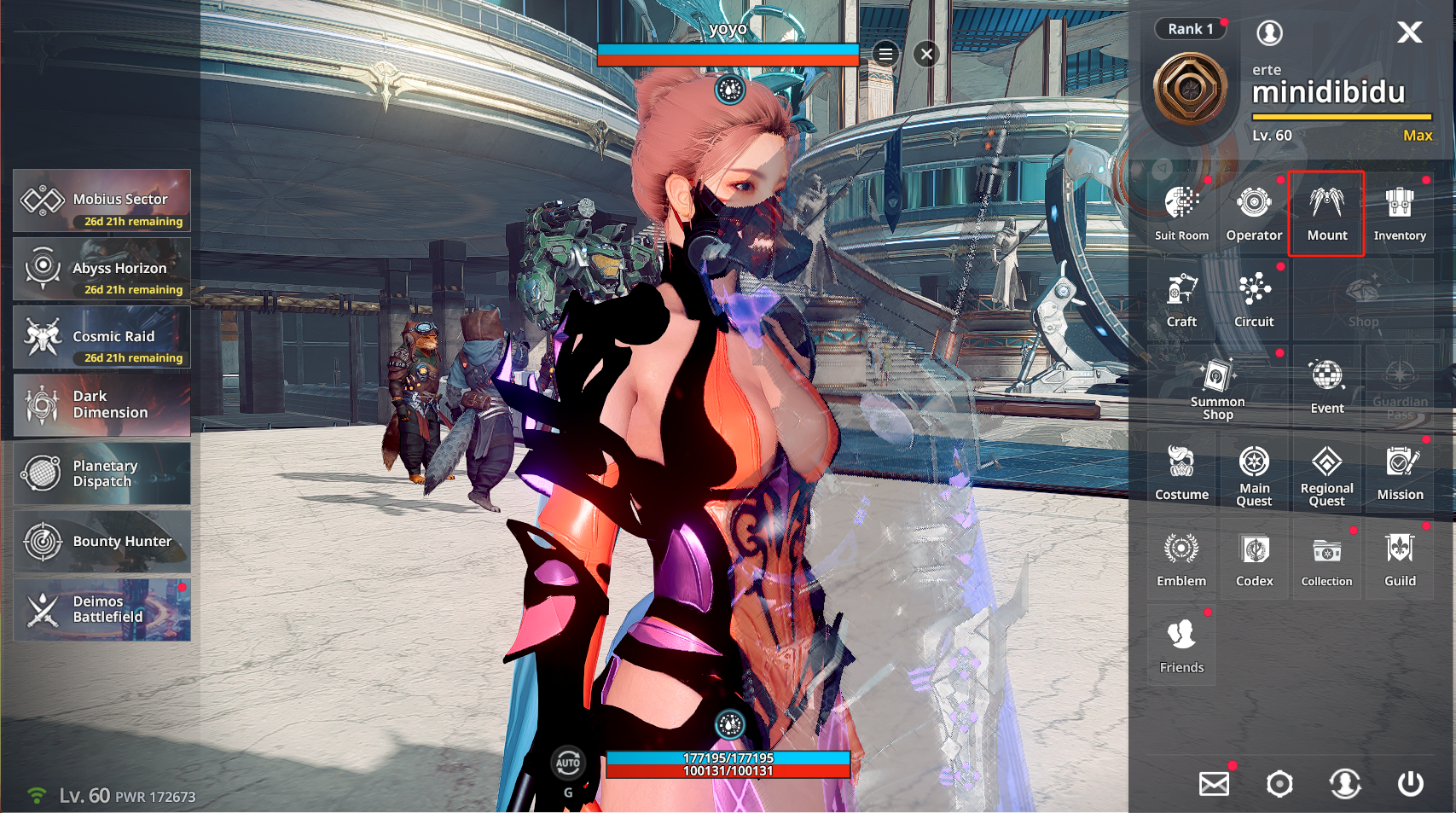
◈ Mount: How to Access
- You can access Mount via Menu ▶ Mount.
◈ Mount: Mount List
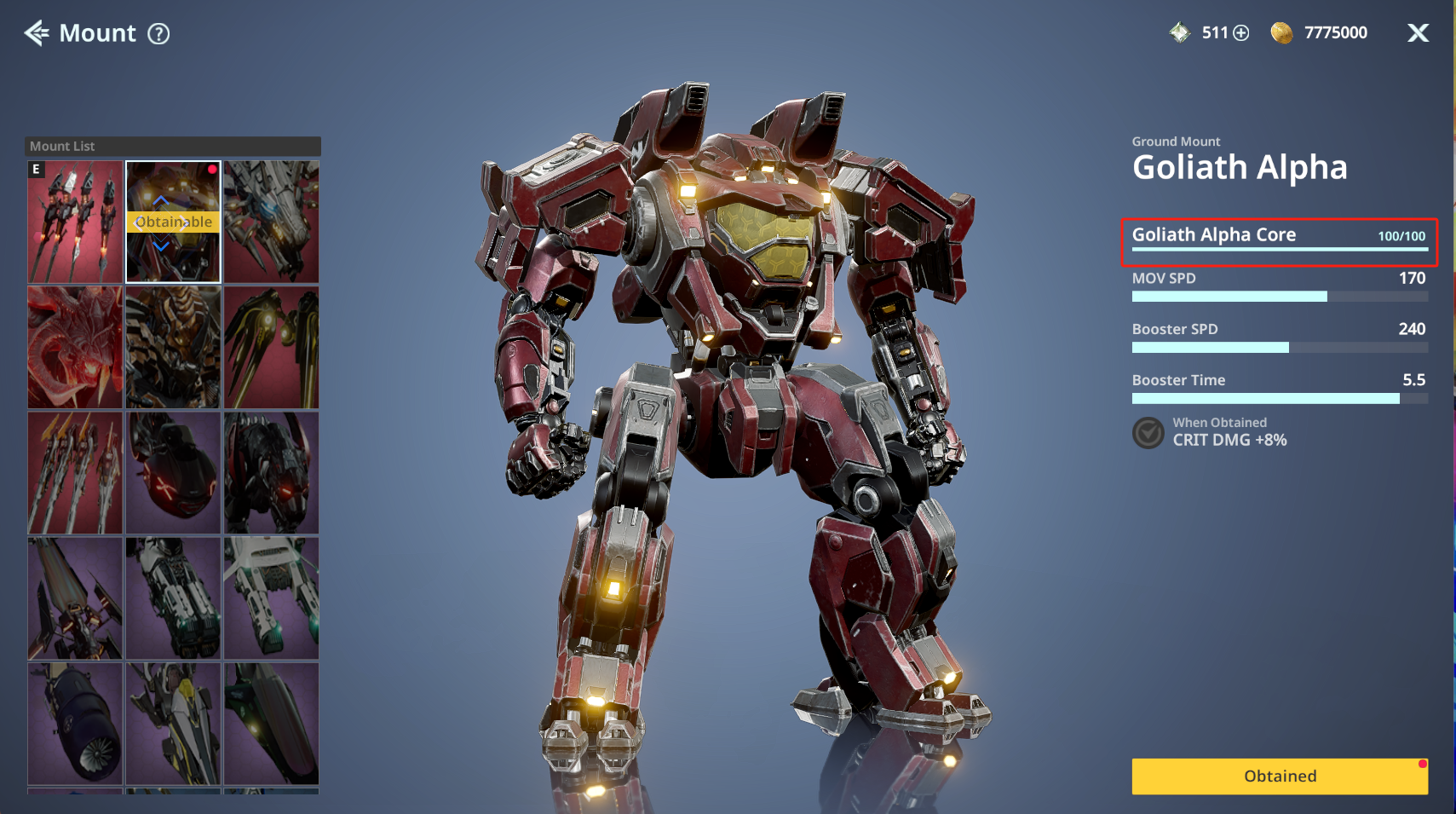
- You can view acquired Mounts in the Mount List and click a Mount to view detailed information.
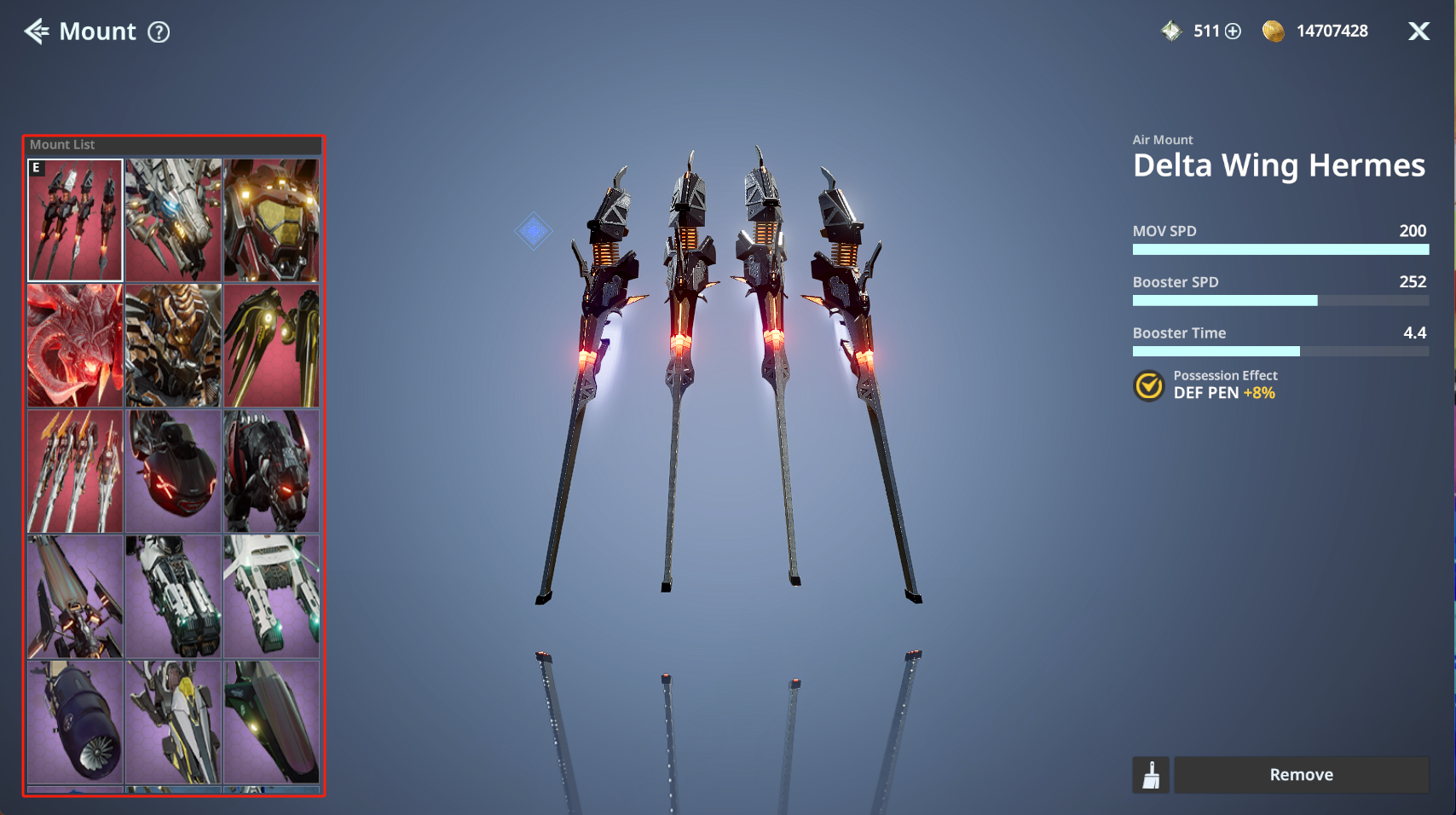
- Unowned Mounts are displayed in gray, and you can click them to check how to obtain them.
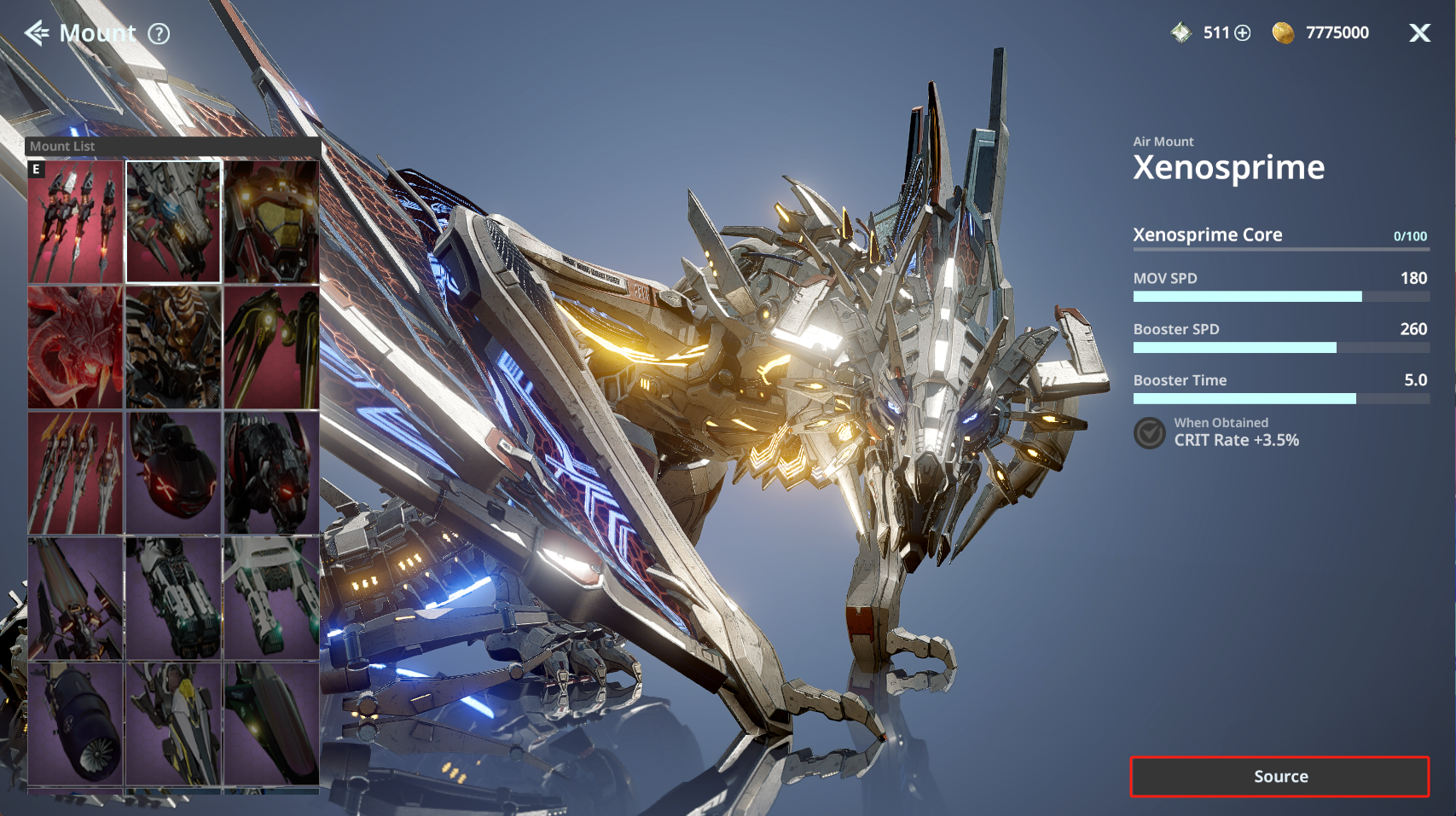
ⓘ Collect 100 Mount Cores to obtain the corresponding Mount.
◈ Mount: Dye
- Tap the icon at the bottom to move to the Mount dye page.