Suit Room

In this guide, we will walk you through the Suit Room, where you can view and manage Suits,
a core feature of ARES: THE IRON VANGUARD.
Please read on for more details.
* ARES: THE IRON VANGUARD is available on both mobile devices and PC.
Please note that this guide is based on the PC version.
* This guide was created in a test environment, and some content may be subject to change.
◈ Suit Room: How to Access
- You can access Suit Room via Menu ▶ Suit Room.
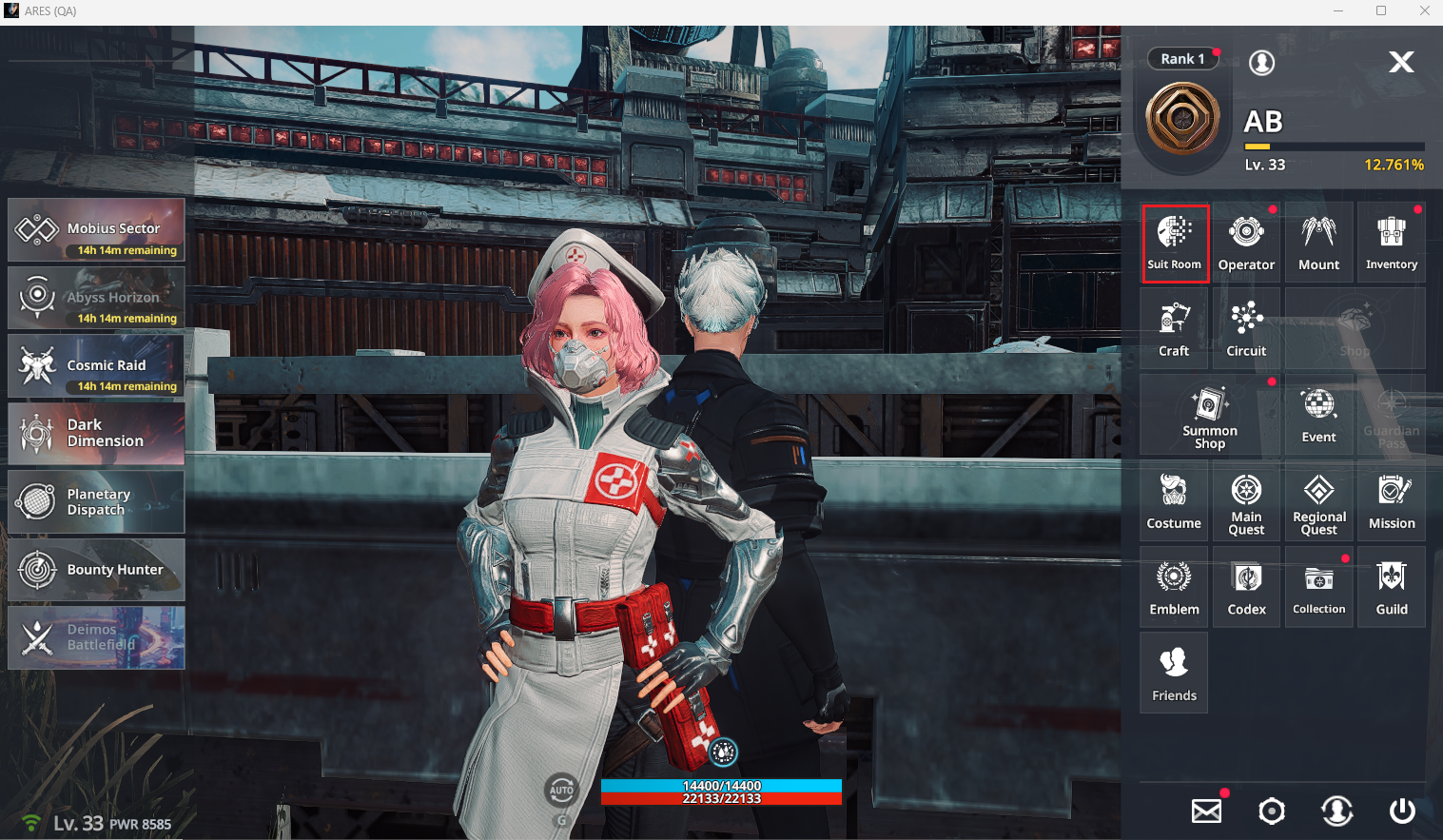
In Suit Room, you can check a Suit's ① Attributes, ② Gear, ③ Skills, and ④ Traits.
■ Suit Room: Element
◈ Suit Room: Suit List
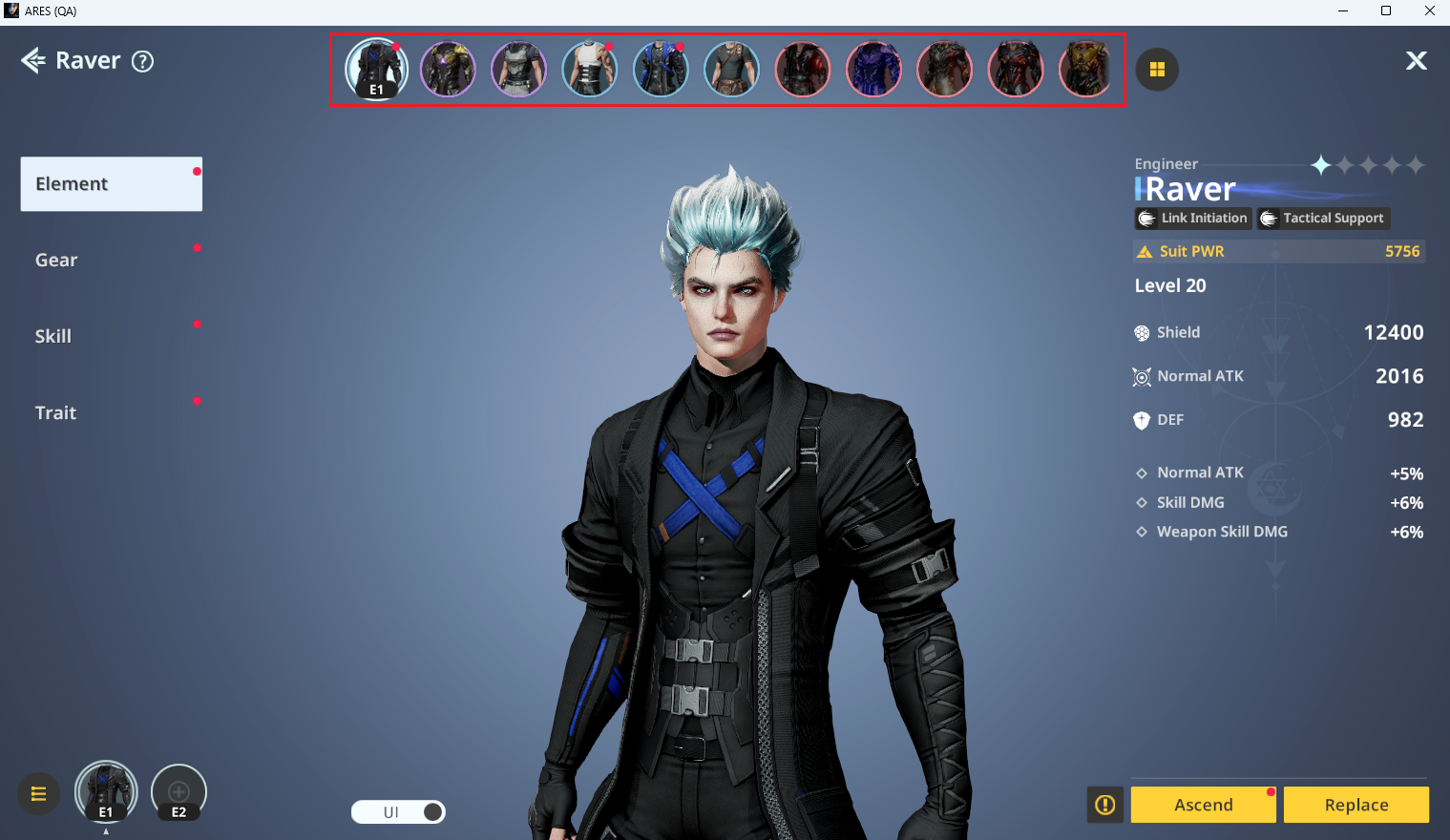
- You can view acquired Suits in two ways:
ⓘ Click individual Suit images at the top of the Suit Room
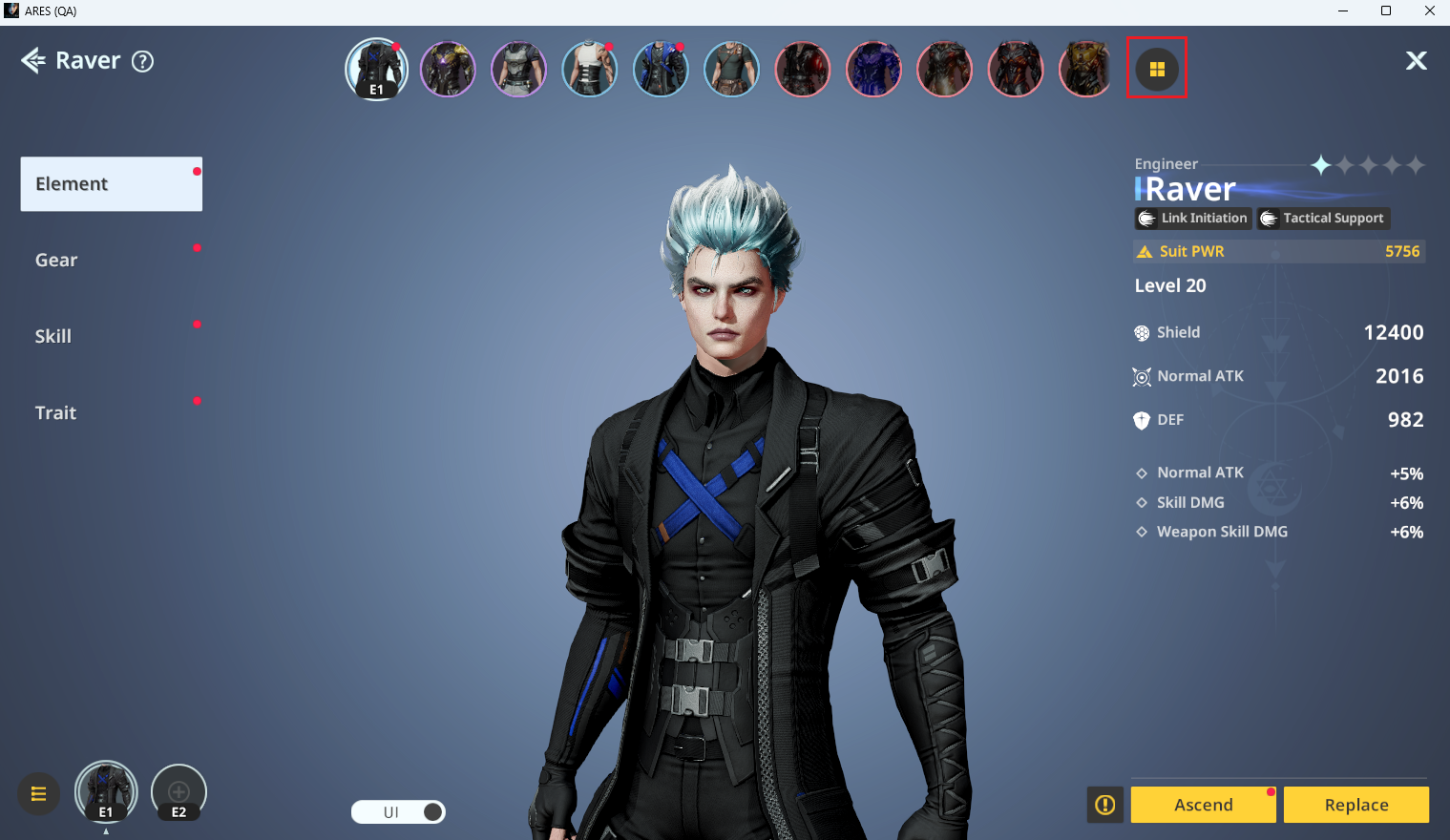
ⓘ Click the icon at the top right to open the Suit List page
- In the Suit List, you can select one of four types to more easily view your owned Suits.
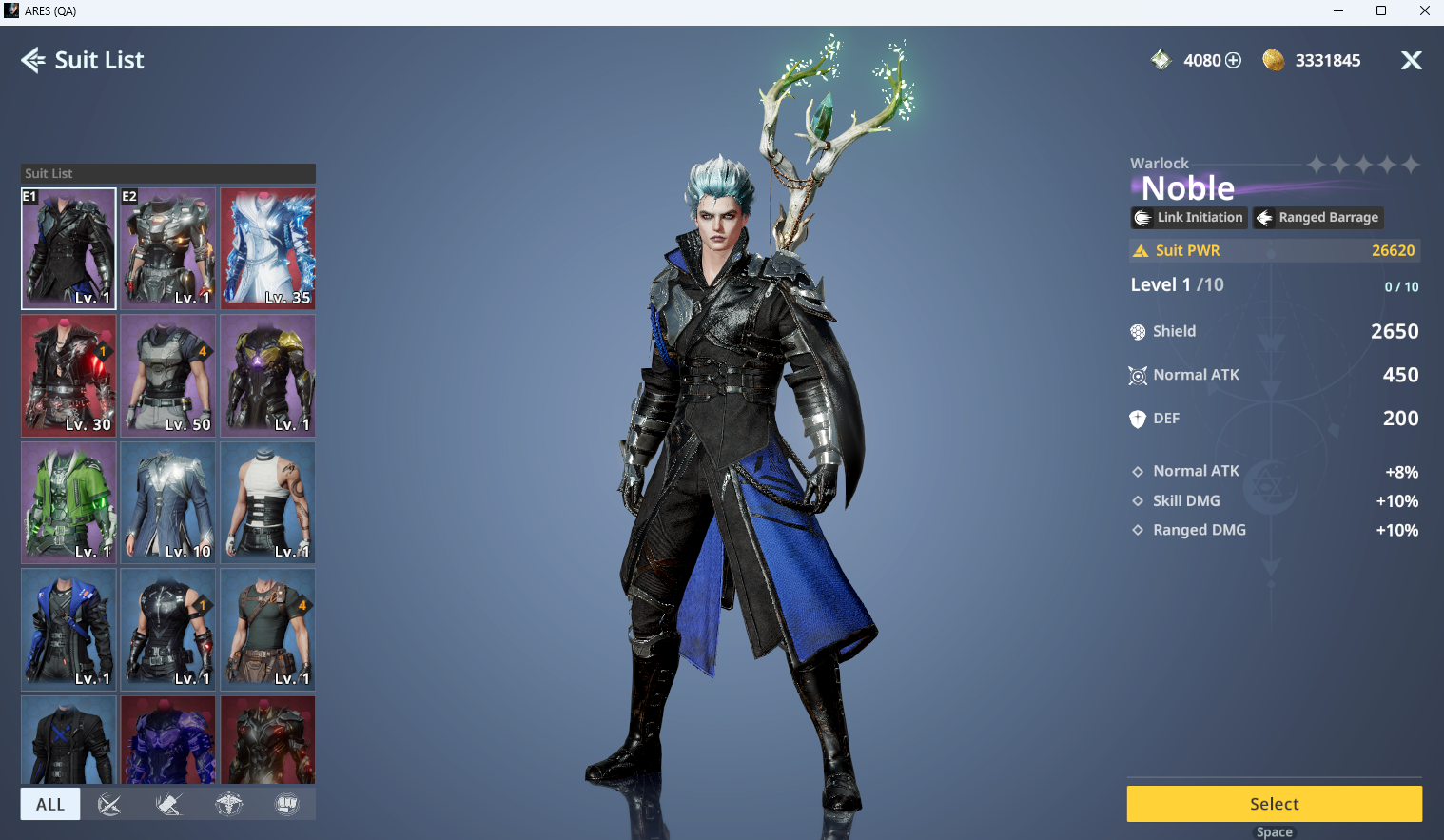
ⓘ You can use up to 2 Suit slots. The second slot is unlocked after completing a specific Main Quest.
○ Slot 2: Unlocked after completing Act 1 Chapter 1 - The Supply That Never Came
◈ Suit Room: Preset
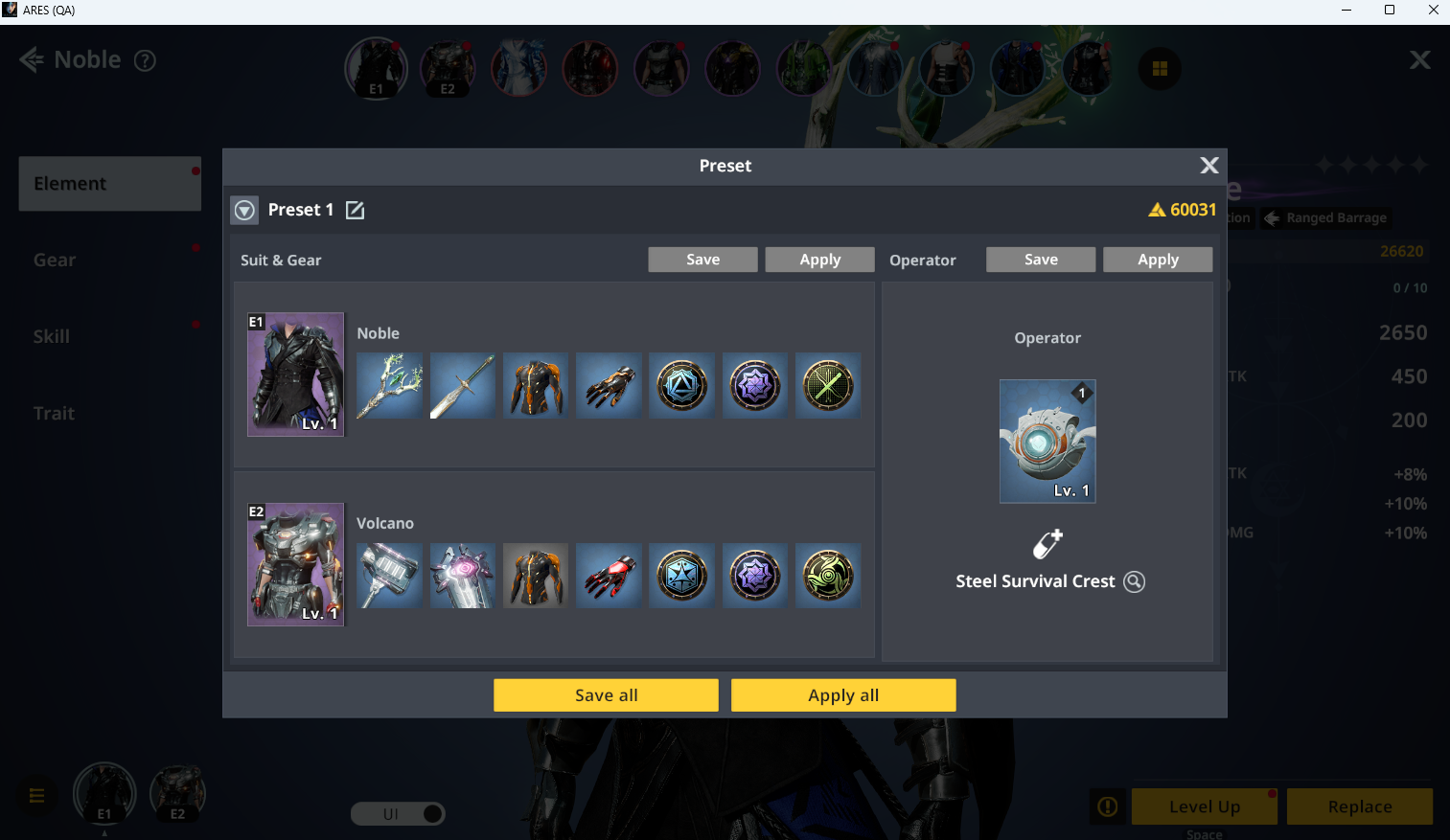
- Presets allow you to save configurations, and up to 5 presets can be registered.
- Click the icon to the left of the Suit slots to set presets.
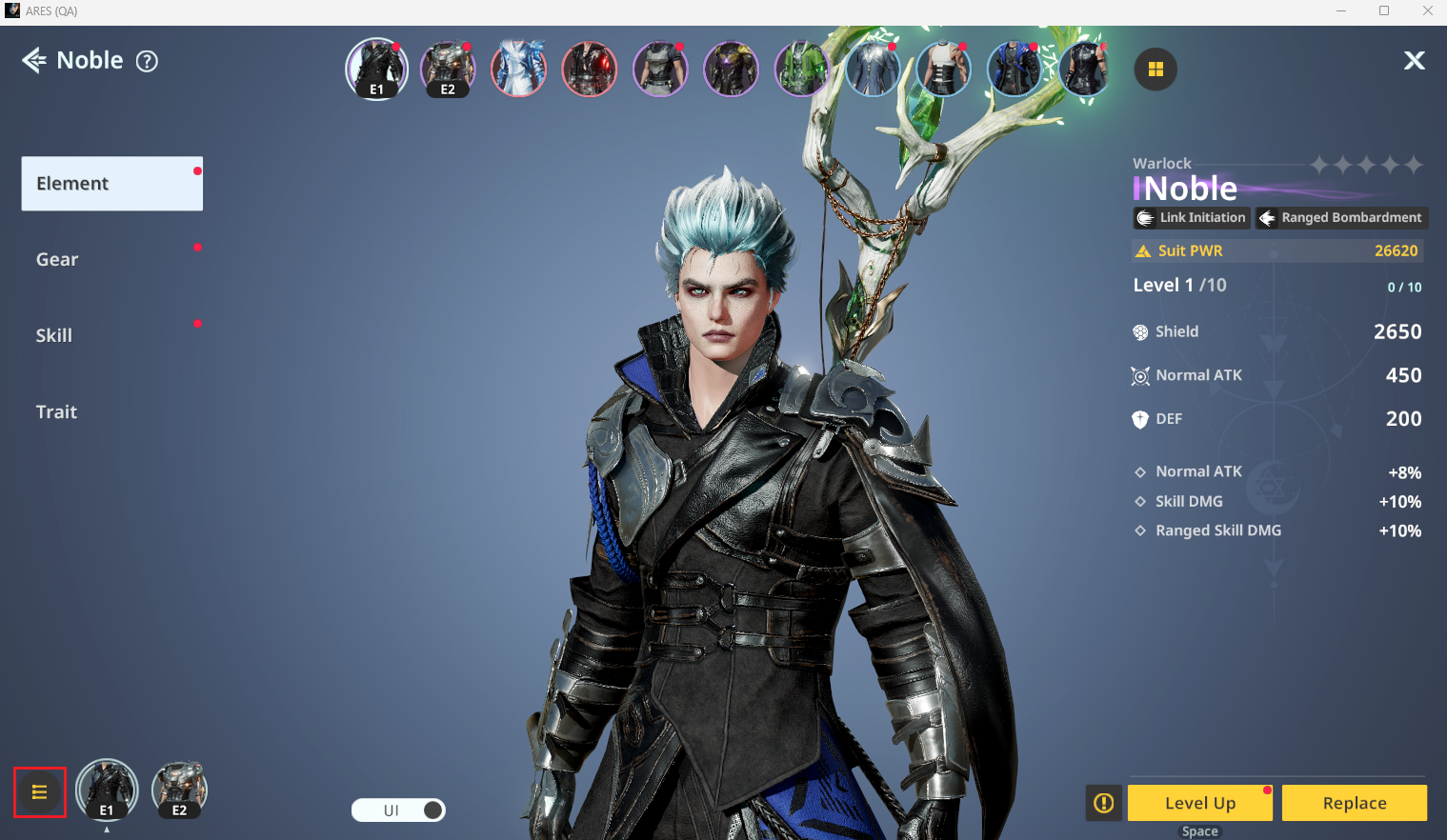
- You can save the currently equipped Suit and Operator into a preset slot of your choice.
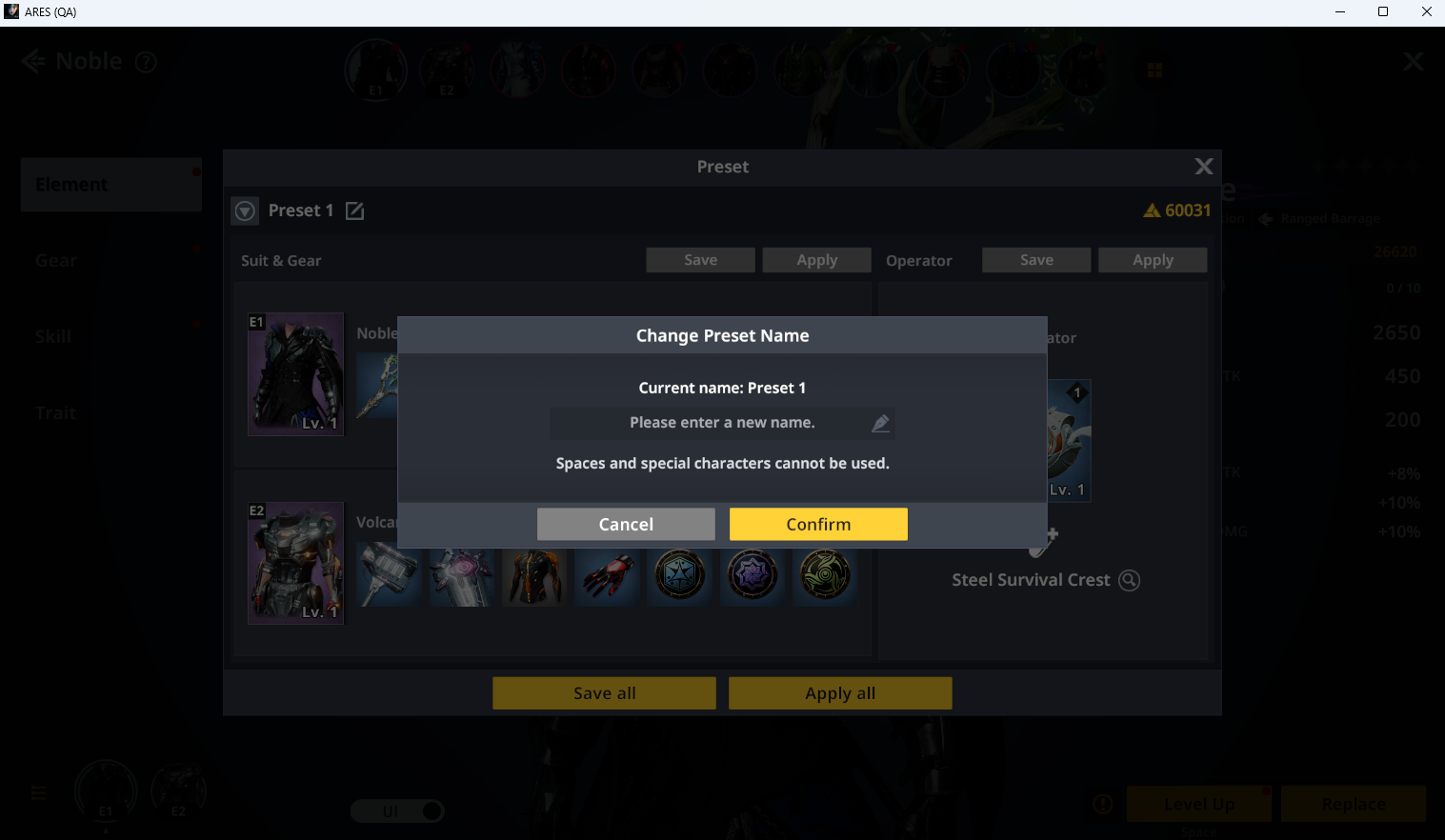
- Saved presets can include a memo of up to 10 characters, which can be freely edited.
ⓘ Special characters and spaces are not supported.
- After saving, you can switch Suits and Operators freely outside of combat by clicking Apply.
◈ Suit Room: Level Up
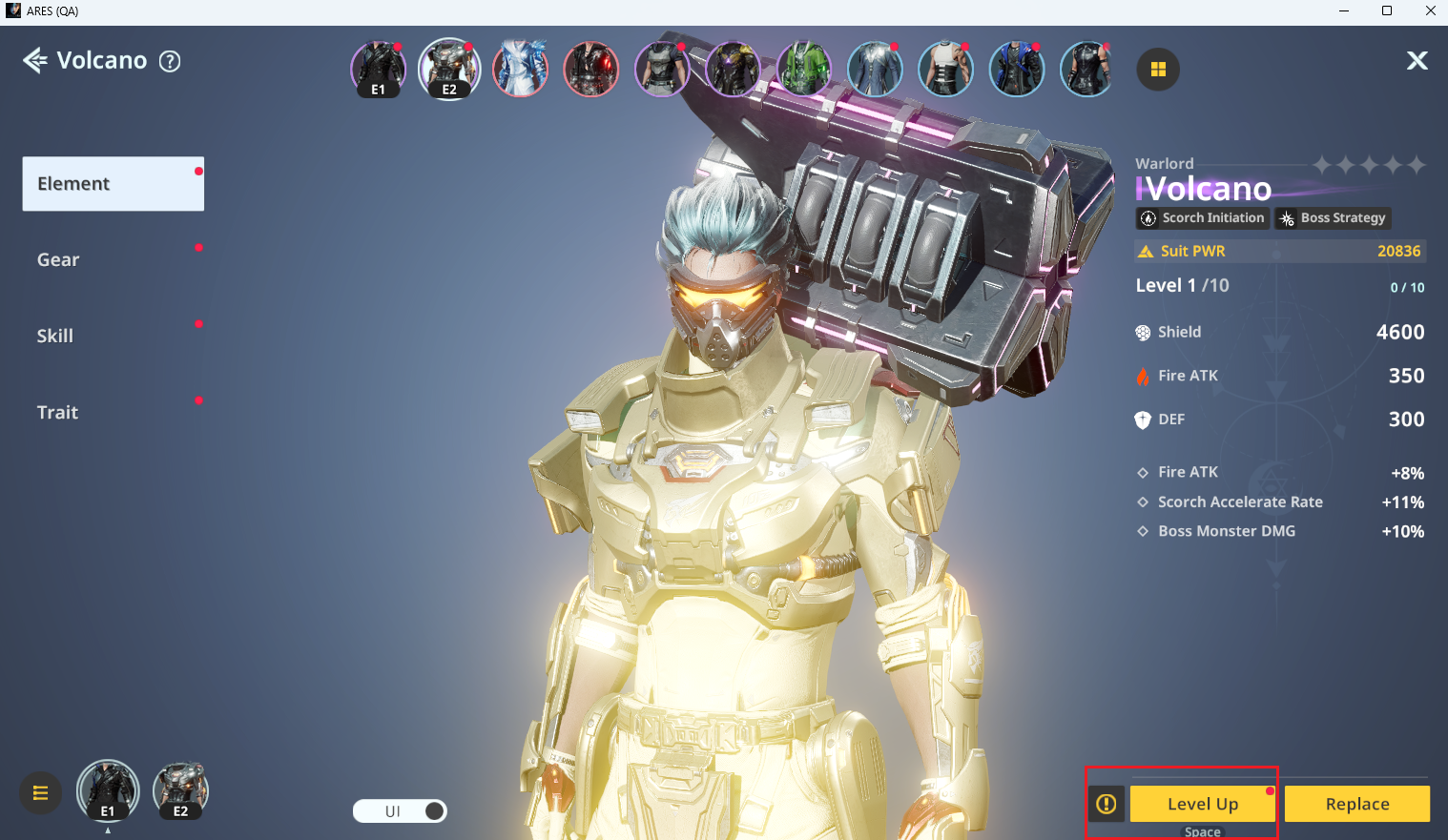
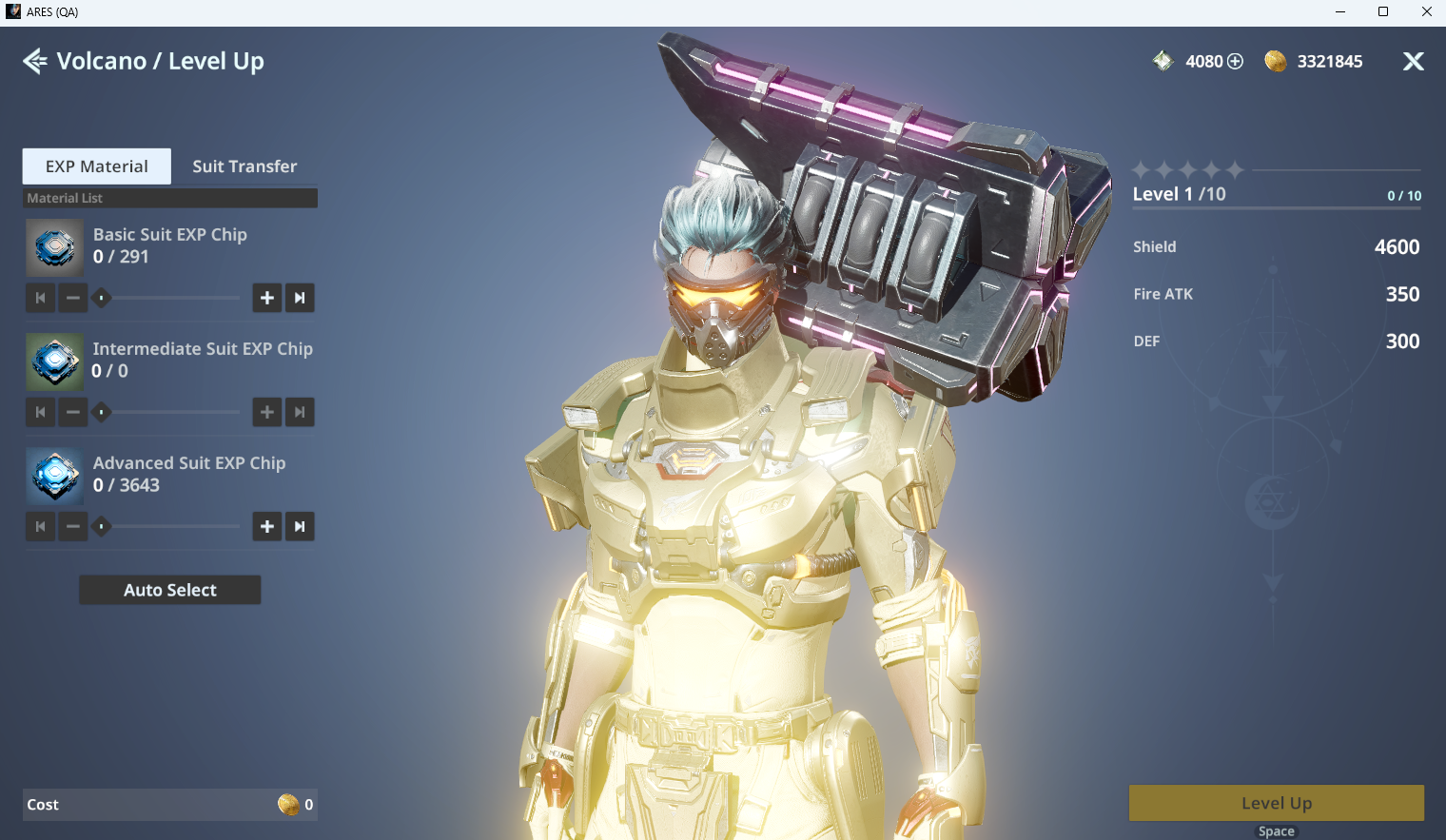
- You can level up Suits via Suit Room ▶ Attributes ▶ Level Up using EXP Chips.
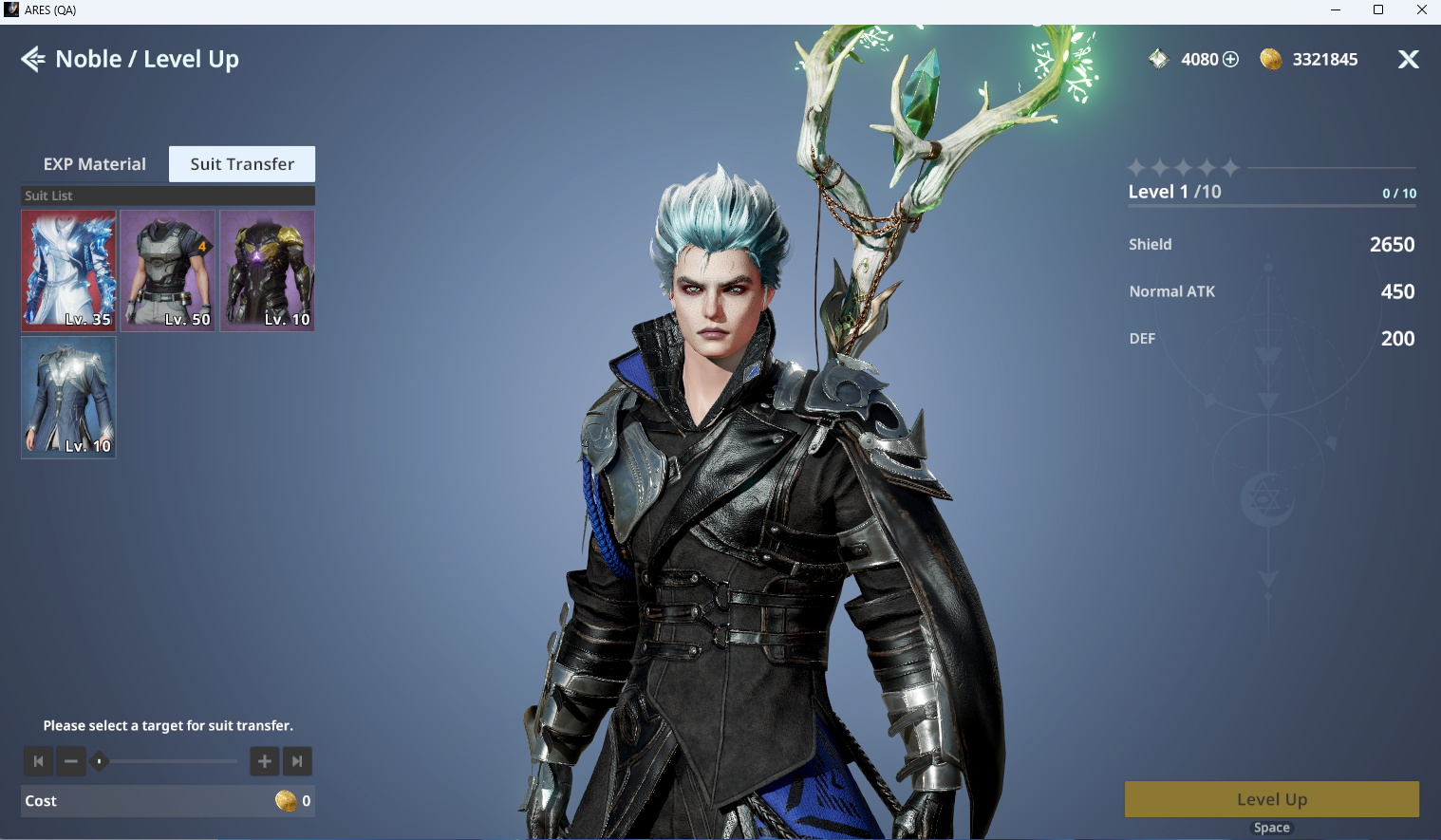
- Suit Transfer allows you to transfer EXP from a leveled Suit to another Suit using Gold.
ⓘ EXP gained before Ascension cannot be transferred. Only EXP gained after Ascension can be transferred to another Suit.
ⓘ Max Level by Suit Grade
All Suits can be leveled up to Lv. 60 regardless of grade.
◈ Suit Room: Ascension
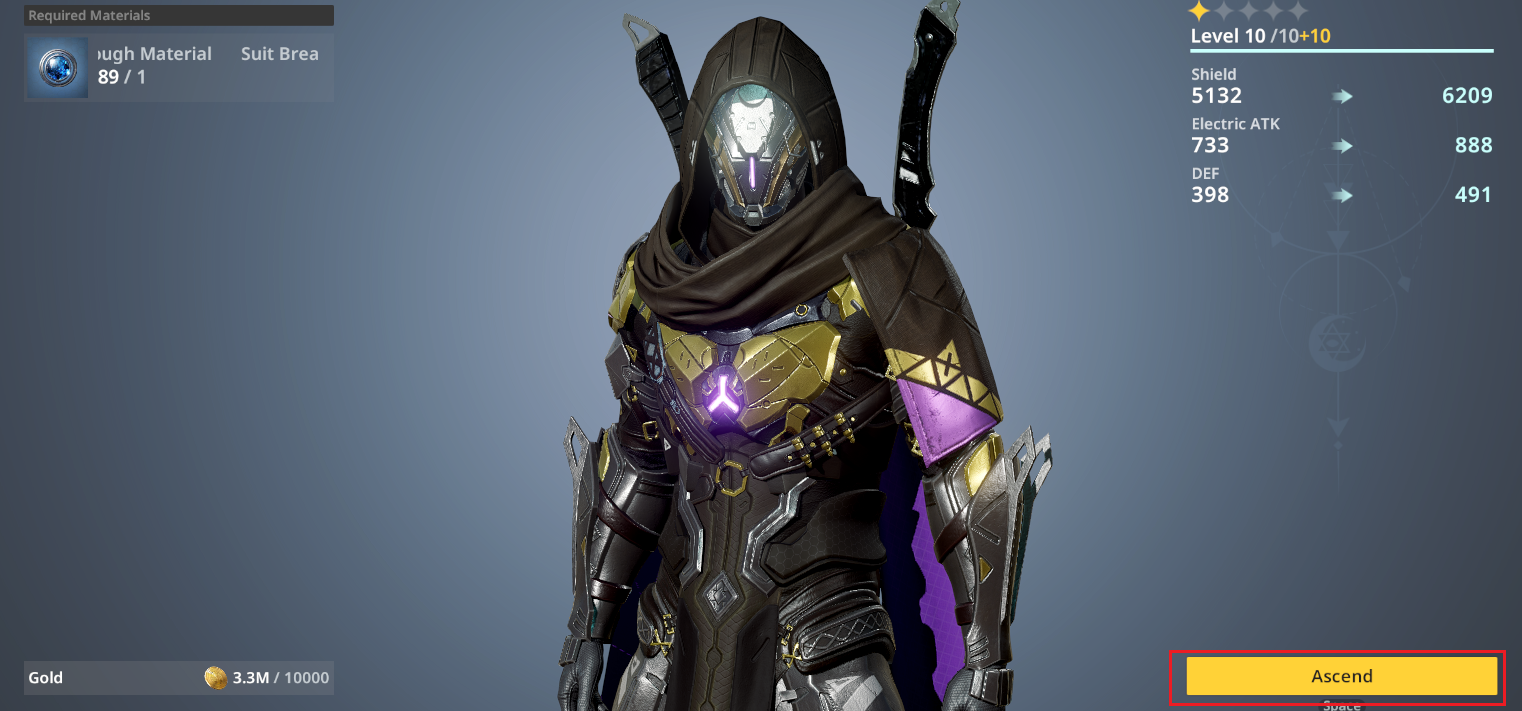
- Ascension occurs every 10 levels during leveling and requires Suit Ascension materials.
◈ Suit Room: Stats
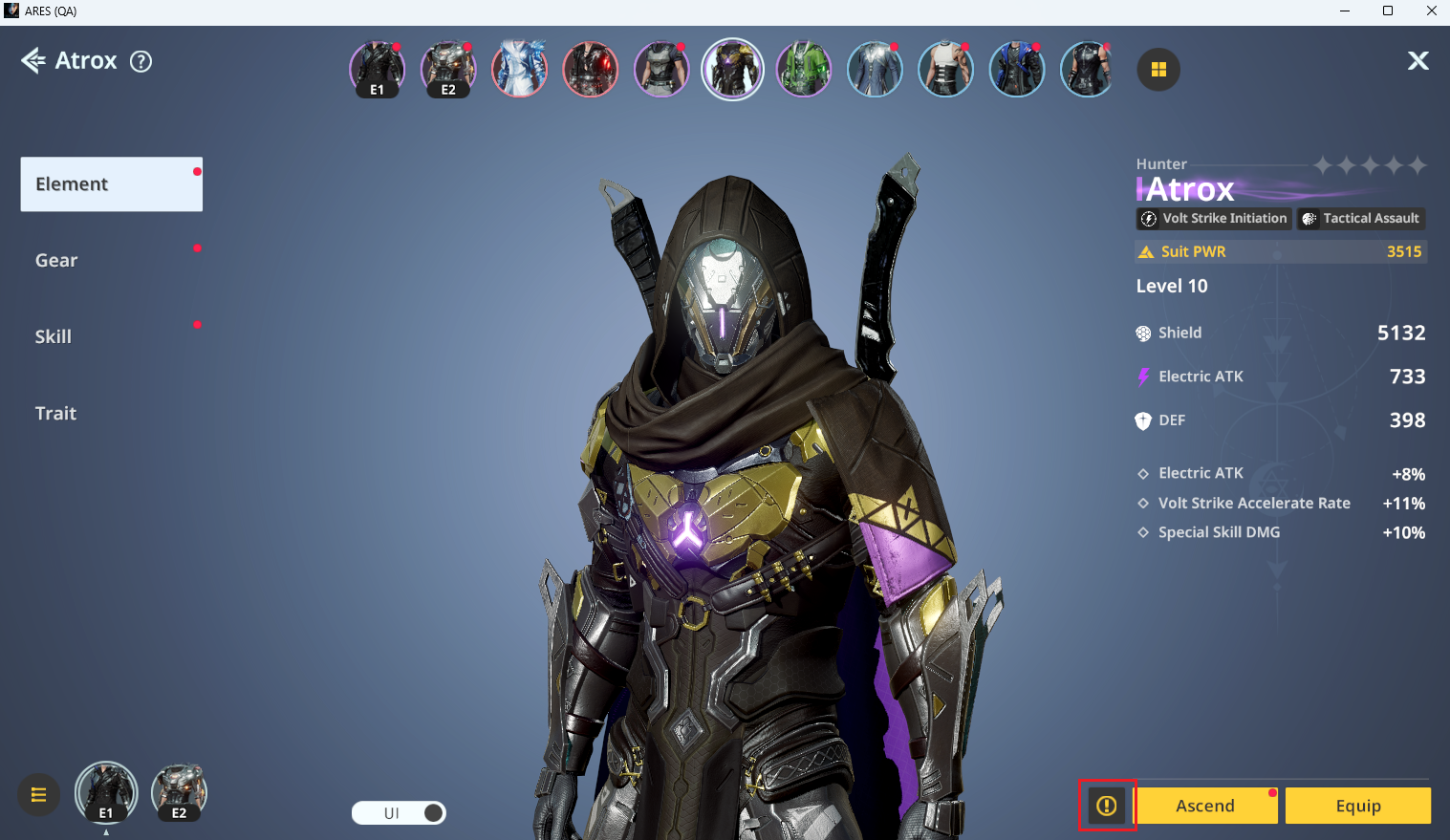
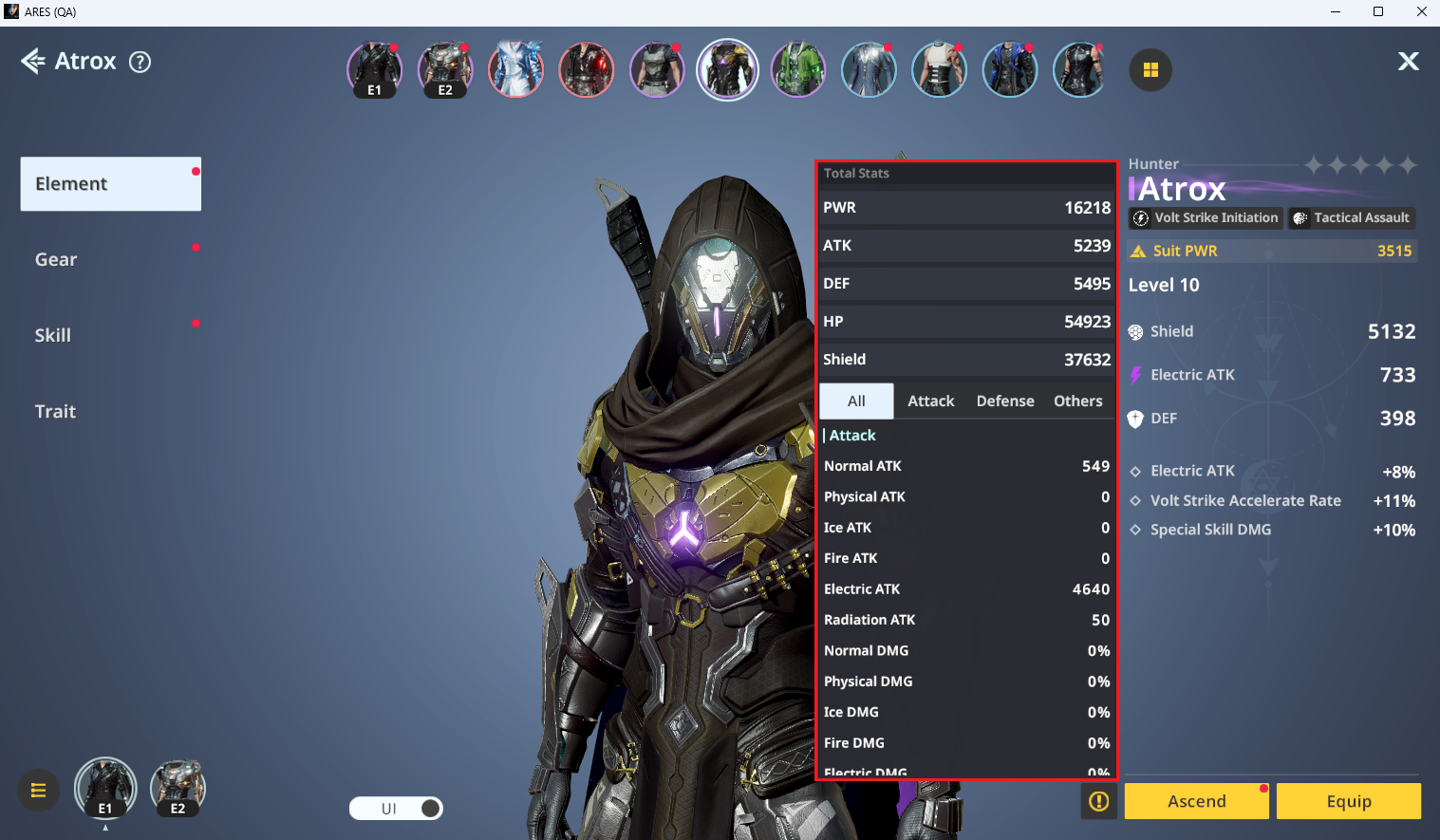
- Click the Details icon next to the Level Up button to view detailed stats of the currently equipped Suit.
■ Suit Room: Gear
◈ Suit Room: Equip Gear
- Click the Gear tab to move to the gear screen and view available gear for each slot.
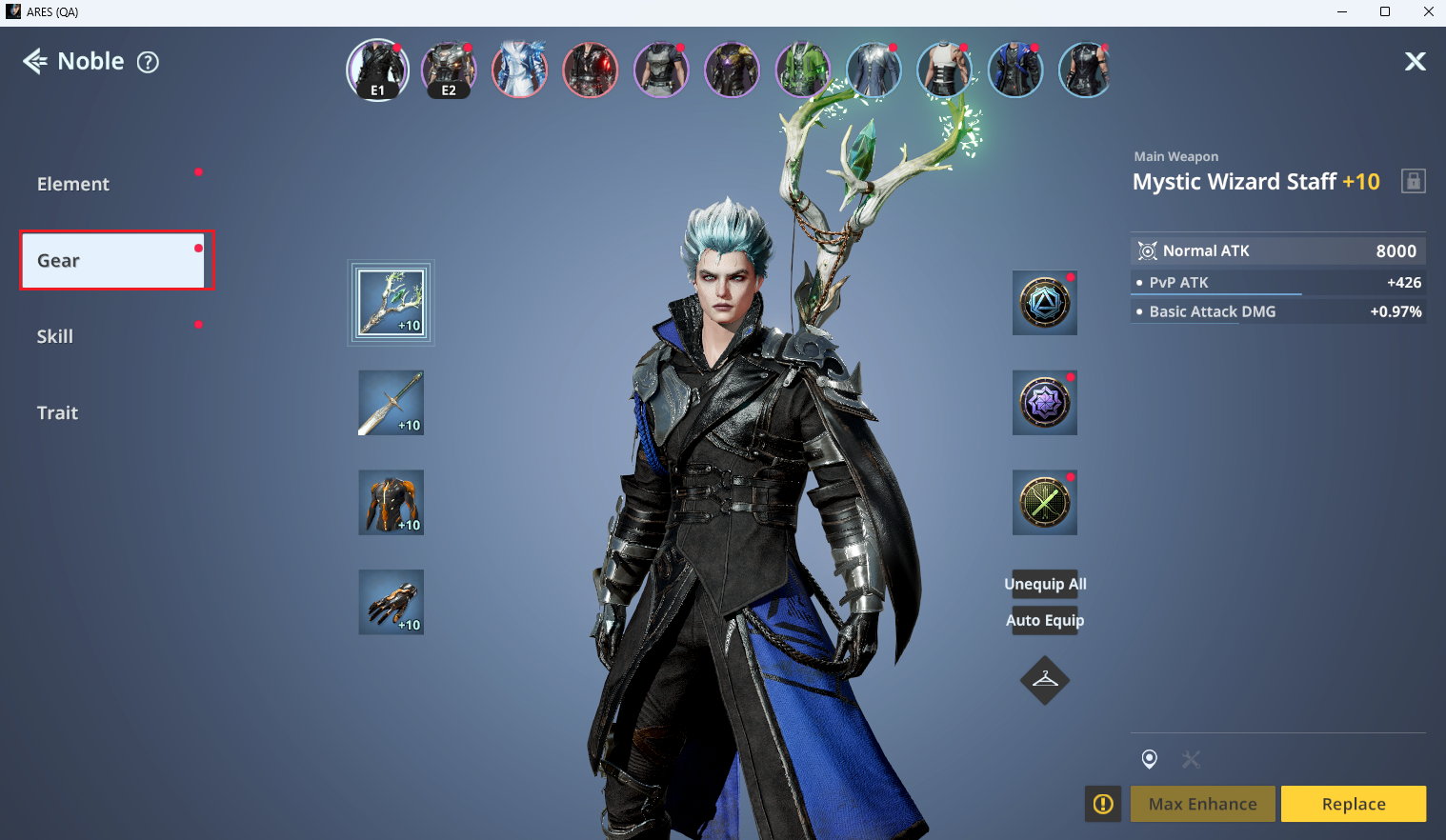
ⓘ Click Unequip All or Auto Equip for easier gear management.
For more details, please refer to the Gear guide.
■ Suit Room: Skills
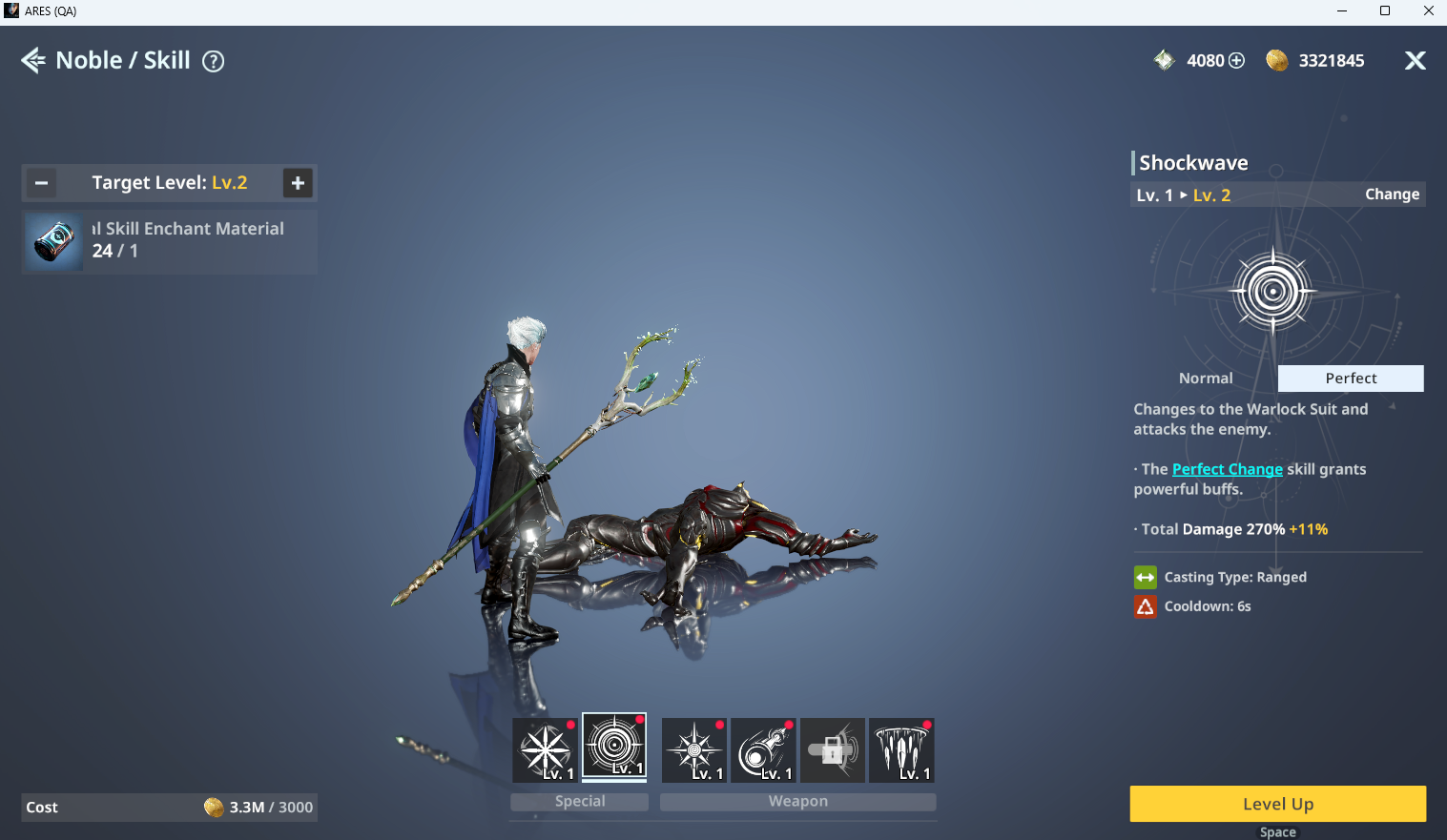
- In the Skills tab, you can view Suit-specific skills and level them up.
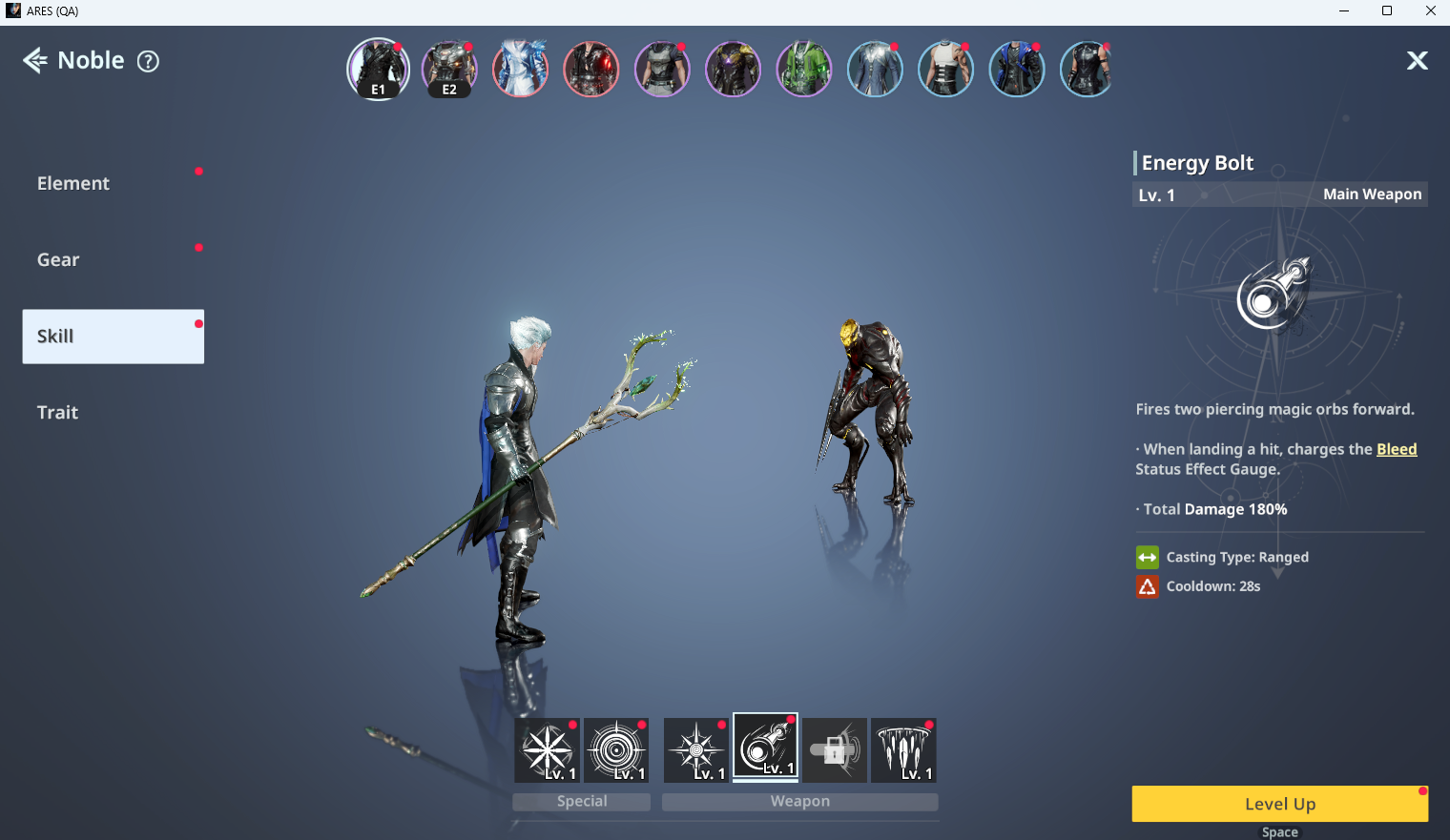
ⓘ Each Suit has different skill compositions, and the number of usable skills varies based on grade and progression level.
◈ Suit Room: Skill Level Up
- Weapon Skills and Special Skills can be leveled up to Lv. 10, and the max level may increase when Traits are activated.
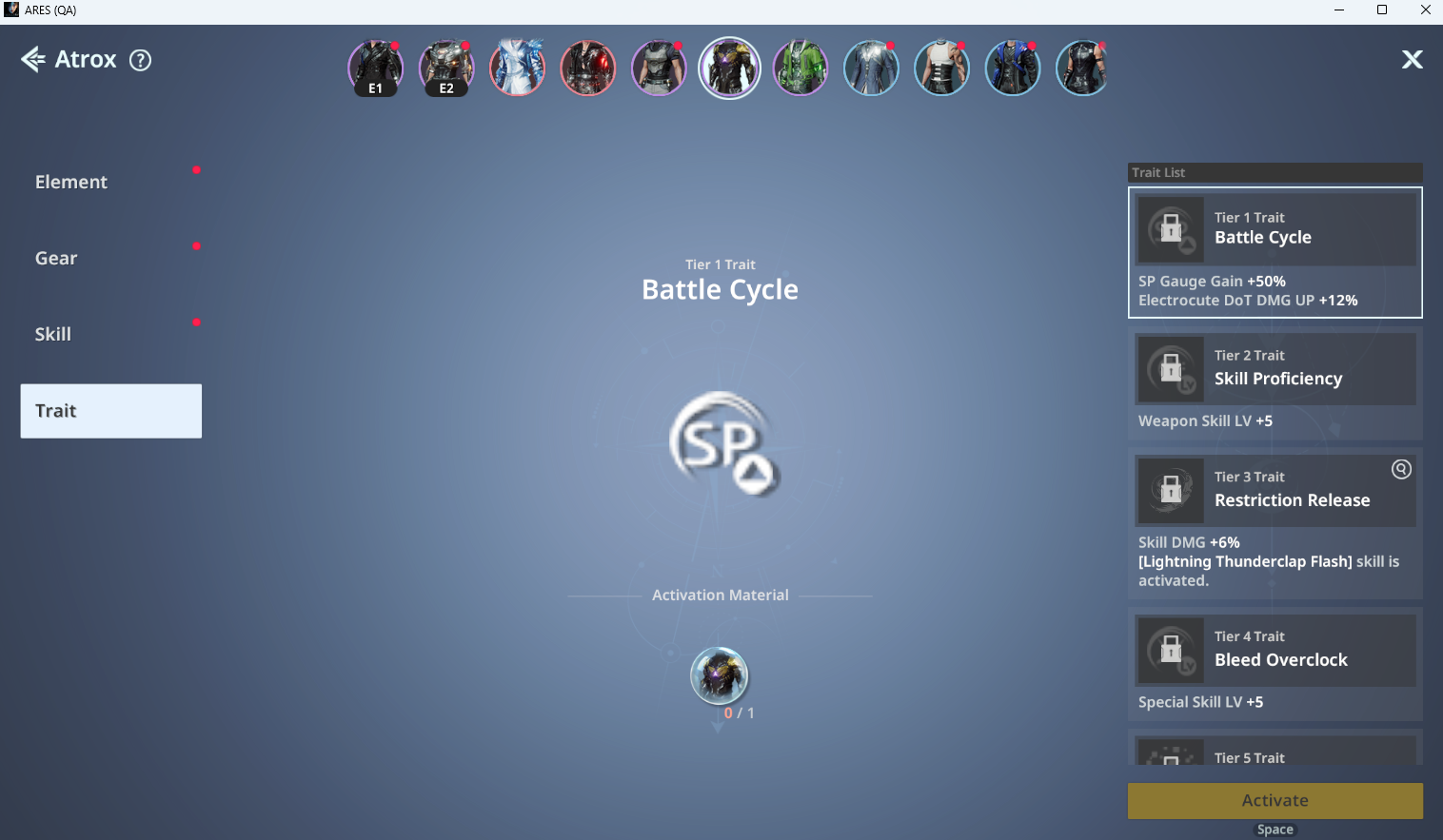
■ Suit Room: Traits
- Traits enhance Suit stats. Activating Traits requires Suit Cores of the same Suit, which can be obtained when acquiring duplicate Suits.