Character Info
In this guide, we will walk you through Character Info.
You can view detailed character data such as Emblems and Main Quest progress.
Please read on for more details.
* ARES: THE IRON VANGUARD is available on both mobile devices and PC.
Please note that this guide is based on the PC version.
* This guide was created in a test environment, and some content may be subject to change.
◈ Character Details
- You can view Emblems, Guild Info, and Quest Progress at a glance in Character Details.
◈ Character Details: How to Access
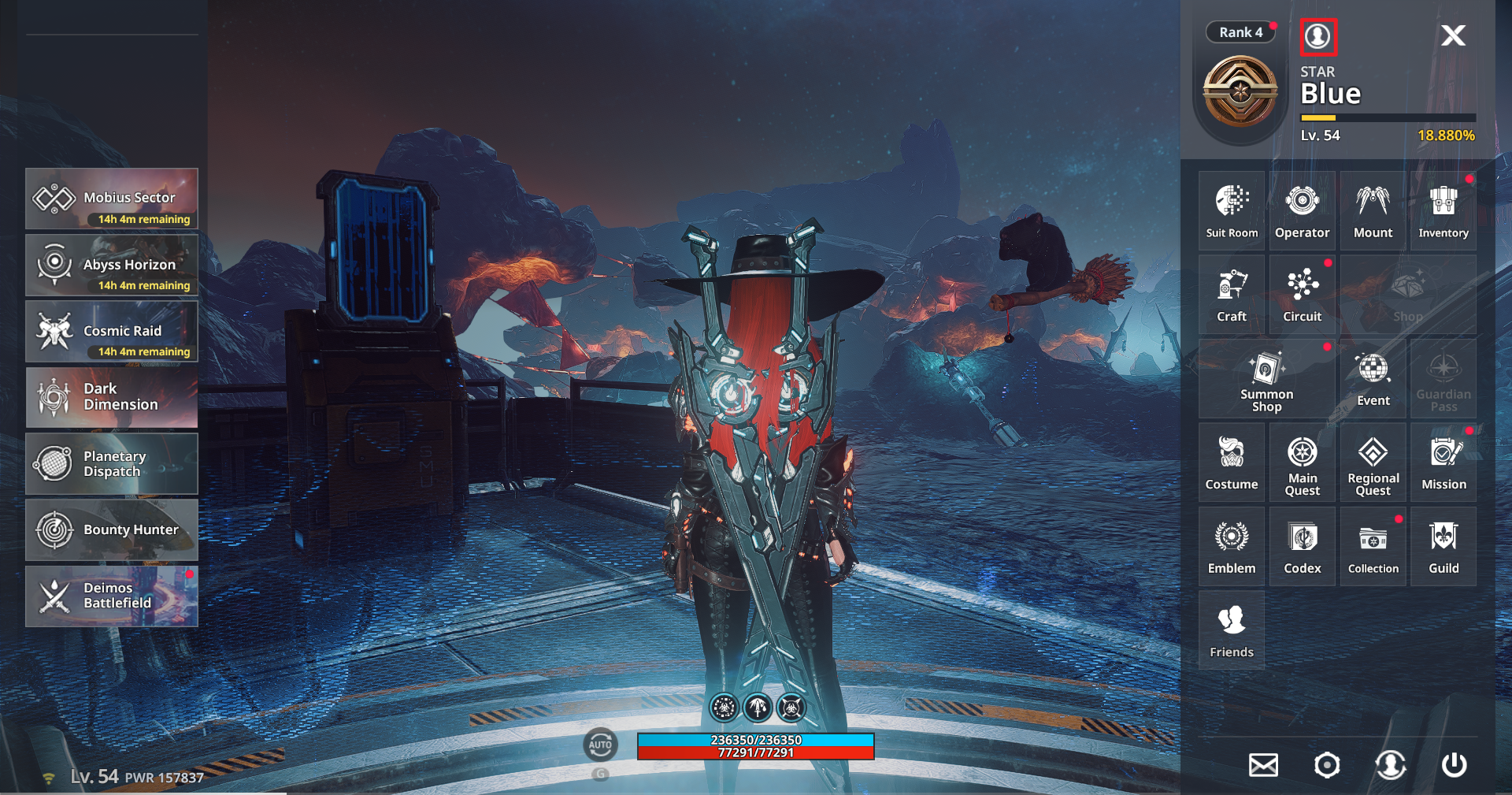
- You can access Character Info via Menu ▶ Profile Icon.
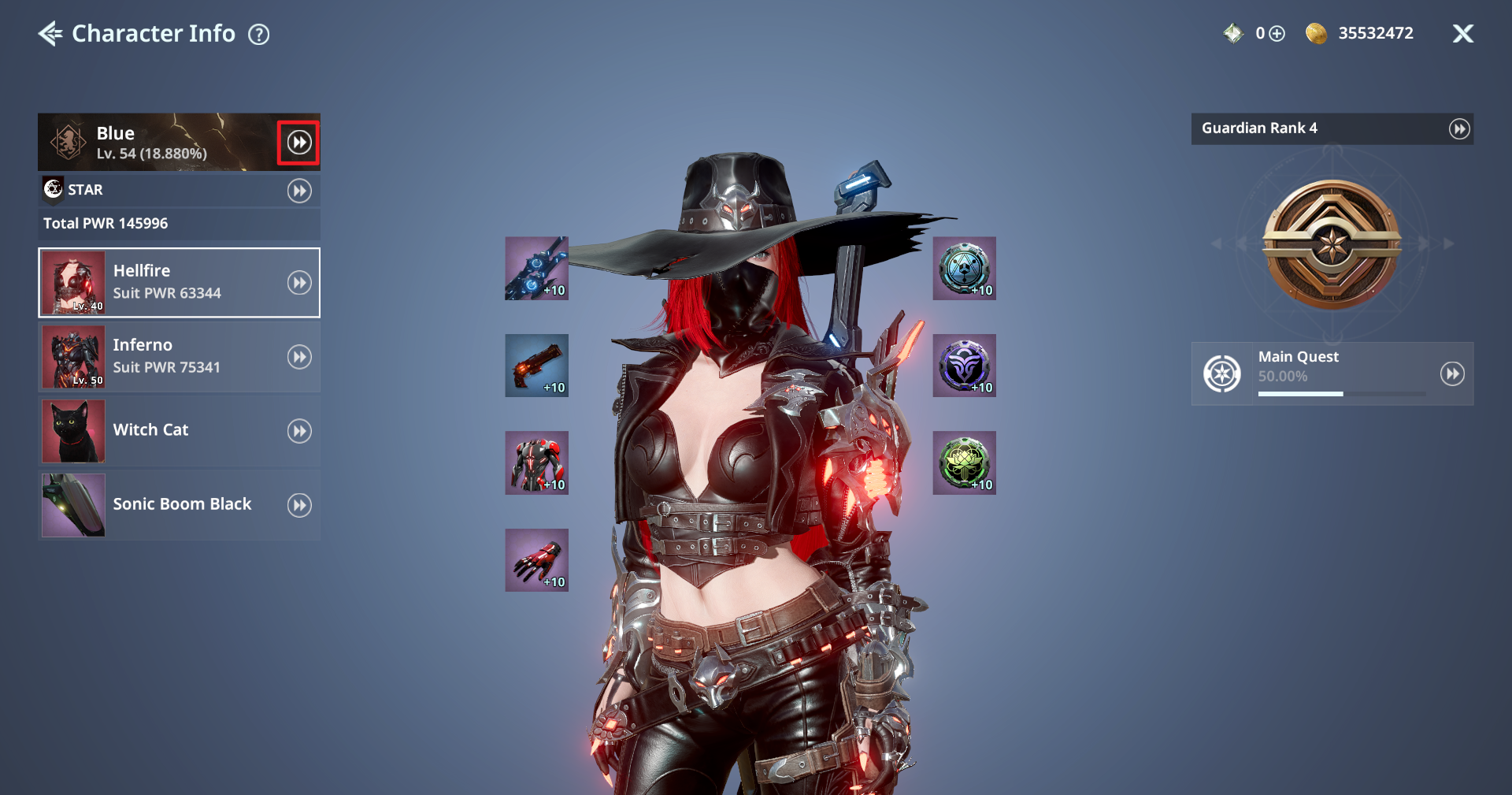
◈ Character Info: Emblem
- Click the ▶▶ icon next to the nickname to open the Emblem page.
- Emblems are divided into Normal and Special, and each Emblem has its own acquisition conditions and equipped effects.
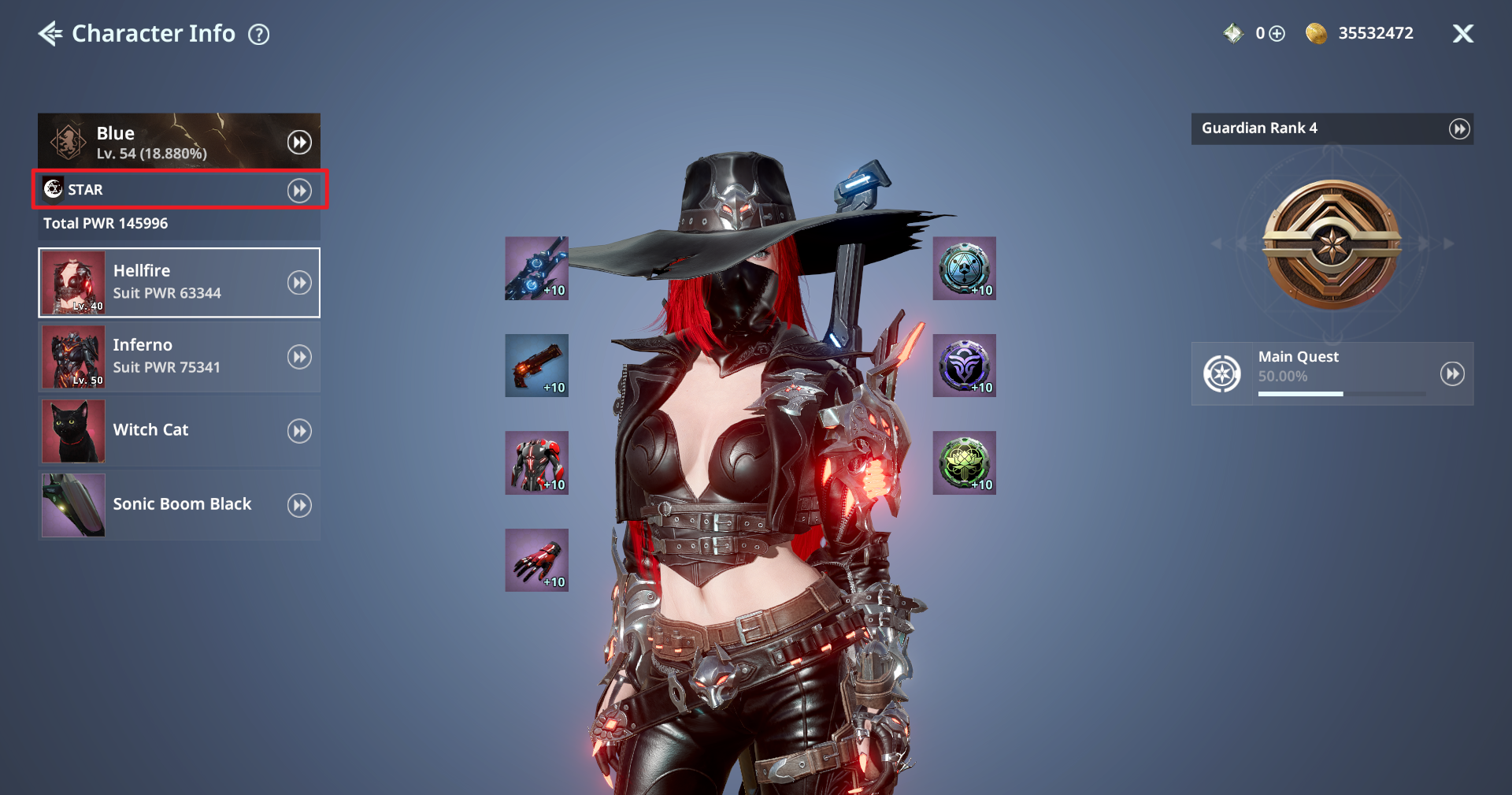
◈ Character Info: Guild Info
- You can check your current guild, and if you are not in a guild, you can join or create one.
ⓘ Guild is unlocked after completing Act 2 Chapter 2 - Curse of the Ancient Temple.
ⓘ Certain patterns can be set based on the guild level.
◈ Character Info: Character PWR
- The character’s total PWR is displayed and can be increased through various methods such as Emblems, outfits, gear, and Collection.
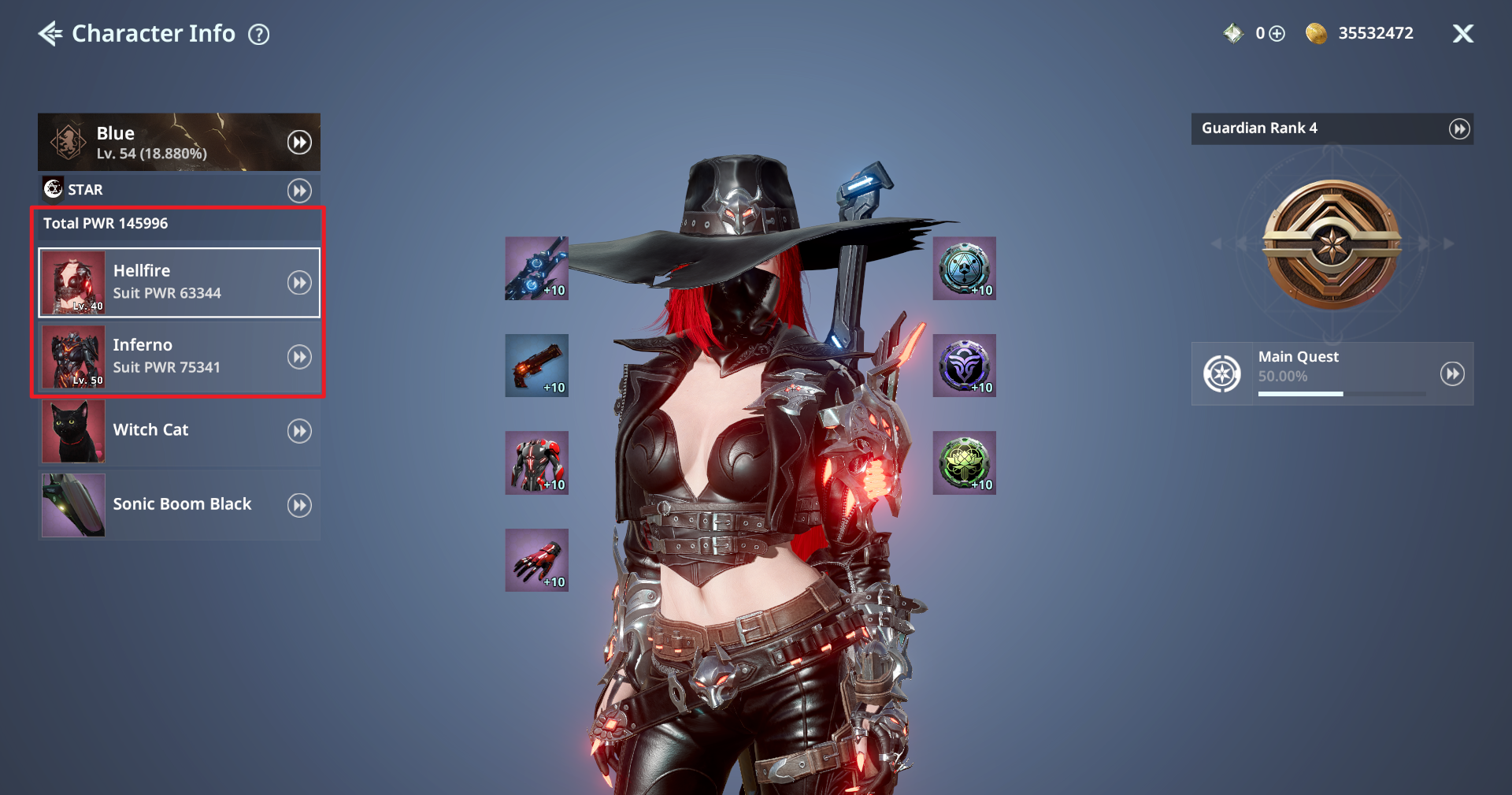
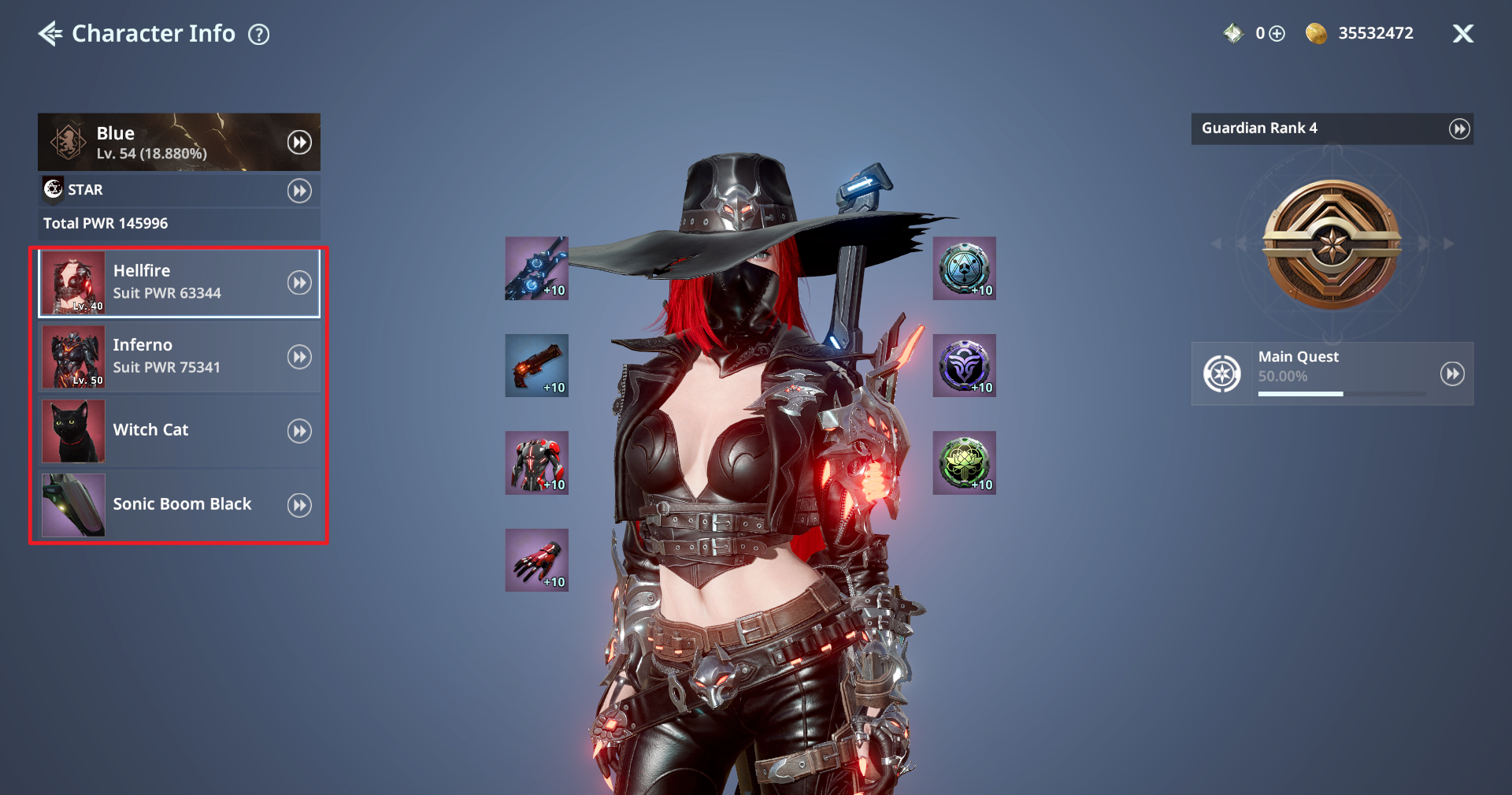
◈ Character Info: Equipped Outfit / Operator / Mount Info
- You can check the currently equipped outfit, Operator, and Mount.
ⓘ Click the ▶▶ icon to move directly to Suit Room, Operator, or Mount.
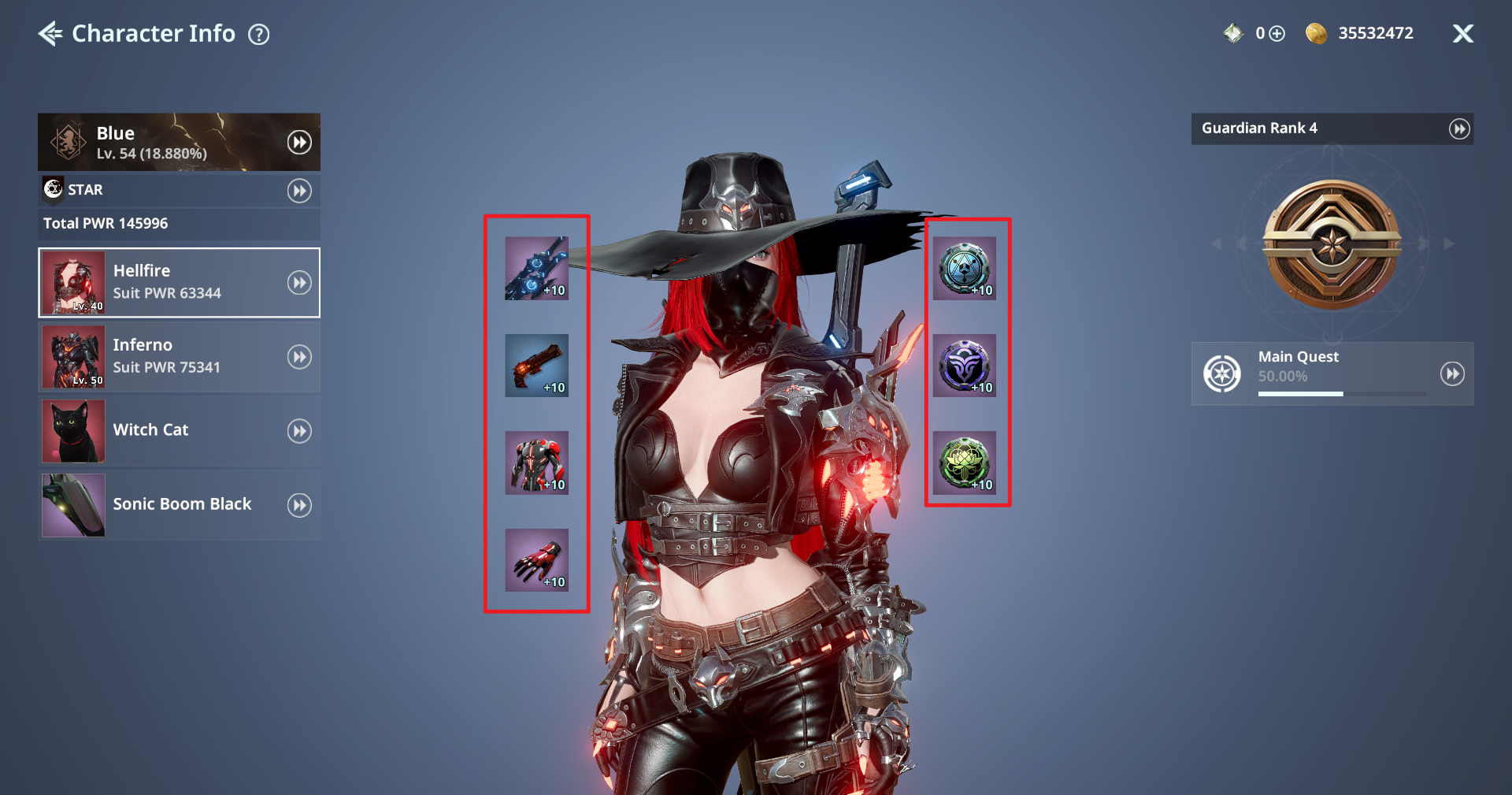
◈ Character Info: Equipped Gear Slot Info
- You can check the weapons, armor, and Relics equipped to the current Suit.
◈ Character Info: Guardian Rank / Main Quest Progress
- You can check Main Quest progress on the right side of the screen.
ⓘ Click the ▶▶ icon to view details.