Bounty Hunter
In this guide, we will walk you through Bounty Hunter, where you can compete against other Guardians’ clones.
Please read on for more details.
* ARES: THE IRON VANGUARD is available on both mobile devices and PC.
Please note that this guide is based on the PC version.
* This guide was created in a test environment, and some content may be subject to change.
◈ Bounty Hunter: How to Access
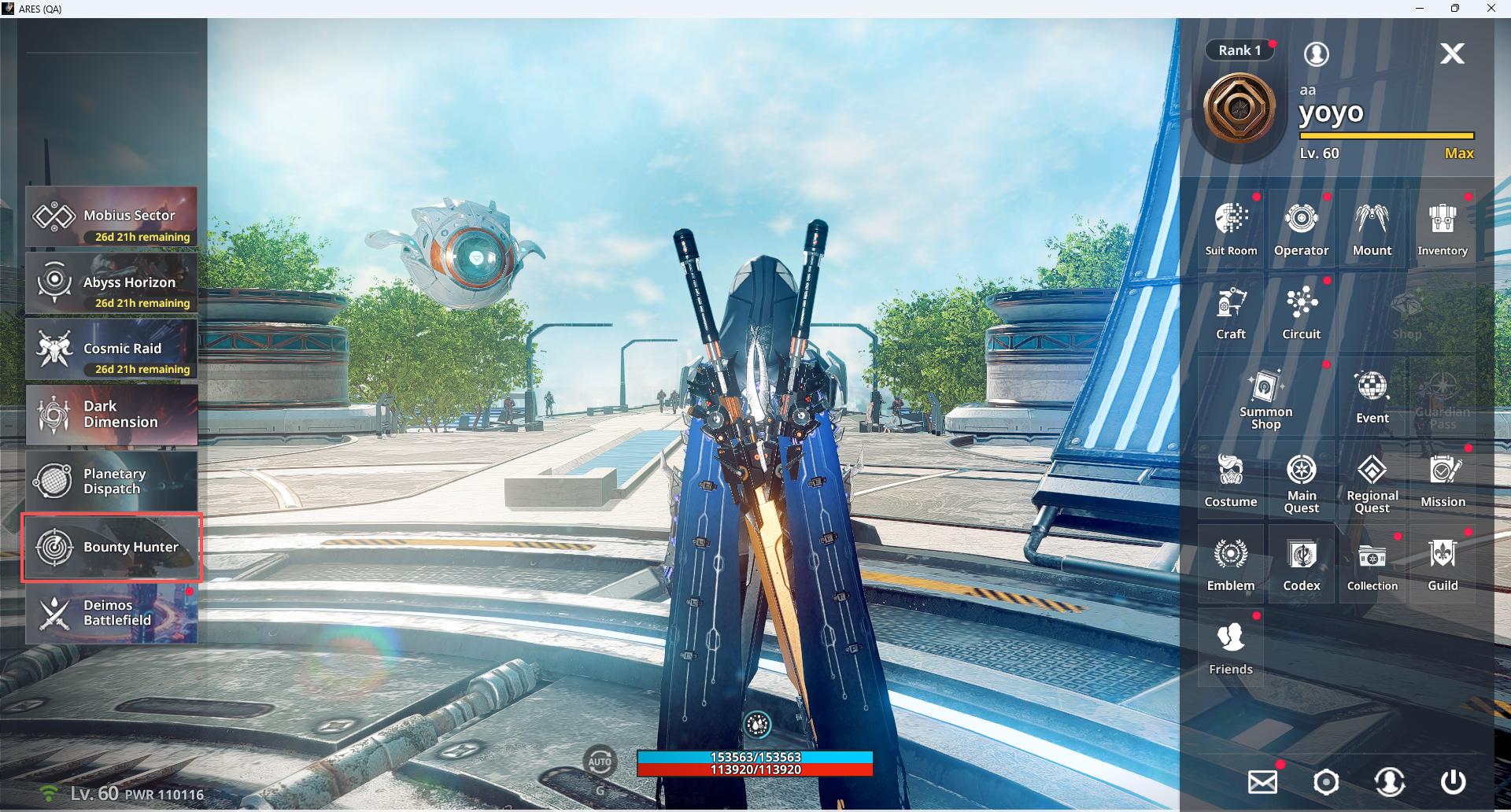
- You can access Bounty Hunter via Menu ▶ Bounty Hunter.
◈ Bounty Hunter: Usage Guide
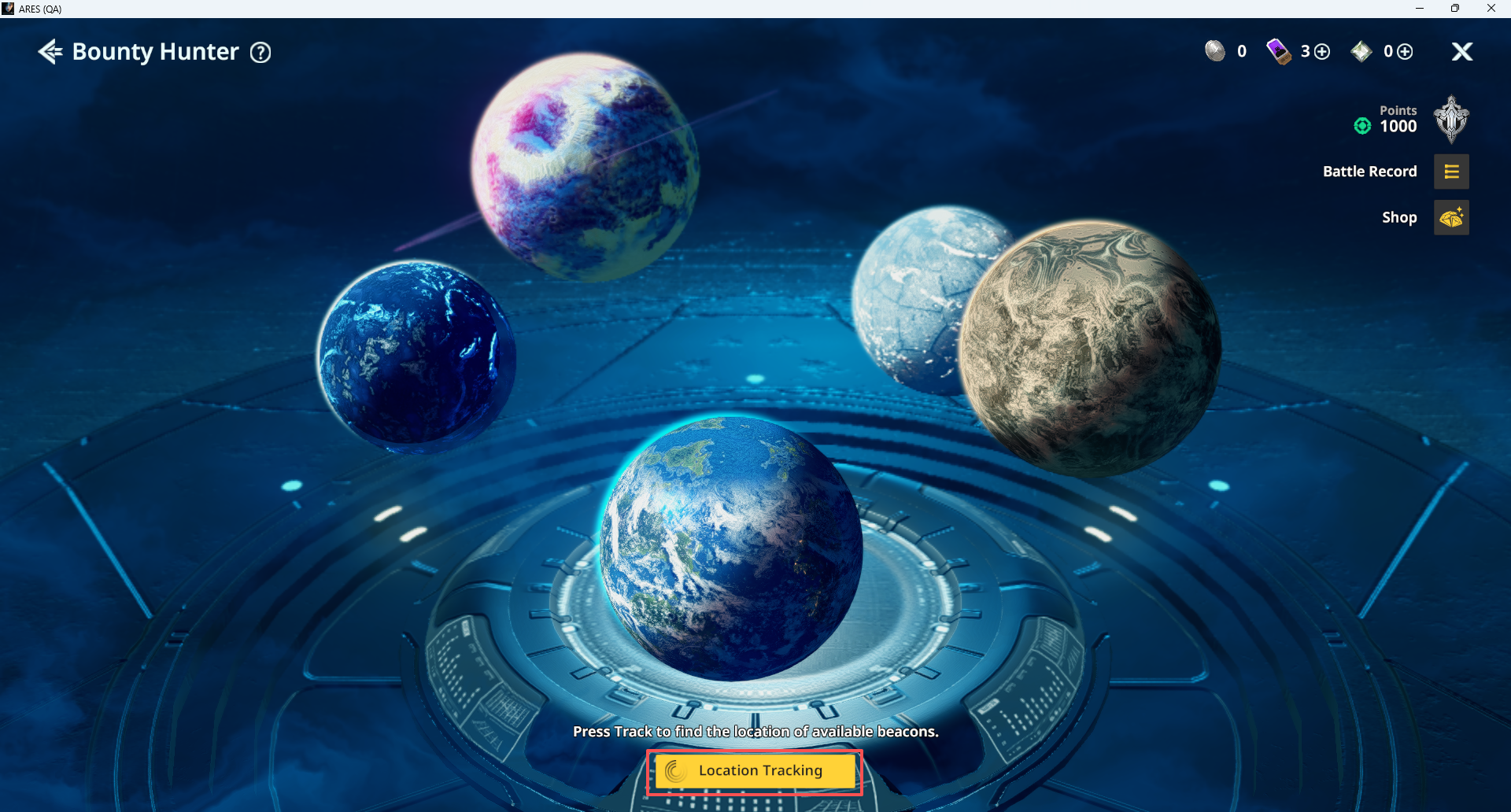
- In Bounty Hunter, tapping ‘Location Tracking ▶ Auto Travel’ automatically moves you to the currently available planet.
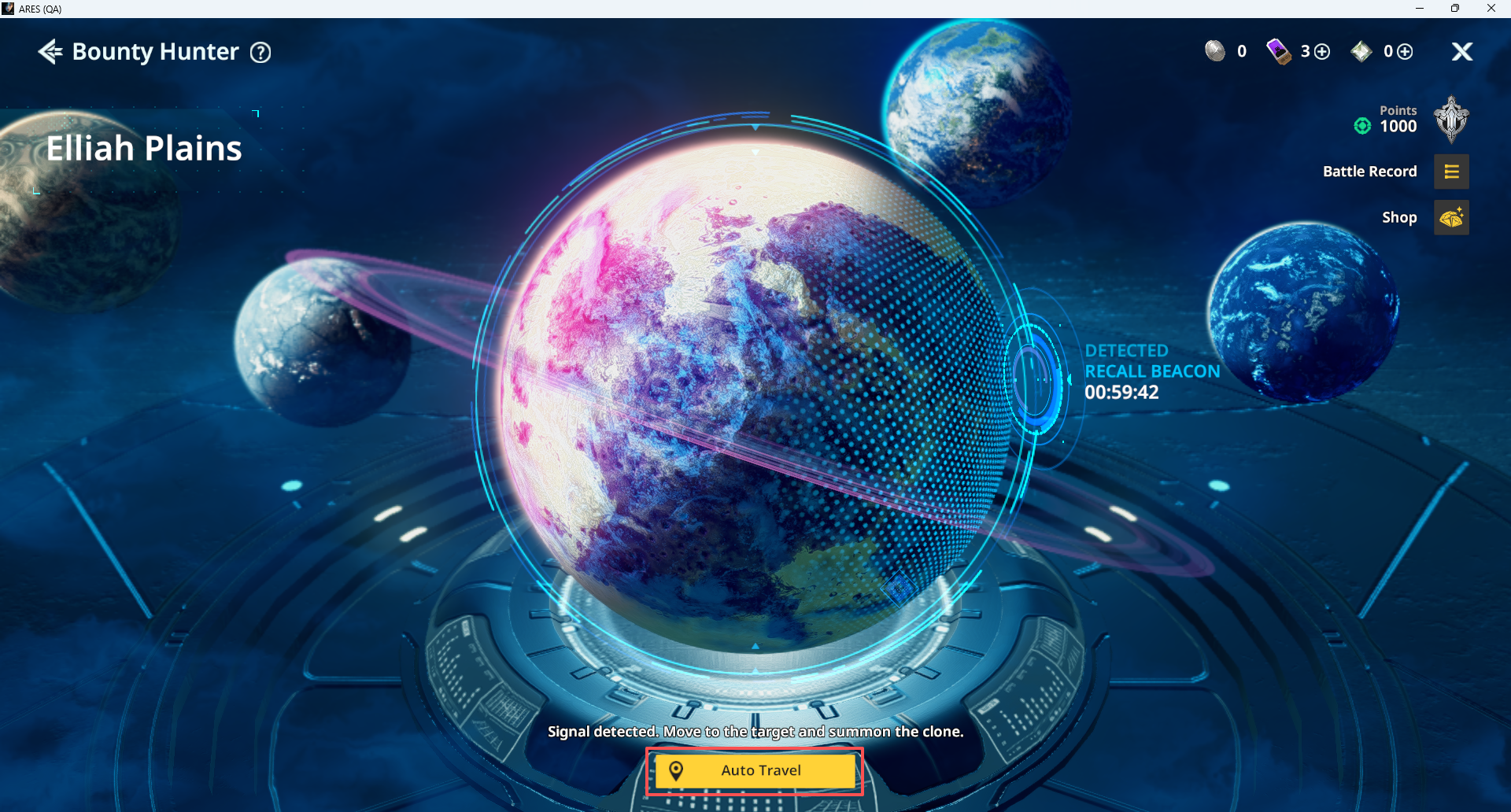
- In Bounty Hunter, you can battle against other Guardians’ clones by consuming Clone Summon Tickets.
ⓘ 3 Clone Summon Tickets are provided by default.
ⓘ Each time you use a Clone Summon Ticket, 1 ticket is restored 8 hours after it was consumed.
e.g.) Use 2 Clone Summon Tickets → 1 ticket is restored 8 hours after each ticket is used, in the order they were used
ⓘ Clone Summon Tickets can be purchased with Diamonds, up to 3 times per day.
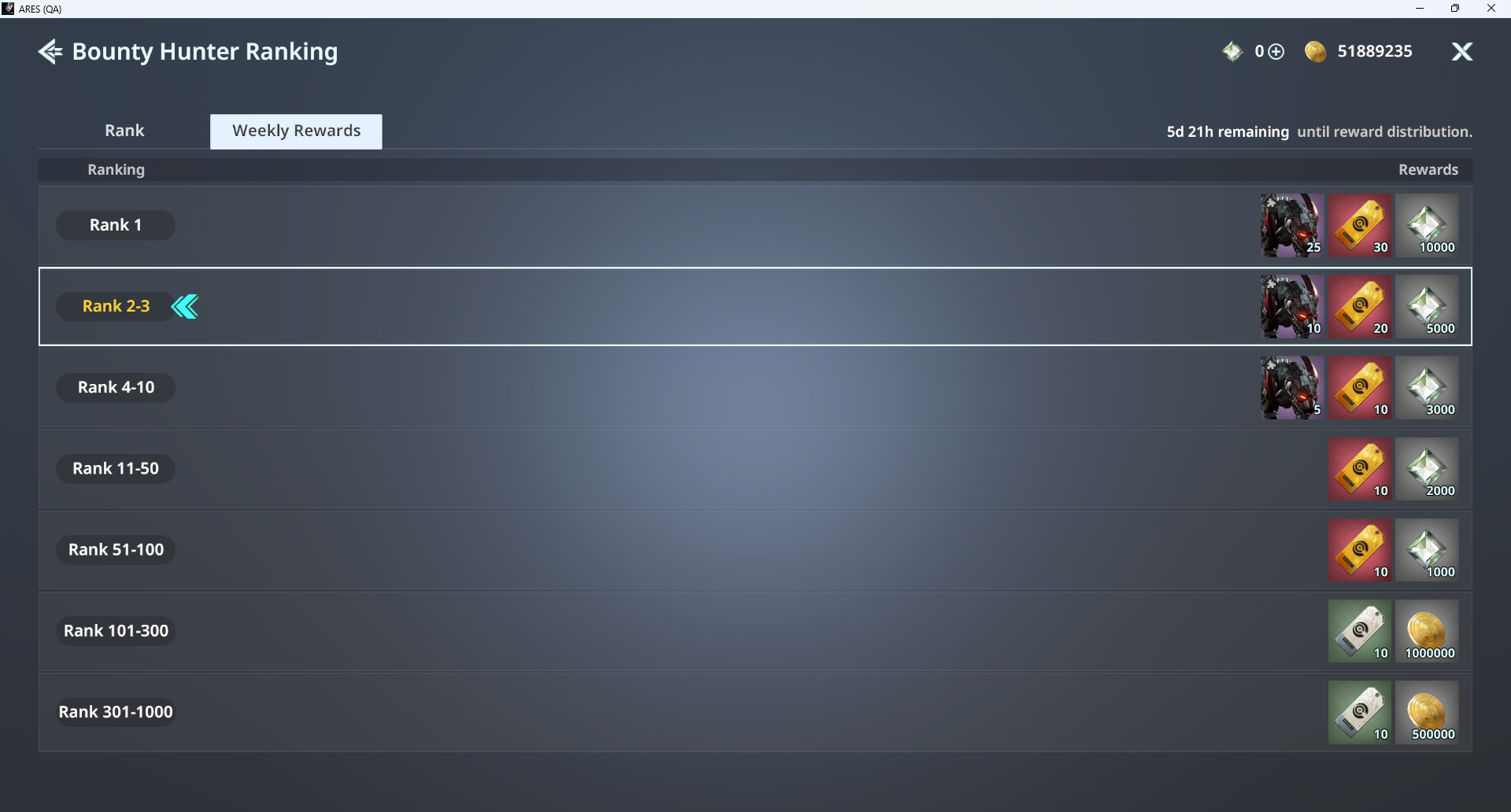
- Rankings are determined based on acquired points, and weekly rewards can be obtained according to weekly rankings.
ⓘ Rewards are distributed via Mail.
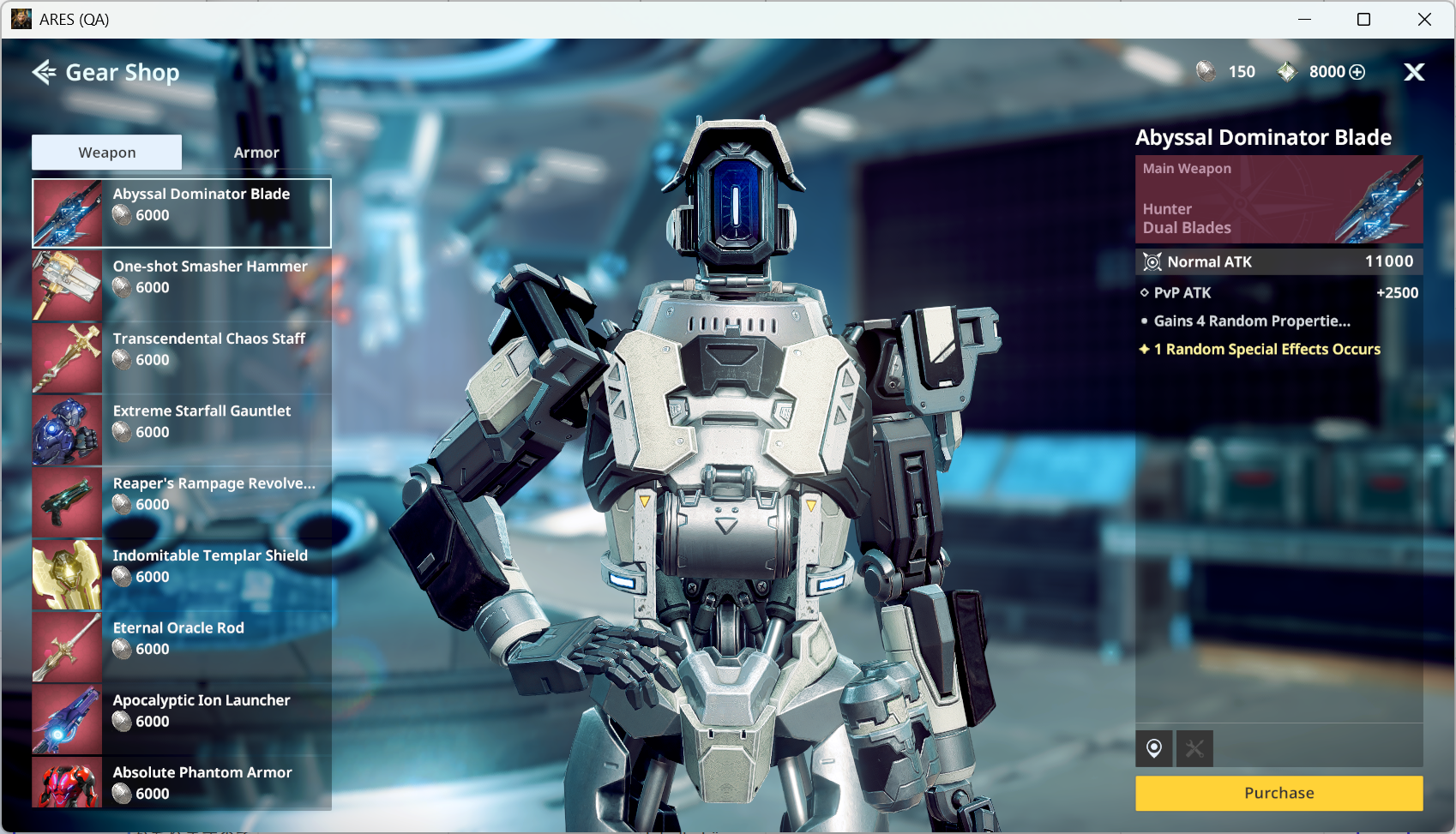
- You can purchase various items from the shop using acquired Battle Coins.
◈ Bounty Hunter: Battle
- Battles are conducted against one clone at a time, and your points change depending on victory or defeat.
ⓘ After battle, you can select another clone through ‘Bounty Hunter Lobby’ or leave by tapping ‘Exit.’